Artificial intelligence photoshoot
AI photoshoot for clothing and products
Upload a flat lay, hanger or mannequin photo, choose an AI model, pose and scene, and get on-model photos ready for your store, ads and social media. Try it free with 3 credits, no credit card needed.
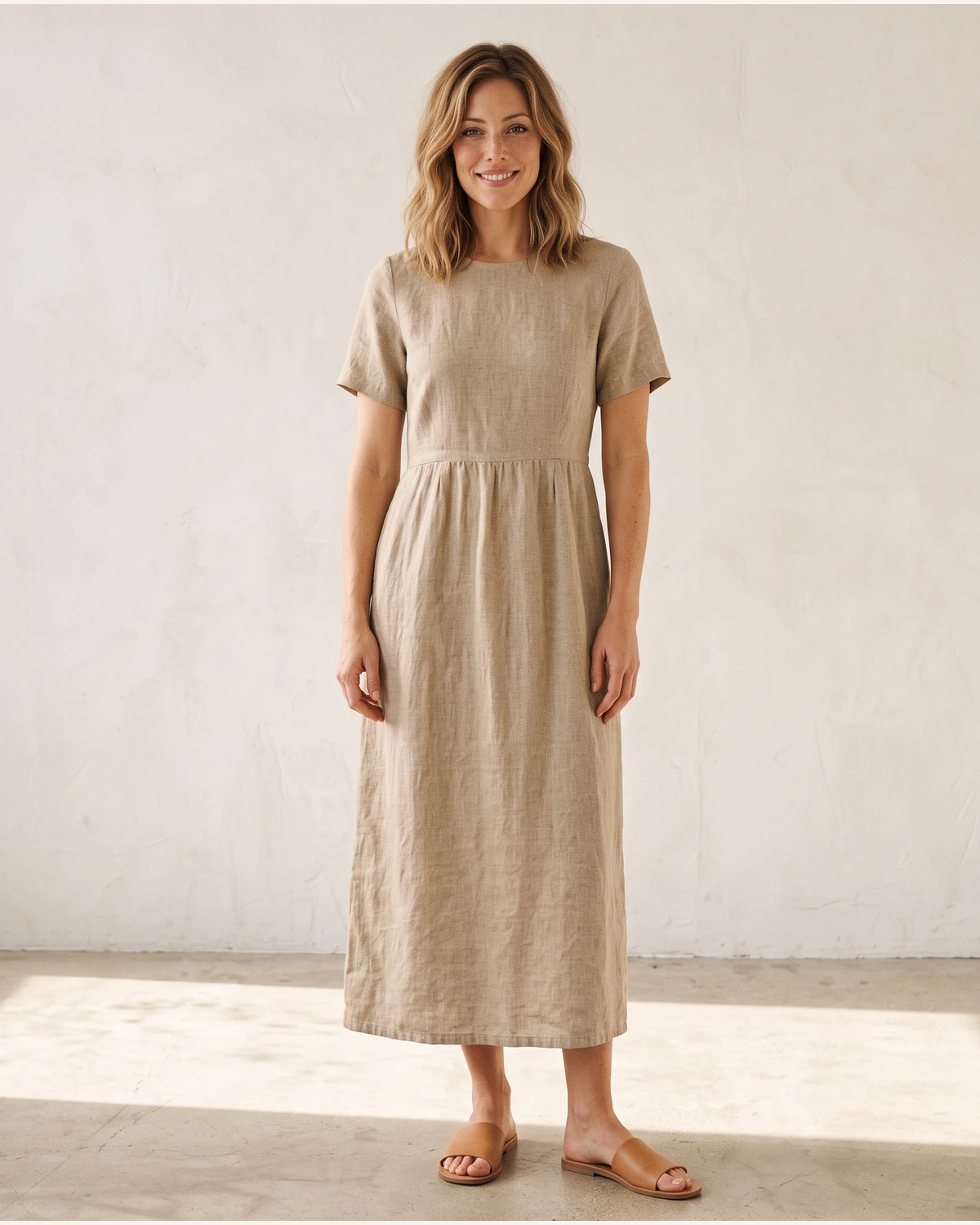
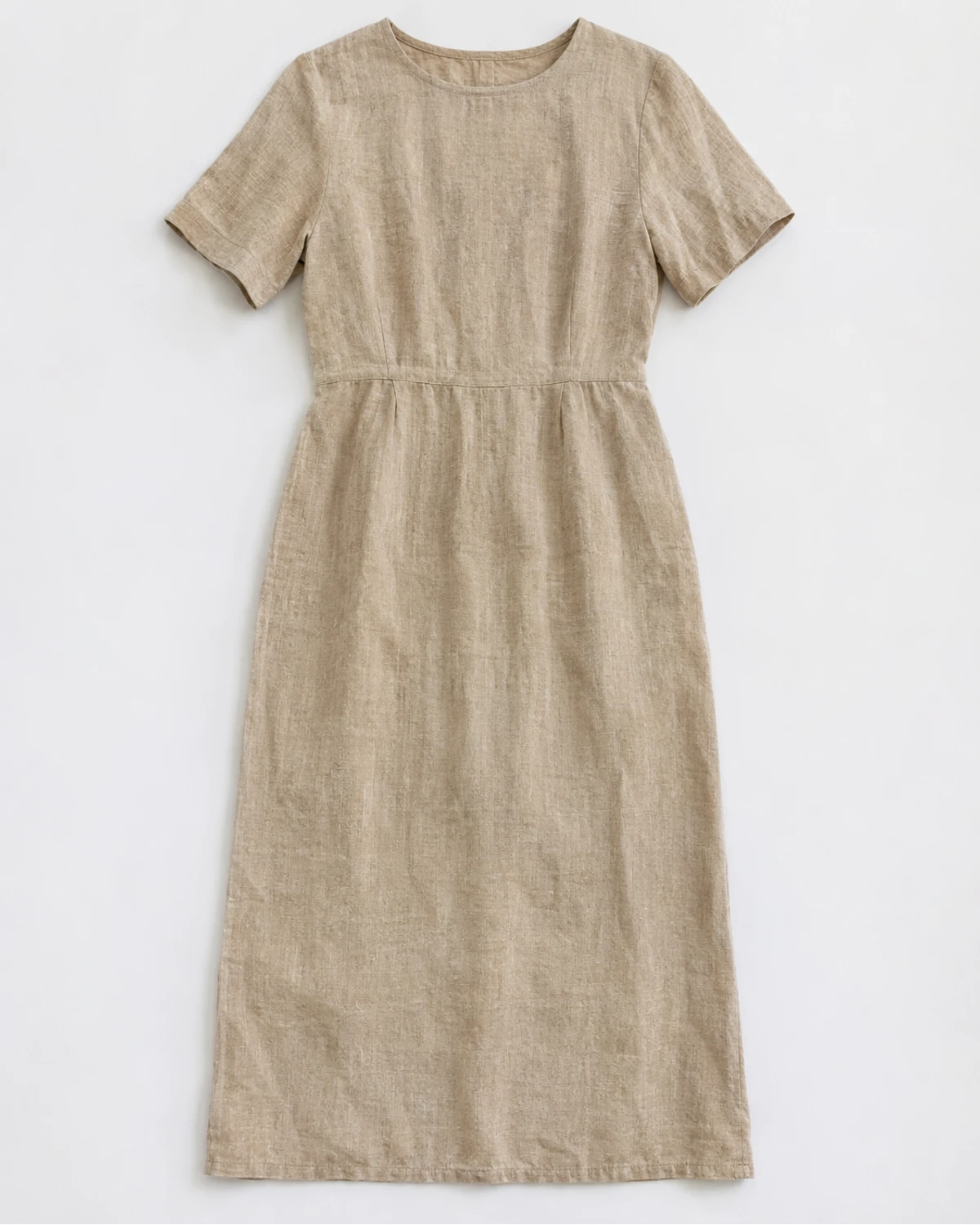
What is an AI photoshoot?
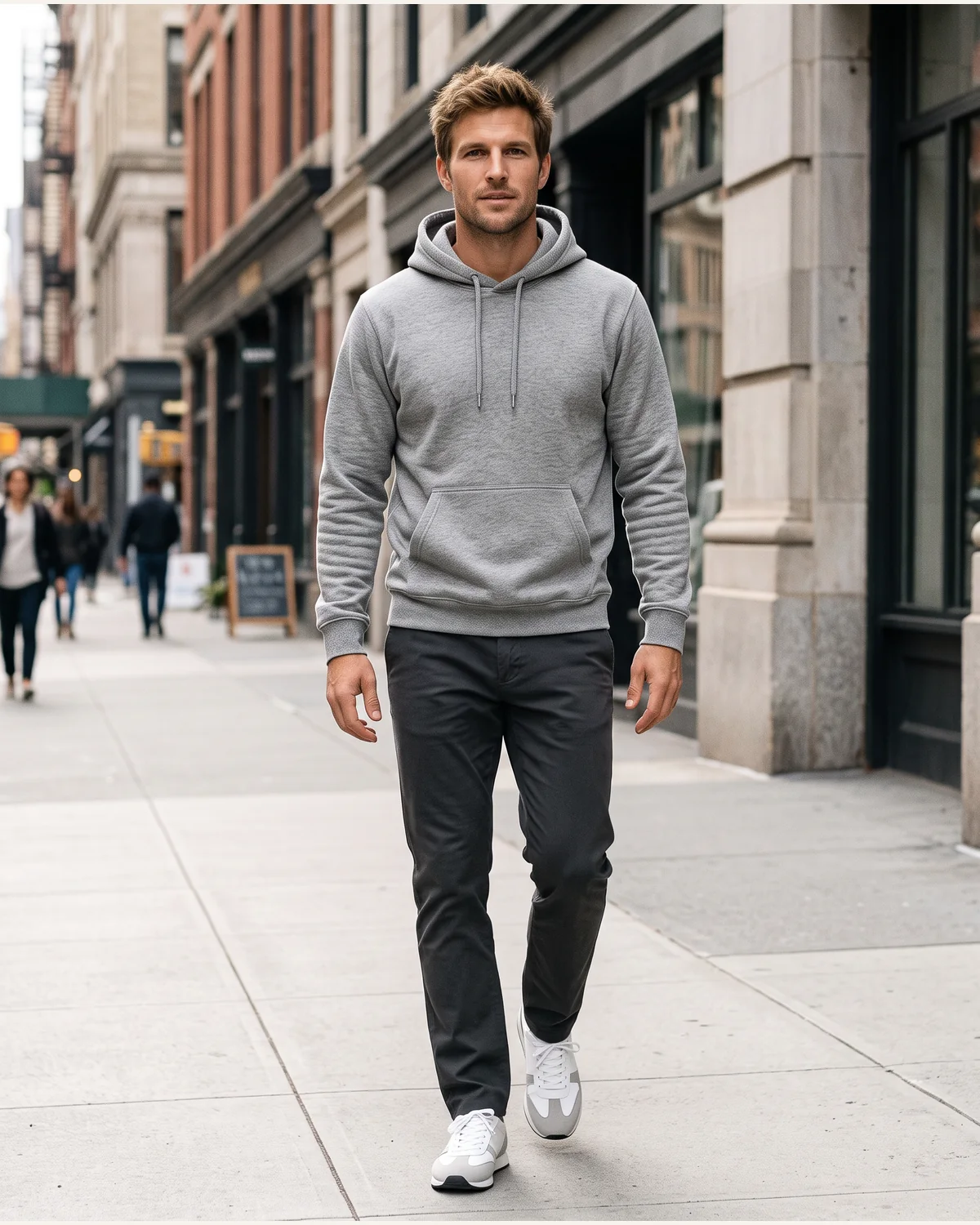
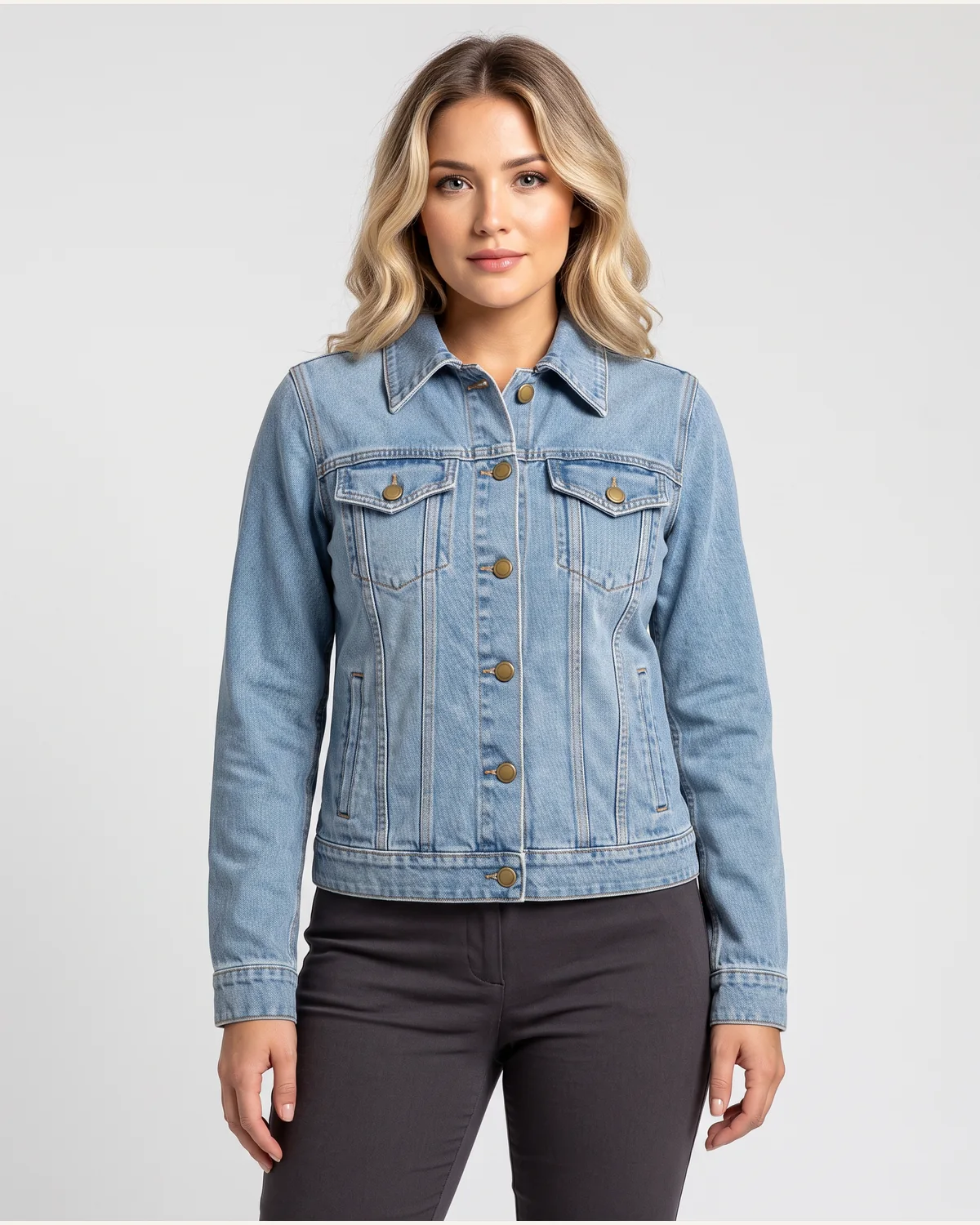
An AI photoshoot uses artificial intelligence to turn a simple photo of your product into professional photos, without a photographer, model or studio. With ApparelAI, you upload a photo of your garment, choose an AI model, pose and background, and get a realistic on-model photo in about 30 to 50 seconds. Brands use these photos on product pages, marketplaces, ads and social media.
Create a photoshoot in 3 steps
Upload your garment
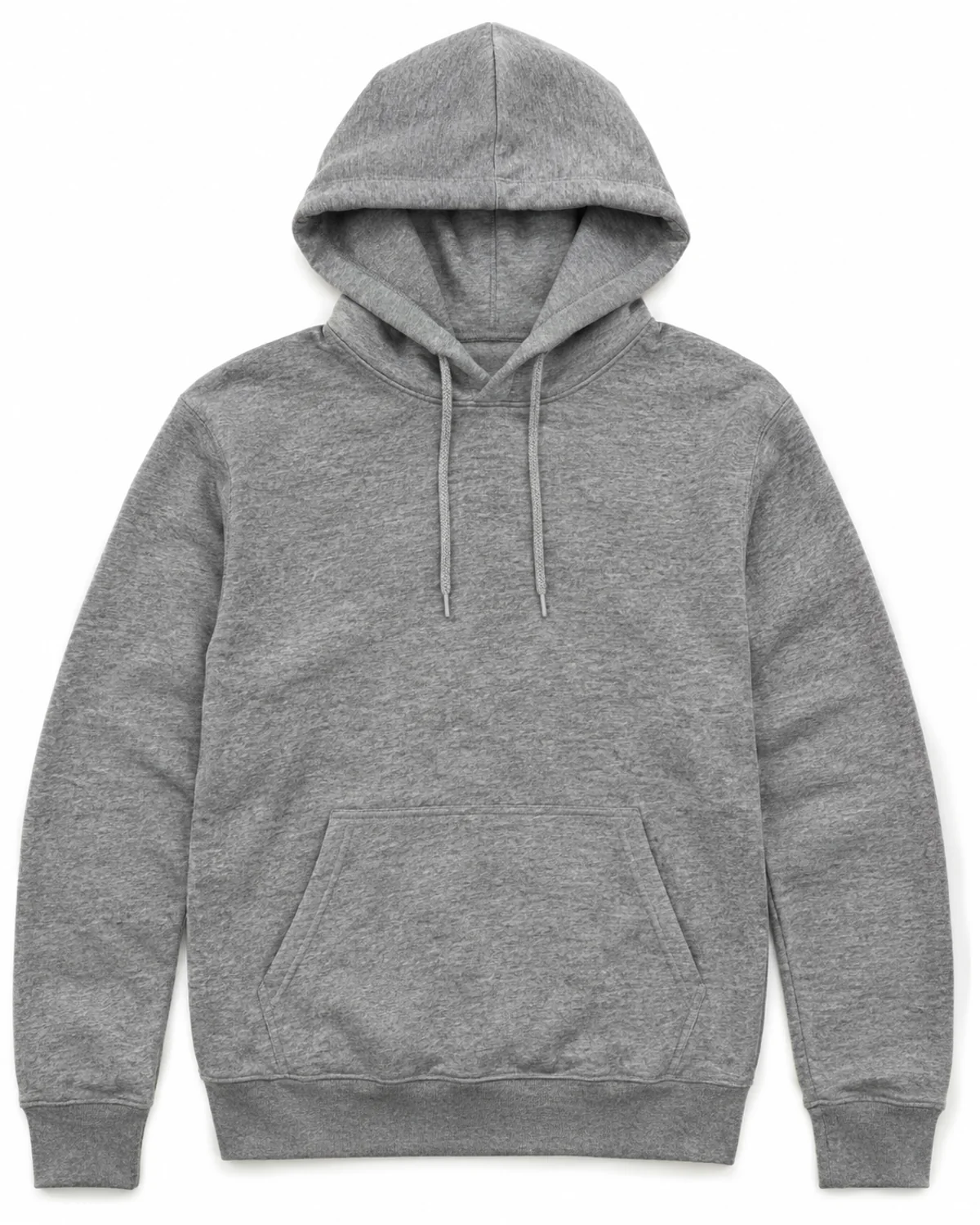
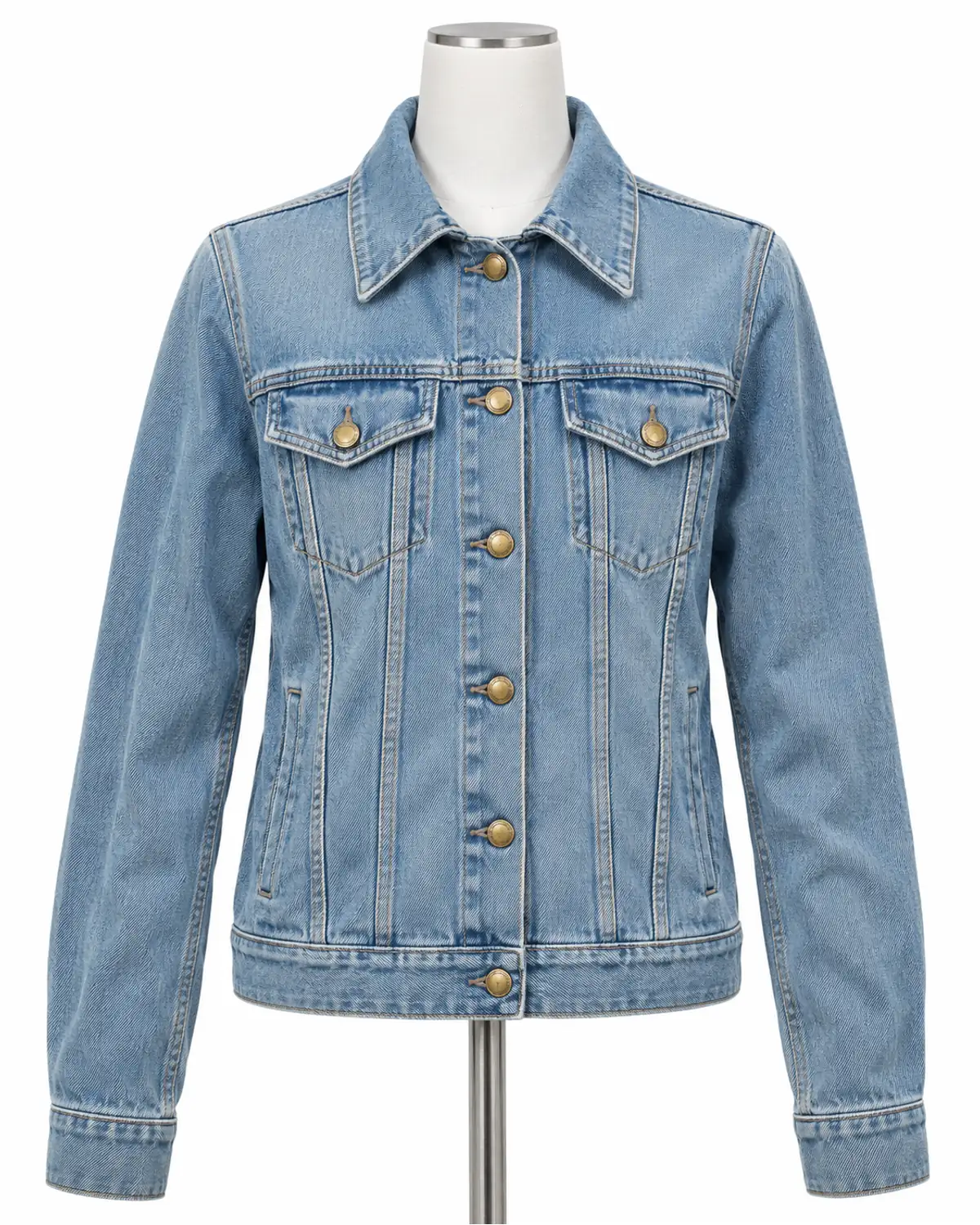
Add a clear photo of your clothing: a flat lay, a hanger shot or a mannequin photo.
Choose your model, pose and scene
Pick a ready-made AI model or your own saved model, choose from 40+ poses and select a background. Prefer something specific? Describe the pose or background in simple words.
Generate and download
Add extra instructions if you like, choose 1K, 2K or 4K and generate. Each photo takes about 30 to 50 seconds, ready for your store, ads or social media.
What you can create in one AI photoshoot
On-model photos
Put your clothes on realistic AI models without booking a model shoot.
AI fashion model generatorMore poses from one photo
Create up to 10 different poses from an existing photo, or upload your own pose reference.
Studio and lifestyle scenes
Place your product in a clean studio or a real-world scene.
Background ChangerGhost mannequin shots
Show the garment's shape on a clean white background.
Ghost MannequinColor variants
Show the same product in more colors from one photo.
Color VariationProduct videos
Turn your photos into short clips for ads and social media.
AI video generator
AI photoshoots for every clothing category
ApparelAI is built for fashion. It works with Western, casual, formal, ethnic, street, sports and seasonal wear.
Dresses, tops and skirts
Show fit and drape on a model for dresses, tops, T-shirts and skirts.
AI fashion model generatorShirts, jeans and trousers
Everyday menswear and womenswear, from shirts to denim.
Shirt templatesJackets, coats and knitwear
Seasonal layers like jackets, coats, sweaters and hoodies.
Knitwear templatesBlazers and suits
Formal wear on a model, with clean studio backdrops for a polished look.
Sportswear
Leggings, sports bras and training sets in active poses.
Activewear photoshootsSarees and ethnic wear
Sarees, salwar suits, kurtis and dupattas, draped and styled on a model.
Saree photoshoots
Selling shoes, bags, jewelry, belts or scarves? Add them to a look with the Outfit Builder to complete the outfit on your model.
AI photoshoot examples
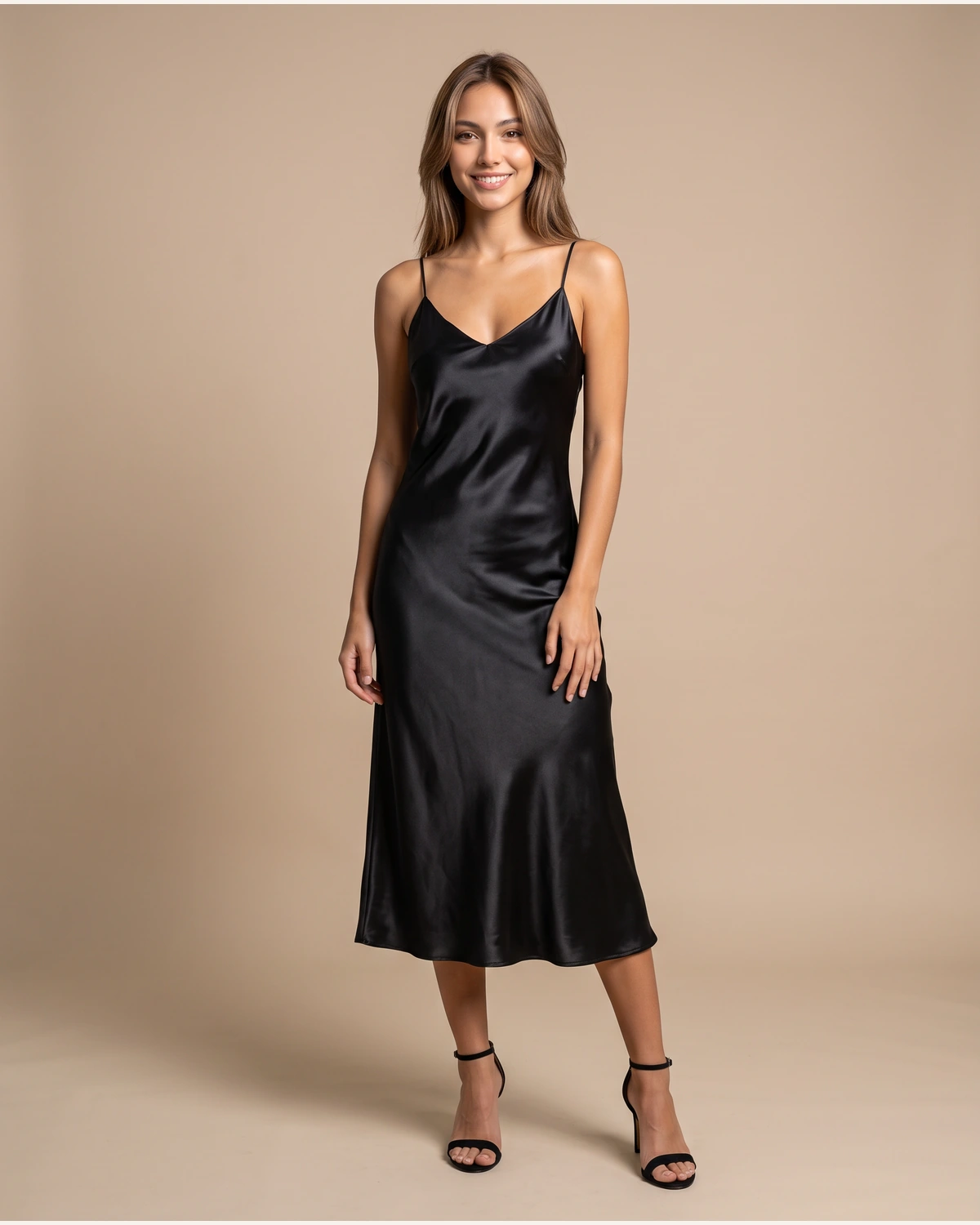
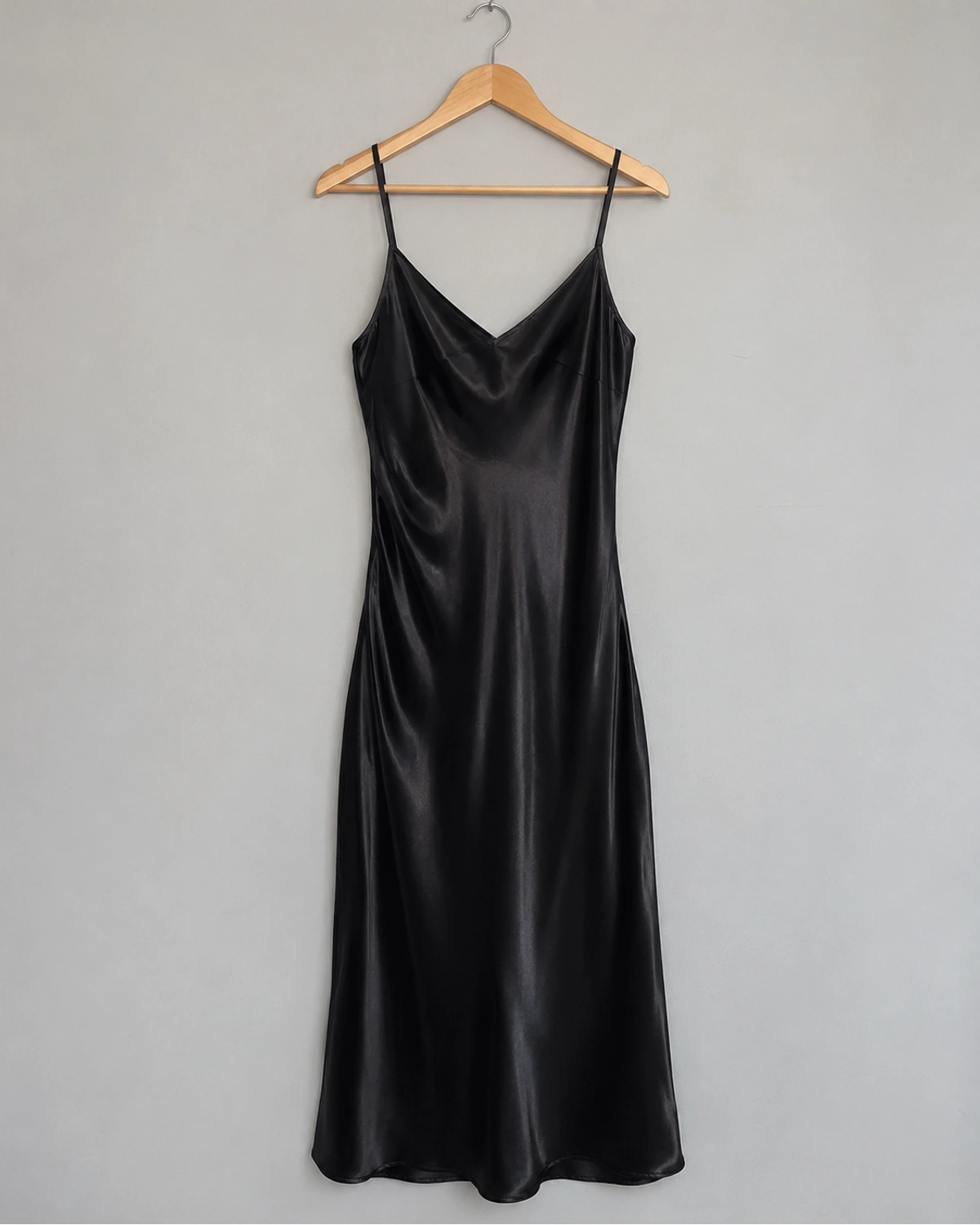
Benefits of an AI photoshoot
Lower cost per photo
Pay in credits per photo instead of day rates for a photographer, model, studio and stylist.
Faster launches
Get each photo in about 30 to 50 seconds, so new products can go live the same day.
The same face across your collection
Save your AI model and reuse it for every product, so your store looks consistent.
More looks to test
Try different poses and backgrounds before you choose your final images.
Reshoots without a reshoot
Change the model, pose or scene and generate again instead of booking another day.
Room to grow
Start with one product, then photograph whole collections with Bulk Photoshoot.
AI photoshoot vs a traditional photoshoot
| Traditional photoshoot | AI photoshoot with ApparelAI | |
|---|---|---|
| What you need | Photographer, model, studio and stylist | One photo of your garment |
| Time | Days to plan, shoot and edit | About 30 to 50 seconds per photo |
| Cost | Day rates for the team, plus editing | 1 credit at 1K, 2 at 2K, 3 at 4K per photo |
| Same model across a collection | Depends on booking the same model again | Save your AI model and reuse it |
| Changes | Often means another shoot | Generate again with a new model, pose or scene |
| Scenes | Locations and set changes need planning | Studio or lifestyle scenes in one session |
Photograph a whole collection with Bulk Photoshoot
Launching a full range? Upload your products in one batch and apply the same AI model, poses and background to every item, so the whole collection matches. You can still adjust individual products when one needs a different look.
Bulk photoshoots for entire collections are available on the Business plan and above. See the pricing page for details.
- 50
- products in one batch
- 10
- photos per product
- 1
- model, pose set and background for the whole collection
- Per item
- changes when a product needs its own look
Where to use your AI photoshoot images
Each channel has its own photo rules. Check the latest requirements before you publish.
| Channel | What works well | Tip |
|---|---|---|
| Amazon | On-model photos as extra images | Main images generally need a pure white background. Use Background Remover or a ghost mannequin shot where your category permits it. Check category-specific requirements. |
| Shopify | On-model and lifestyle photos | Use the same model, crop and background across your collection pages. |
| Etsy | Lifestyle scenes that show the item in use | Use an opaque background. Transparent areas show as black on Etsy. |
| Portrait posts and carousels | Generate several poses of one outfit for a carousel. | |
| TikTok and Reels | Short vertical videos | Turn your best photos into clips with the AI video generator. |
Review Amazon’s photo guide and Etsy’s image requirements. Etsy generally requires at least one unedited photo of the actual item; exceptions depend on what you sell.
Tips for the best AI photoshoot results
- Start with a clear photo. Show the whole garment on a plain background, in even light, with the hem and sleeves inside the frame.
- Save one model for your collection. Reusing the same AI model keeps the same face across every product page.
- Keep backgrounds and poses consistent. Pick one background and a small set of poses for a collection, so the grid on your store looks planned.
- Use a pose reference for exact poses. Upload a reference photo when you need a specific pose that isn't in the ready-made set.
- Keep extra instructions short. Simple notes like “sleeves rolled up” or “shirt tucked in” work better than long descriptions.
- Choose 2K for most uses. It's the default and the best choice for social media, your website and sharing with customers. Use 4K for large banners or print.
What to check before you publish
AI can change small details. A quick check keeps your photos accurate and helps avoid returns.
- Prints, patterns and logos: compare them with your real product.
- Color: make sure the shade matches the garment buyers will receive.
- Length and fit: check hems, sleeves and necklines.
- Hands and fingers: look closely where hands touch the garment.
If something looks off, generate again or add a short instruction to fix it.
Who it’s for
Clothing brands
Shoot a full collection on-model without booking a studio.
Boutiques and small shops
Get consistent, professional photos for every new arrival.
Marketplace sellers
Create listing photos for Amazon, Shopify and Etsy.
How many credits does an AI photoshoot use?
Each photo uses 2 credits at 2K, the default and the best choice for social media, your website and sharing with customers. 1K uses 1 credit and 4K uses 3. For example, 4 photos at 2K use 8 credits. Try it free with 3 credits, no credit card needed. When you need more photos, choose a plan on the pricing page.
AI photoshoot questions, answered
Is the AI photoshoot free?
Yes, you can try it free. The free plan includes 3 credits with no credit card needed, and a 2K photo uses 2 credits. When you need more photos, choose a plan on the pricing page.
Do I need to write prompts?
No. You can choose ready-made AI models, 40+ poses and backgrounds. If you want something specific, describe the pose or background in simple words, or add extra instructions to customize the final image.
Can I use my own clothes?
Yes. Upload a photo of your garment, such as a flat lay, hanger or mannequin shot, and ApparelAI puts it on an AI model in the scene you choose.
Can I keep the same model across my whole collection?
Yes. Create your own AI model or choose one from the model gallery and save it. Reuse it for every product, so the same face appears across your collection. You can create AI models on the free plan too.
Which products work best?
ApparelAI is built for clothing and fashion: dresses, shirts, T-shirts, tops, jeans, trousers, skirts, jackets, coats, sweaters, blazers, suits, hoodies, sarees, salwar suits, kurtis, dupattas and more. Shoes, bags, jewelry, belts and scarves can complete an outfit through the Outfit Builder.
How long does an AI photoshoot take?
Each photo usually takes about 30 to 50 seconds. For whole collections, Bulk Photoshoot on the Business plan and above lets you upload up to 50 products in one batch.
Can I use the photos commercially?
Yes. You can use your AI photoshoot images commercially, including in ads, on Amazon, on Shopify and on social media.
How many credits does one photo use?
Each photo uses 1 credit at 1K, 2 at 2K (the default) and 3 at 4K. The button shows the total before you generate.
Can I make selfies or headshots with it?
ApparelAI is built for clothing and product photos. For personal headshots or selfie photoshoots, a portrait app is a better fit.
What photo should I upload for the best result?
Use a sharp, well-lit photo that shows the whole garment on a plain background. Avoid folds that hide details, and keep the hem and sleeves inside the frame.
Learn more about AI fashion photography
- Clothing product photography
Studio vs DIY vs AI
- Flat lay clothing photography
Setup, tips and AI on-model
- Ghost mannequin vs AI model photography
Which to use and when
- What is on-model photography?
Glossary
- What is a virtual model?
Glossary
- What are PDP images?
Glossary
Start your first AI photoshoot
Upload one garment photo and see it on a model in under a minute. 3 free credits, no credit card needed.
Start your free photoshoot