AI Fashion Video Generator for Clothing, Reels & Ecommerce
An AI fashion video generator transforms static flat-lay, ghost-mannequin, or model photos into realistic, dynamic on-model video clips. ApparelAI simulates authentic fabric drape, natural walking motion, and studio lighting in 9:16 vertical and 16:9 horizontal formats, eliminating physical video production costs for fashion e-commerce.
- 20 motion templates
- 3 to 30 seconds
- Portrait or landscape
- Free to start
- Fit check
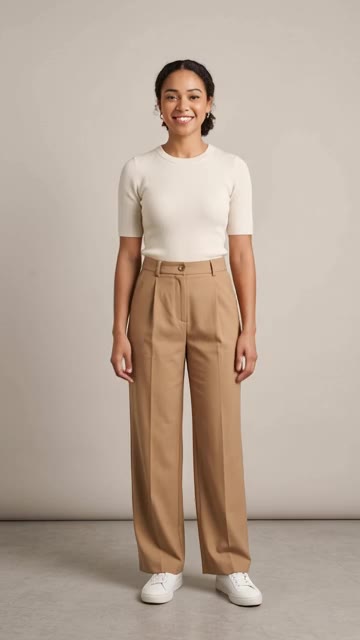
- Seamless loop
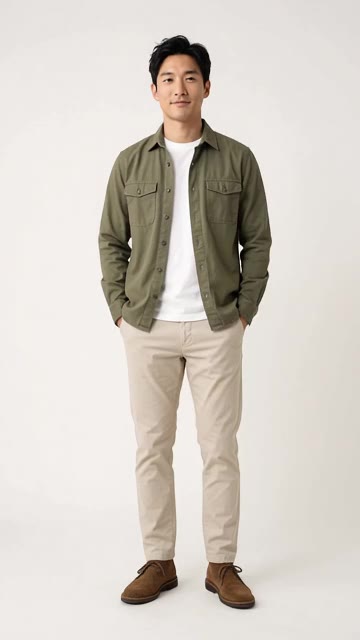
- Product spin
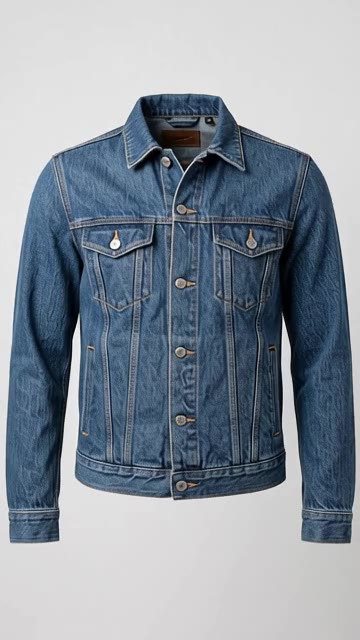
- Twirl
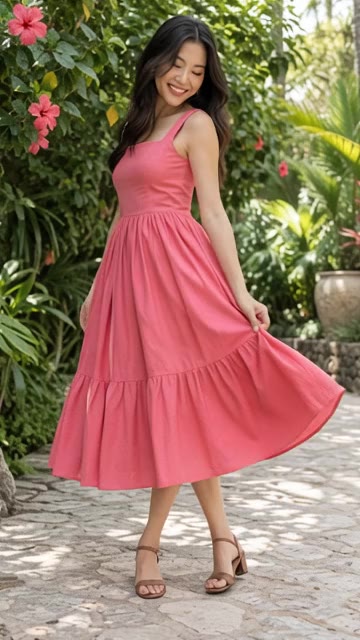
- Wind machine
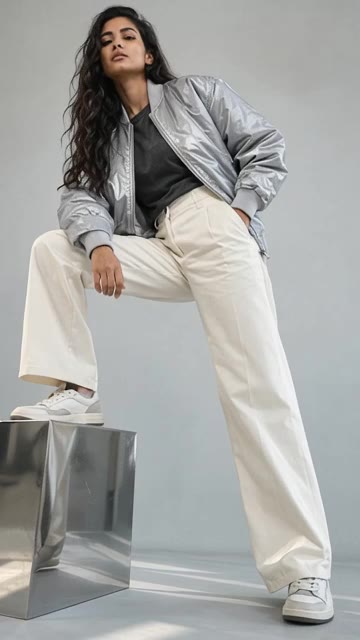
- On the beat
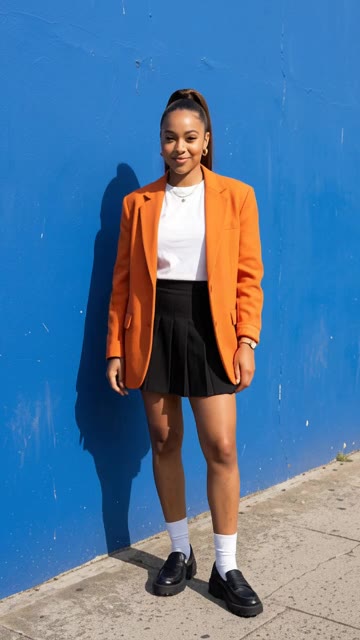
- Walk-up
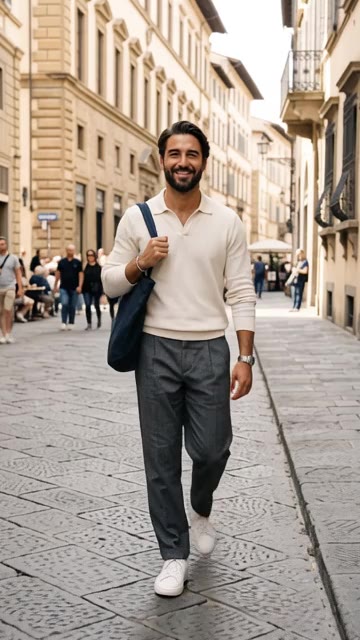
- Campaign walk
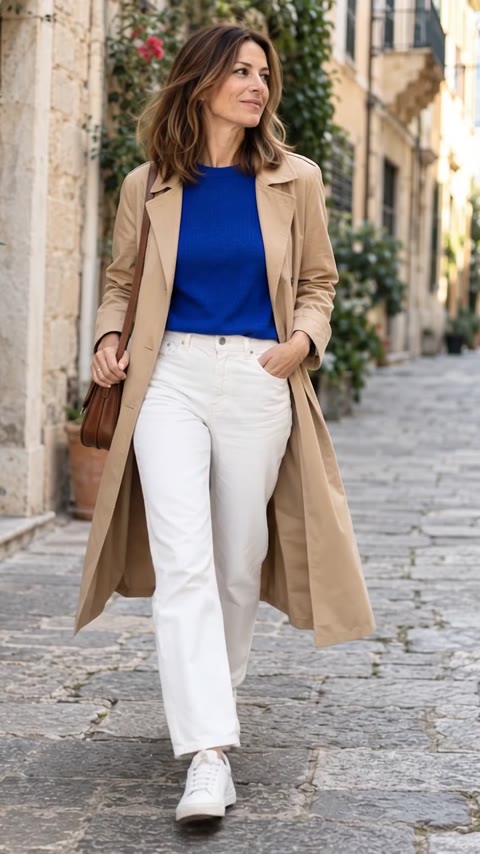
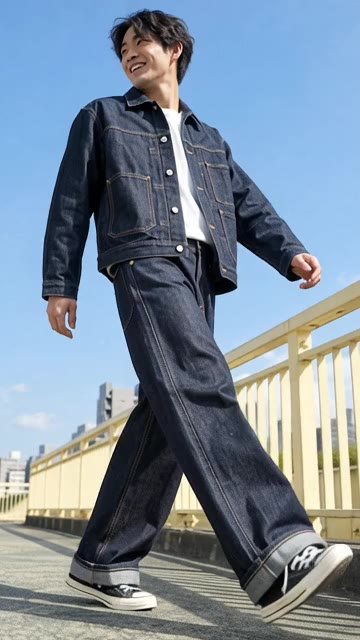
- Street stride
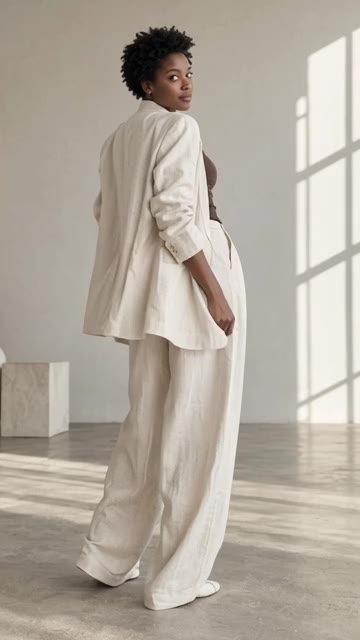
- Turnaround
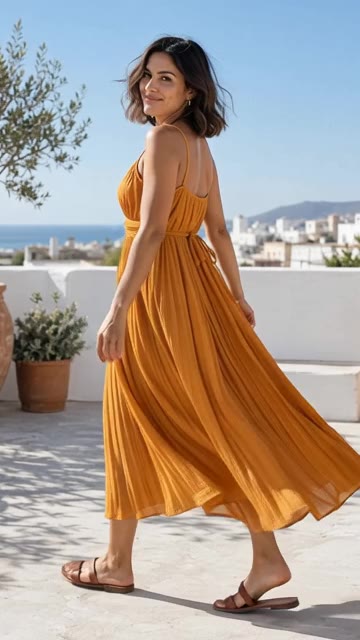
- Summer heat
- Website hero
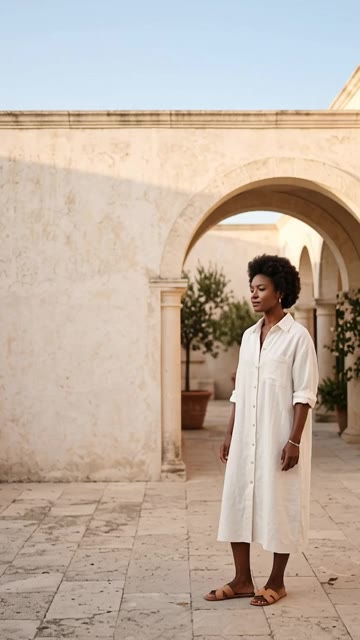
- Cinemagraph
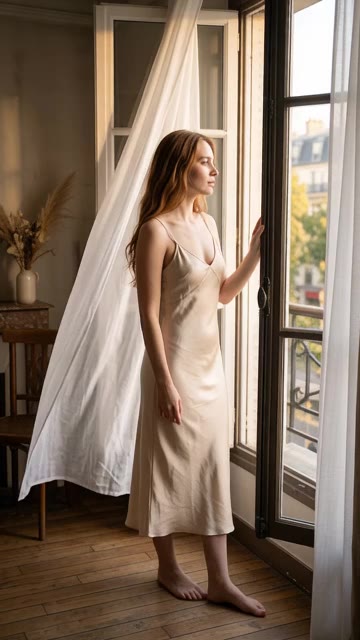
- Fabric in motion
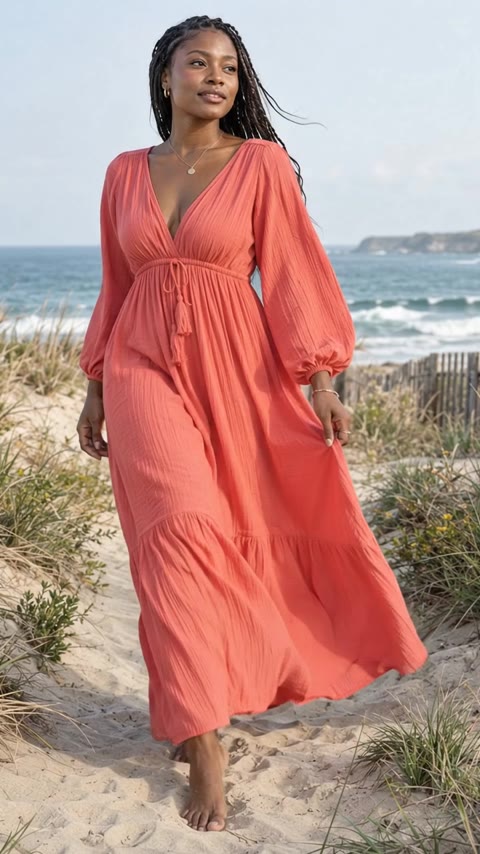
- Scene reveal
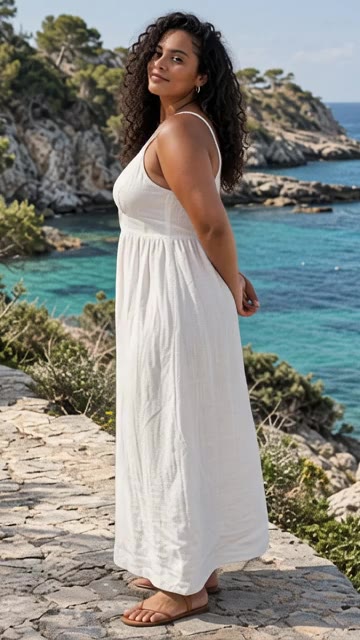
- Studio editorial
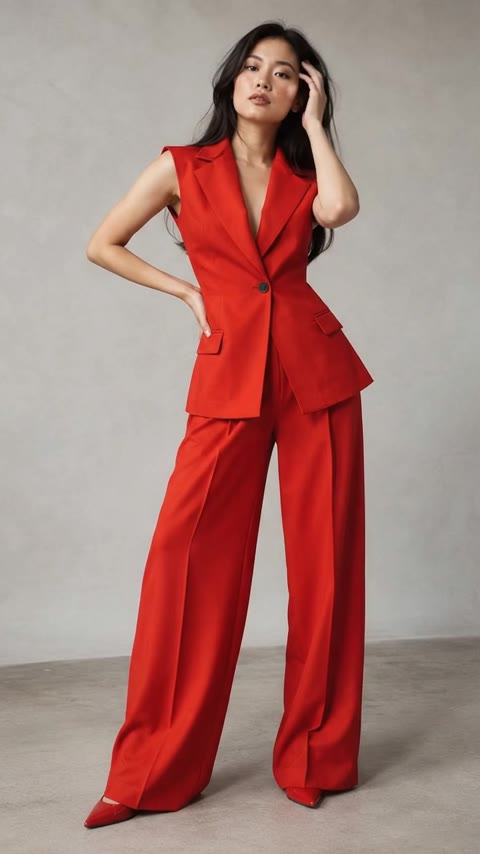
- Game on
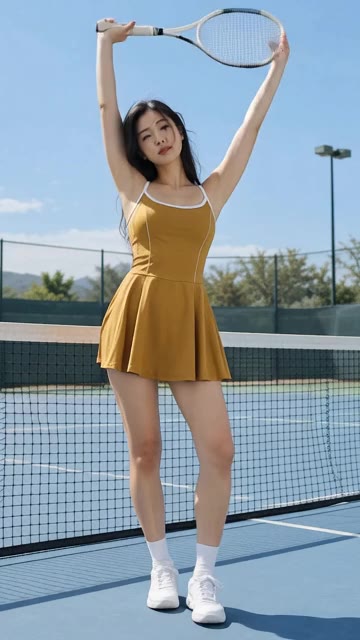
- Slow orbit
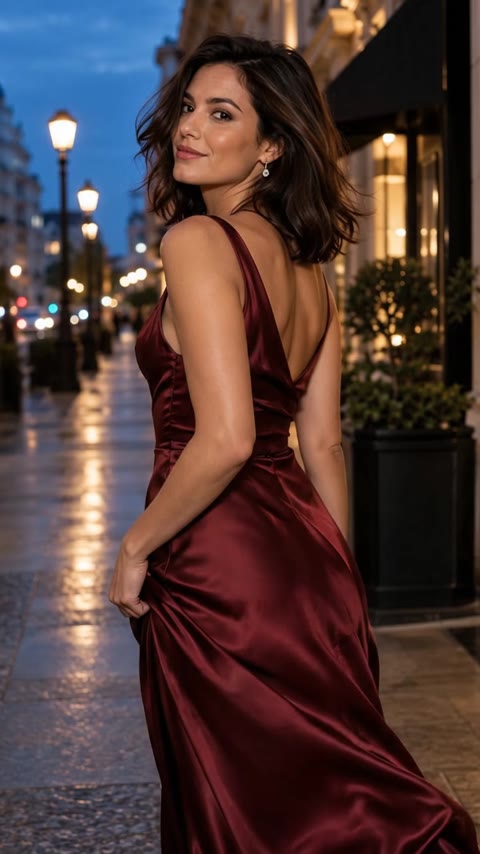
- Everyday story
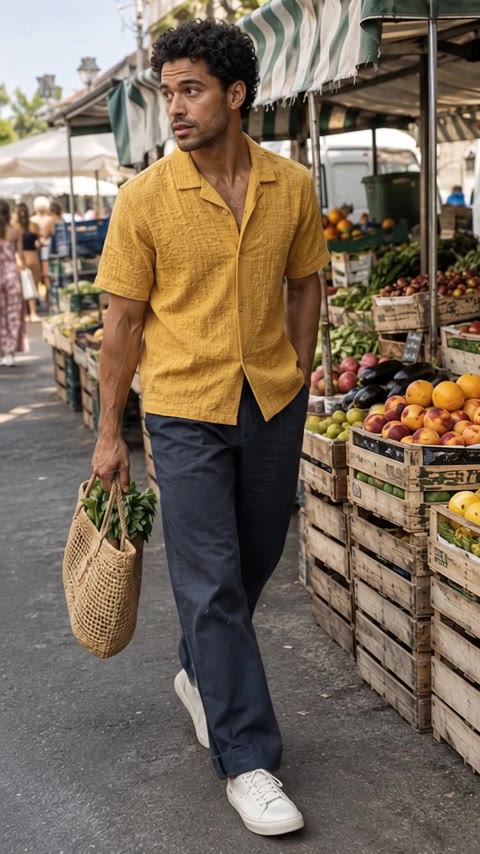
- Detail reveal
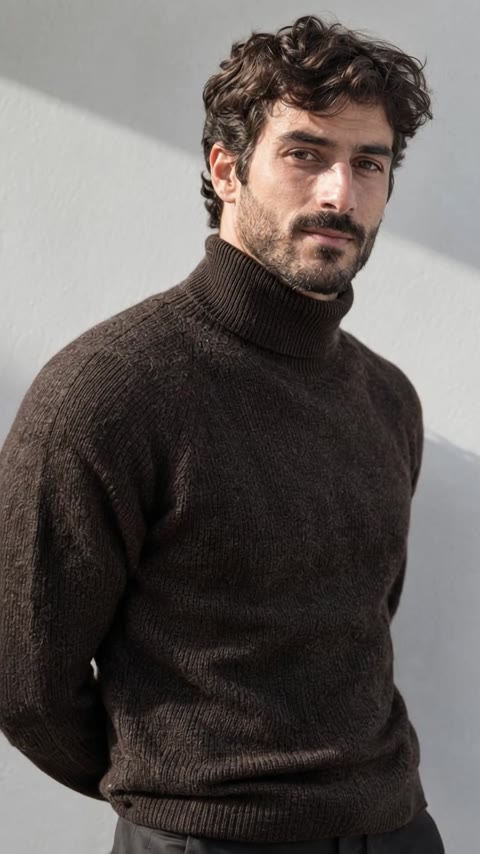
Two Ways to Start
Transform Any Clothing Photo into Dynamic On-Model Video
AI Image to Video
Upload any clothing photo: on a model, a flat lay, a hanger shot or a ghost mannequin. Add up to 2 extra angles to keep details accurate. It renders in the background, so you can keep working.
Explore the AI Image to Video toolCreate Video in a project
Start from a flat lay, create an on-model photoshoot, then bring those photos to life in the same project, including the UGC Styling Tip, where the model talks to the camera and gives styling advice.
Turn photoshoots into motion videoUse Cases
Fashion Video Formats Built for Every E-commerce Channel
Ecommerce Listing Videos
Portrait and landscape product videos for Amazon, Shopify, Flipkart and Meesho that show fit, drape and detail.
AI UGC for Reels & TikTok
Creator-style clips where the model talks to the camera and gives styling advice. Made from a photoshoot in a project.
Motion Ads for Meta & Google
Short, attention-grabbing ad creative built for paid social. Same brand model, multiple variations.
Lookbook & Website Videos
Campaign walks, slow orbits and cinemagraphs for lookbooks, homepage heroes and seasonal drops.
Channel Guide
Fashion Video Specs for Amazon, Shopify, Reels & TikTok
The format, length and templates to pick for each channel, next to the upload specs each platform asks for.
| Channel | Format to choose | Length | Templates to try | Platform specs |
|---|---|---|---|---|
| Amazon product listing | Landscape 16:9 | 15 to 30 s | Fit check, Product spin, Turnaround | MP4 or MOV, 1920×1080 recommended (1280×720 minimum) |
| Shopify & D2C store | Portrait 9:16 or Landscape 16:9 | 5 to 10 s | Seamless loop, Fabric in motion | MP4, MOV or WebM, up to 1 GB and 10 minutes |
| Instagram Reels & Stories | Portrait 9:16 | 7 to 15 s | Twirl, On the beat, Walk-up | MP4, 1080×1920 recommended |
| TikTok & TikTok Shop | Portrait 9:16 | 10 to 20 s | Street stride, UGC Styling Tip (in projects) | MP4, 1080×1920 recommended; add natural sound |
| Meta & Google motion ads | Portrait 9:16 | 7 to 15 s | Summer heat, Campaign walk | 9:16 suits Reels, Stories and Shorts placements; show the product in the first second |
Platform specs are each platform’s own published guidance as of September 2026. Check its help center before you upload, as requirements change.
Motion Library
20 Fashion Motion Templates for Product Pages, Reels & Ads
Product pages, Reels, campaigns or your website. Hover or tap a template to watch its preview clip before you choose.
For product pages
Show fit, drape and detail where shoppers decide.
Fit check
Shows the fit, stretch and silhouette.
Seamless loop
Subtle motion that loops on product pages.
Product spin
For product-only photos. A smooth full turn.
Turnaround
Show every side of the outfit.
Fabric in motion
Soft movement. Beautiful drape.
Detail reveal
Bring craftsmanship into focus.
For Reels and social media
Fast, scroll-stopping motion for Reels, Stories and TikTok.
Twirl
One spin. All the movement.
On the beat
Quick pose changes made for Reels.
Walk-up
Walks right up to the lens. Made for Reels.
Street stride
Big steps, low camera, city energy.
Summer heat
A breeze, a hair flip, a magnetic look.
Game on
Active moves that show stretch and fit.
For campaigns and lookbooks
Editorial movement with campaign presence.
Wind machine
Editorial wind. Hair and fabric in flight.
Campaign walk
A natural walk. A camera that follows.
Scene reveal
Pull back to reveal the whole scene.
Studio editorial
Small gestures with campaign presence.
Slow orbit
A gentle arc around your subject.
Everyday story
A candid moment, beautifully captured.
For websites
Quiet, cinematic motion for banners and hero sections.
Website hero
Cinematic motion with room for your headline.
Cinemagraph
Almost still. One soft, looping movement.
Your Own Idea
Describe any motion, or fine-tune a template.
Choose Your own idea and write exactly what you want. "Slow zoom while the model turns her head and the dupatta lifts in the wind." "Close up on the embroidery, then pull back as she laughs." Or keep a template and add a note, like "slower camera, turn to the left".
"Model walks toward camera, pauses, smiles, dupatta lifts gently. Soft warm light, golden hour."
How It Works
From One Photo to Video in 3 Steps
Upload your apparel photo
Upload a flat lay, hanger shot, ghost mannequin or on-model photo, or pick one from a photoshoot project. Add up to 2 extra angles to keep details like the back of the garment accurate.
Pick a motion template or your own idea
Choose one of 20 fashion templates, like Fit check, Twirl, Fabric in motion or Product spin, or describe your own camera and model movement. Add an optional note to adjust a template.
Export in 9:16 or 16:9 HD
Choose Portrait 9:16 for Reels and TikTok or Landscape 16:9 for Amazon and websites, a length from 3 to 30 seconds, and silent or natural sound. Download in HD from Your videos.
Step-by-step guides in the ApparelAI docs: turning a photo into a video (opens in a new tab) and all 20 motion templates (opens in a new tab).
Why ApparelAI
The Only AI Video Tool Trained for Apparel.
Fashion-specialized
Trained on apparel-specific shoot data - drape, fabric flow, body proportions, and editorial framing. Generic video tools fight the fabric. We render it.
Persistent brand model
Create your brand model once. Reuse her in every video and every photoshoot across your catalog. Consistent identity, no drift.
Portrait or landscape
Portrait 9:16 for Reels, Stories and TikTok. Landscape 16:9 for websites and YouTube. Any length from 3 to 30 seconds.
Keep working while it renders
Videos are made in the background, so you can leave the page. Every video is saved in Your videos, ready to watch and download in HD.
Keep Going
Related Fashion AI Tools & Solutions
FAQ
Frequently Asked Questions About AI Fashion Video Generation
Can I turn any photo into a video?
Yes. With AI Image to Video you upload any fashion or product photo, with or without a model, and turn it into a short video. Add up to 2 extra angles to keep details like the back of a garment accurate. You can also create a video from a photo you already made in an ApparelAI photoshoot, inside the project.
What video templates are available?
There are 20 motion templates in four groups. For product pages: Fit check, Seamless loop, Product spin, Turnaround, Detail reveal and Fabric in motion. For Reels and social media: On the beat, Walk-up, Twirl, Summer heat, Street stride and Game on. For campaigns and lookbooks: Campaign walk, Wind machine, Studio editorial, Slow orbit, Scene reveal and Everyday story. For websites: Website hero and Cinemagraph. Every template has a preview clip.
Can I write my own video instructions?
Yes. Choose Your own idea and describe any movement or scene. You can also keep a template and add a note to adjust it, like "slower camera, turn to the left".
How long are the videos and what aspect ratios are supported?
Videos can be 3, 5, 7, 10, 15, 20, 25 or 30 seconds long. Choose Portrait 9:16 for Reels, Stories and TikTok, or Landscape 16:9 for websites and YouTube.
Do the videos have sound?
Videos are silent by default, and you can add natural background sound. Inside a project, the UGC Styling Tip template makes a creator-style video where the model talks to the camera and gives styling advice.
What is an AI UGC generator?
An AI UGC generator creates user-generated-content-style videos with an AI model instead of a real creator. In ApparelAI, the UGC Styling Tip template, available inside a project, makes a video where the model wears your garment, talks to the camera and gives styling advice. It feels like creator content, with the wardrobe, model and message under your control.
Can I use my own brand model in the videos?
Yes. Create a persistent brand model in ApparelAI Studio, use her in your photoshoots, then bring those photos to life as video. Same face, same look, same brand identity across your catalog and campaigns.
Do the videos use real people or AI?
AI models. Every clip is fully generated - no real models, no studio rental, no photographer, no video crew. You own the output and there are no model rights, residuals, or licensing fees attached.
How is this different from hiring a UGC creator?
A creator has to be briefed, sent the garment and scheduled, and you cannot always control how the garment is worn or shown. With ApparelAI you choose the exact garment, model and message, and you can make as many variations as you need to test what works.
Can I make videos for an Amazon or Shopify listing?
Yes - product page videos are one of the most common uses. For Amazon, choose Landscape 16:9 with Fit check, Product spin or Turnaround. For Shopify, pick Portrait 9:16 or Landscape 16:9 to suit your theme, with Seamless loop or Fabric in motion. Download the video in HD from Your videos.
Ship your first AI video today.
Free to start. No credit card. Generate listing videos, UGC reels, and motion ads from a single product photo.
Generate Your First Video Free