AI Image to Video Generator for Fashion & Clothing
AI image to video turns one still photo into a short moving clip. ApparelAI turns a clothing photo, on a model, a mannequin or laid flat, into a ready-to-post fashion video with 20 motion templates or your own idea, in 9:16 or 16:9, from 3 to 30 seconds.
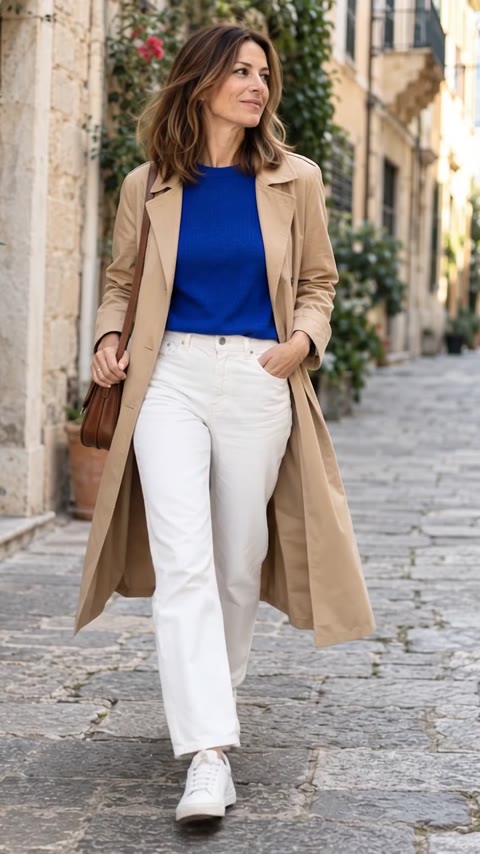
How Fashion Brands Turn Still Garment Photos into Video
AI Image to Video brings a still photo to life. Start from one photo, with or without a model, and add up to 2 extra angles so details like the back of a garment stay accurate. Choose from 20 ready-made motions, each with a preview clip, or write your own idea, and add a short note such as "slower camera, turn to the left" to adjust any template. Pick Portrait 9:16 for Reels, Stories and TikTok or Landscape 16:9 for websites and YouTube, choose a length between 3 and 30 seconds, and add natural background sound if you want it. The video is made in the background, so you can leave the page, and every video is saved in Your videos, ready to watch and download in HD.
How to Convert Clothing Photos to Video in 3 Steps
Upload your photo
Start from one fashion or product photo. Add up to 2 extra angles, like the back or a side, to keep product details accurate.
Pick a template or your own idea
Watch the preview clips and choose one of 20 motions, or describe your own movement or scene. Add an optional note, like "slower camera, turn to the left".
Choose format, length and sound
Portrait 9:16 or Landscape 16:9, 3 to 30 seconds, silent or with natural background sound. The video is made in the background and saved in Your videos, ready to download in HD.
Looking to build a complete video catalog, or make creator-style Reels where the model gives styling tips? Explore our AI Fashion Video Generator hub.
20 motion templates for every place you post
Every template has a preview clip, so you can watch it before you choose. Pick the one that fits where the video will live, or write your own idea.
For product pages
Show fit, drape and detail where shoppers decide.
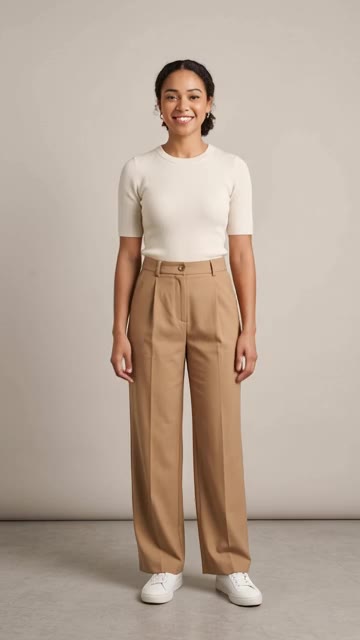
Fit check
Shows the fit, stretch and silhouette.
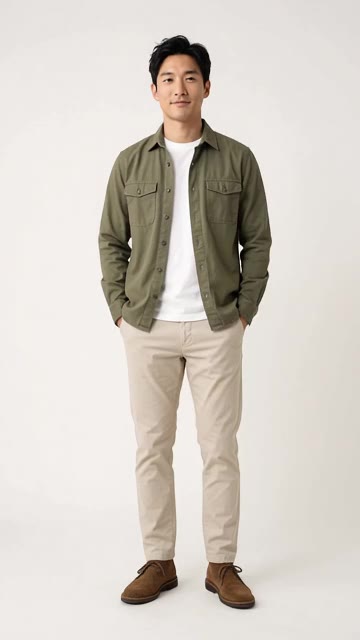
Seamless loop
Subtle motion that loops on product pages.
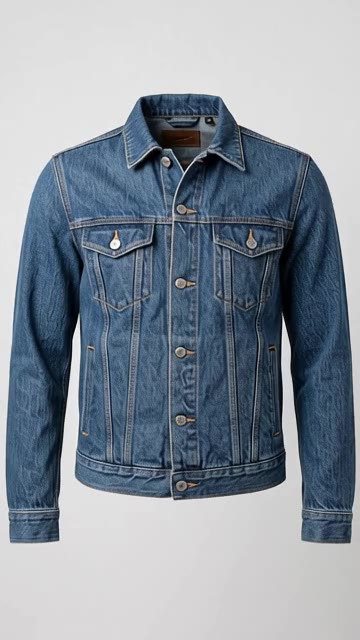
Product spin
For product-only photos. A smooth full turn.
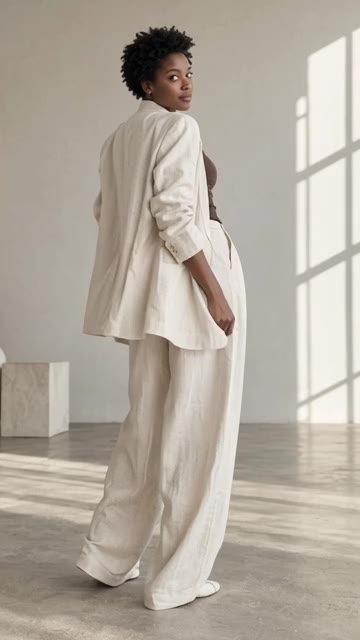
Turnaround
Show every side of the outfit.
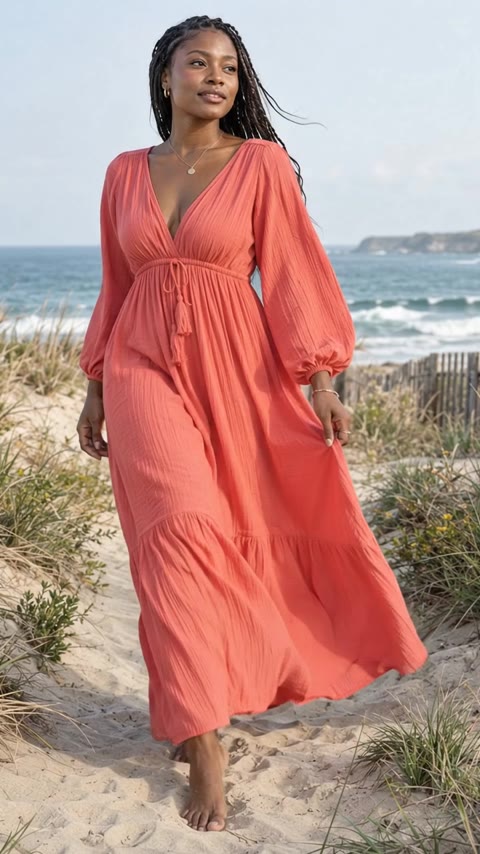
Fabric in motion
Soft movement. Beautiful drape.
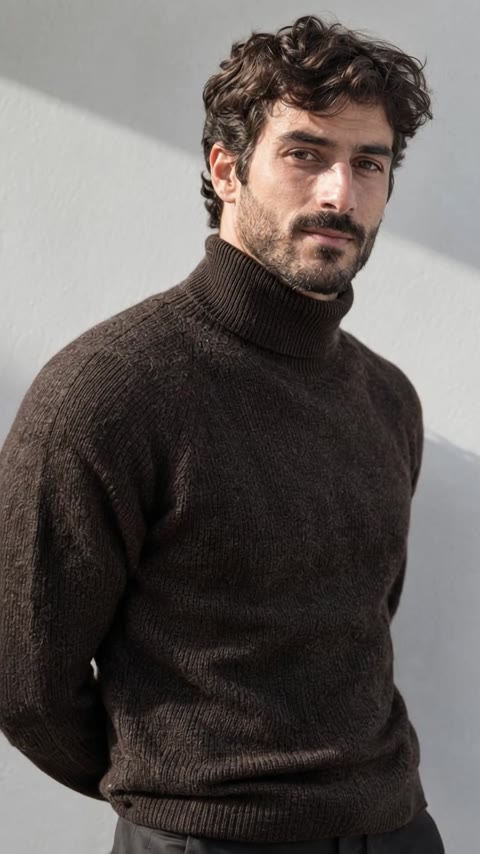
Detail reveal
Bring craftsmanship into focus.
For Reels and social media
Fast, scroll-stopping motion for Reels, Stories and TikTok.
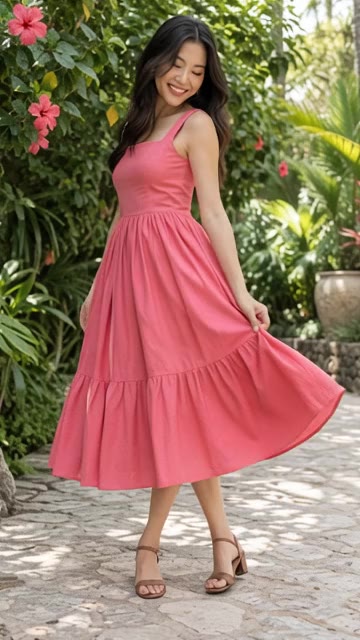
Twirl
One spin. All the movement.
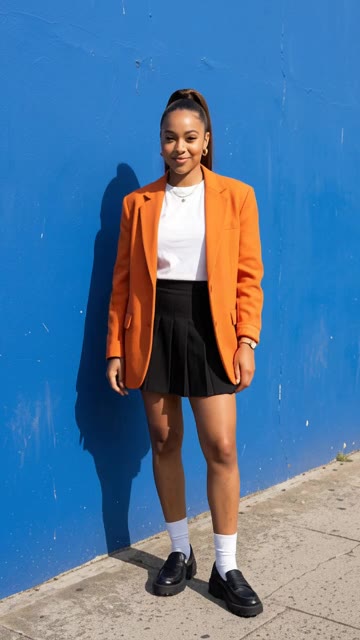
On the beat
Quick pose changes made for Reels.
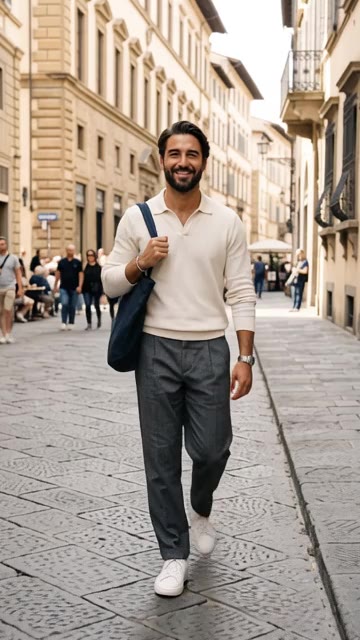
Walk-up
Walks right up to the lens. Made for Reels.
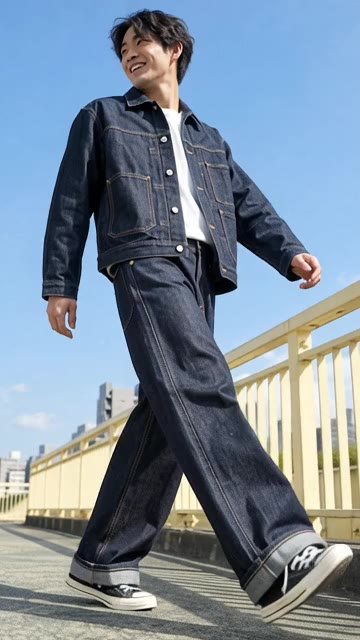
Street stride
Big steps, low camera, city energy.
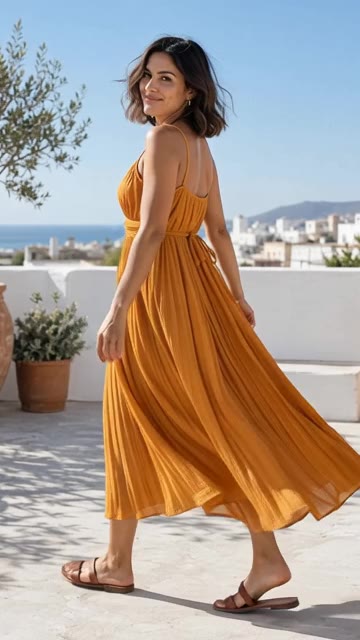
Summer heat
A breeze, a hair flip, a magnetic look.
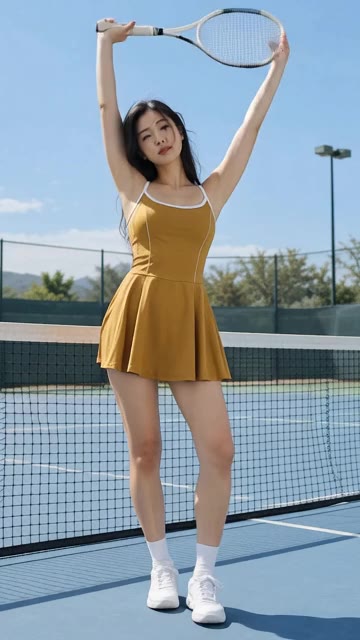
Game on
Active moves that show stretch and fit.
For campaigns and lookbooks
Editorial movement with campaign presence.
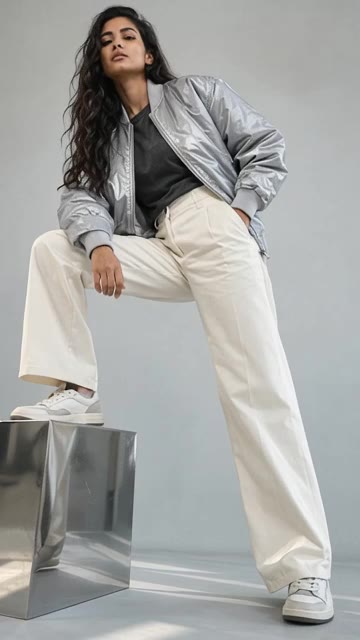
Wind machine
Editorial wind. Hair and fabric in flight.
Campaign walk
A natural walk. A camera that follows.
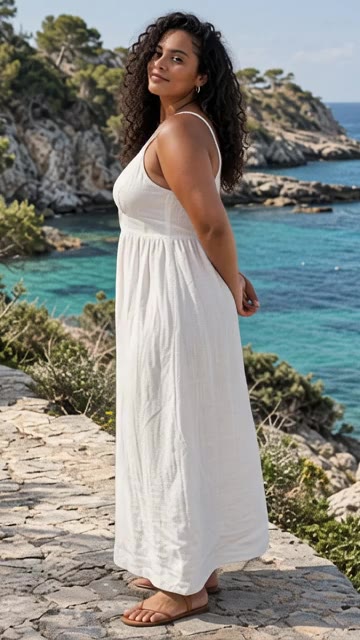
Scene reveal
Pull back to reveal the whole scene.
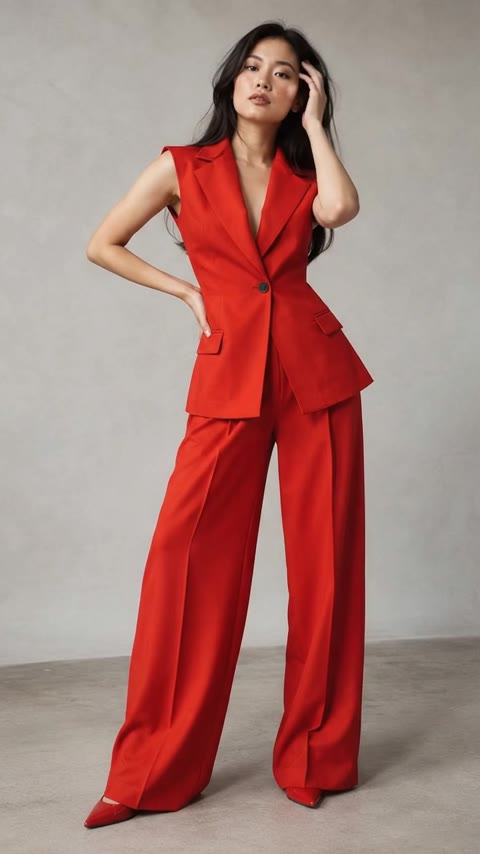
Studio editorial
Small gestures with campaign presence.
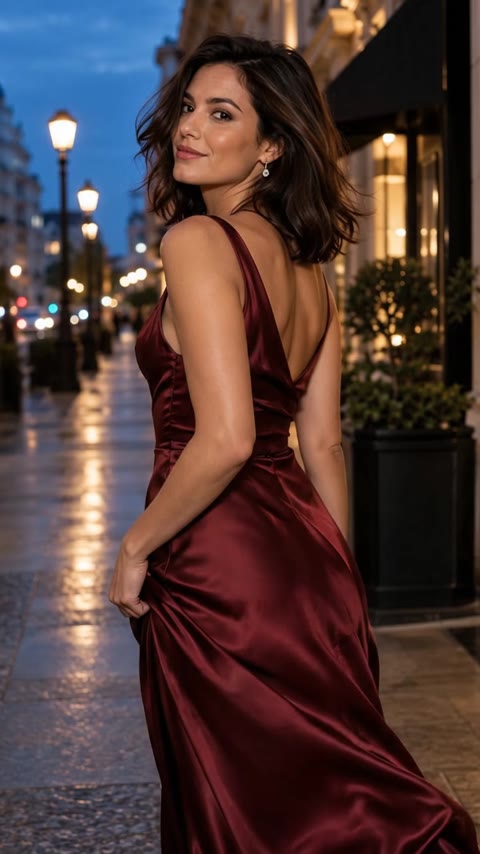
Slow orbit
A gentle arc around your subject.
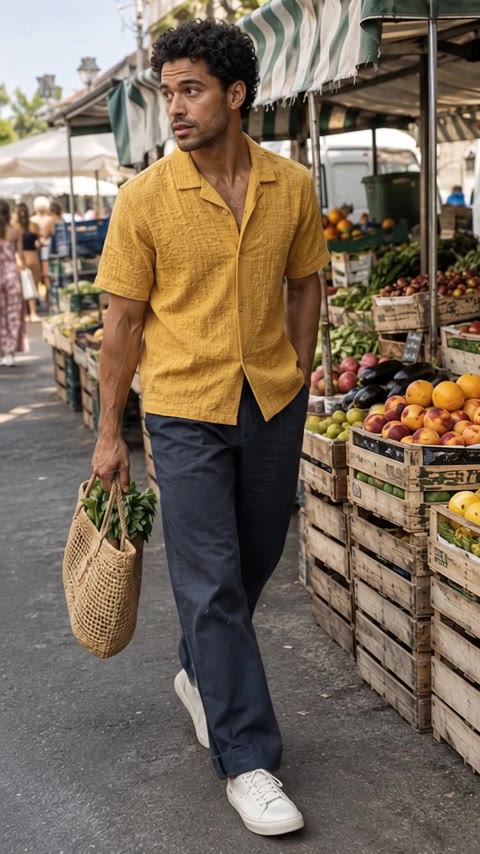
Everyday story
A candid moment, beautifully captured.
For websites
Quiet, cinematic motion for banners and hero sections.
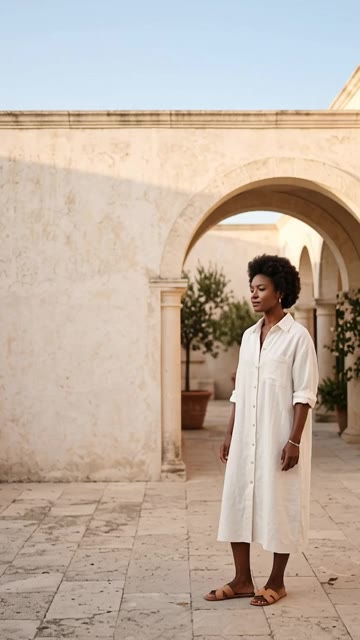
Website hero
Cinematic motion with room for your headline.
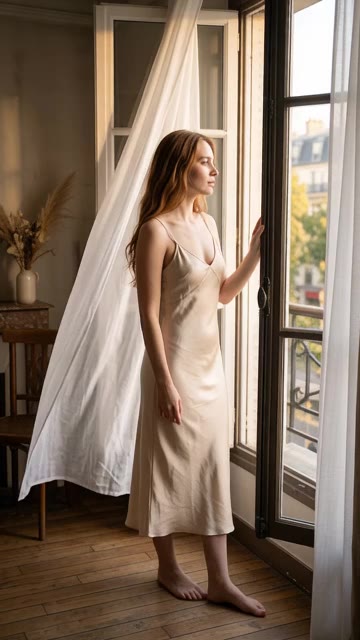
Cinemagraph
Almost still. One soft, looping movement.
Your own idea
Describe any movement or scene in your own words. Or keep a template and add a note, like “slower camera, turn to the left”.
Making video from a photoshoot you already have? Create a video inside a project, including creator-style videos with voice. Or see everything ApparelAI does with video.
Best for
- Product page videos that show fit, stretch and drape
- Reels, Stories and TikTok clips from a single photo
- Campaign and lookbook motion without a video shoot
- Website hero banners and cinemagraphs
AI Image-to-Video vs. Traditional Fashion Video Shoots
| Aspect | ApparelAI Image to Video | Traditional fashion video shoot |
|---|---|---|
| Turnaround time | No booking: it renders in the background while you work | 2 to 4 weeks of booking, shooting and post-production |
| Average cost | Free to start, then credits per video | $1,500 to $5,000+ per collection |
| Input required | One photo: flat lay, mannequin or on-model | Physical garments, studio, lighting crew and model |
| Alternate angles | Upload up to 2 extra reference angles | Full re-shoot required |
| Output formats | Choose Portrait 9:16 or Landscape 16:9 for each video | Single format unless planned in advance |
| Model rights and residuals | AI models, so no model contracts or residuals | Time-limited agency contracts |
| Changes | Add a note and generate again | Reshoot or re-edit |
| Variety | 20 motion templates plus your own idea | One shoot, one look |
Frequently Asked Questions About Fashion Image-to-Video
How do I turn a photo into a video with AI?
Upload one photo to AI Image to Video, pick a motion template or write your own idea, then choose the format, length and sound. ApparelAI makes the video in the background and saves it in Your videos, where you can watch it and download it in HD.
What video formats and lengths can I make?
Portrait 9:16 for Reels, Stories and TikTok, or Landscape 16:9 for websites and YouTube. Videos can be 3, 5, 7, 10, 15, 20, 25 or 30 seconds long.
Which motion templates are included?
There are 20 ready-made motions in four groups. For product pages: Fit check, Seamless loop, Product spin, Turnaround, Detail reveal and Fabric in motion. For Reels and social media: On the beat, Walk-up, Twirl, Summer heat, Street stride and Game on. For campaigns and lookbooks: Campaign walk, Wind machine, Studio editorial, Slow orbit, Scene reveal and Everyday story. For websites: Website hero and Cinemagraph. Every template has a preview clip.
Can I describe my own motion?
Yes. Choose Your own idea and write any movement or scene. You can also keep a template and add a note to adjust it, like "slower camera, turn to the left".
Does the photo need a model in it?
No. Photos with or without a model both work. Product spin is made for photos without a model, and adding up to 2 extra angles helps keep details like the back of a garment accurate.
Does the video have sound?
Videos are silent by default, and you can switch on natural background sound. Creator-style videos where the model talks to the camera and gives styling advice, the UGC Styling Tip, are made from a photoshoot inside a project.
Do I have to stay on the page while the video is made?
No. The video is made in the background, so you can leave the page. When it is ready you will find it in Your videos, with every other video you have made.
What is the difference between Image to Video and Create Video in a project?
Image to Video works with any photo you upload. Create Video inside a project brings a photo you already made in an ApparelAI photoshoot to life, and it is where the creator-style UGC Styling Tip with voice is available.
More AI tools for fashion brands
Try AI Image to Video today.
Start with 3 free credits. No credit card required.
Start free - 3 credits, no card