Free AI Fashion Model Generator for Clothing Brands
Upload a flat lay, hanger or mannequin photo. Get your garment on a realistic AI model in seconds, in a studio, street or lifestyle scene.
Exports sized for Shopify, Amazon and Meta Ads · iOS and Android apps
How it works
Upload your garment.
Use a flat lay, a hanger shot, a mannequin photo or a quick phone photo. You can also import a product from its URL.
Choose a model and a scene.
Pick from 50+ AI models or your own persistent brand model, then a studio, street or lifestyle background.
Generate and download.
Each image takes about 10 to 30 seconds. Download it sized for your store, marketplace or ad.
Step-by-step guide in the ApparelAI docs: How to pick, create or upload a model (opens in a new tab)
See it on real garments
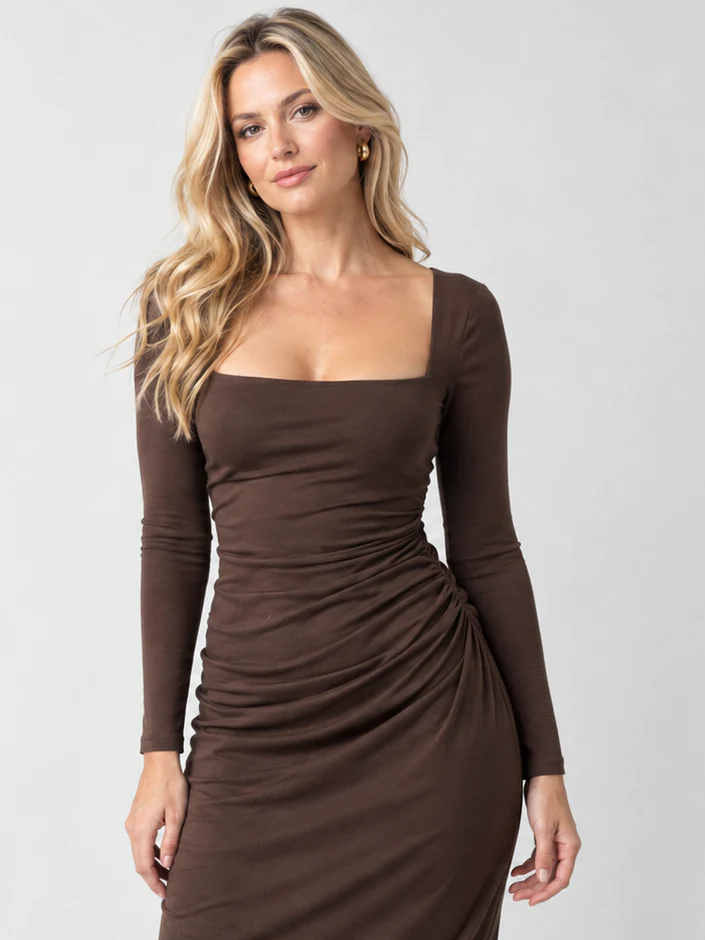
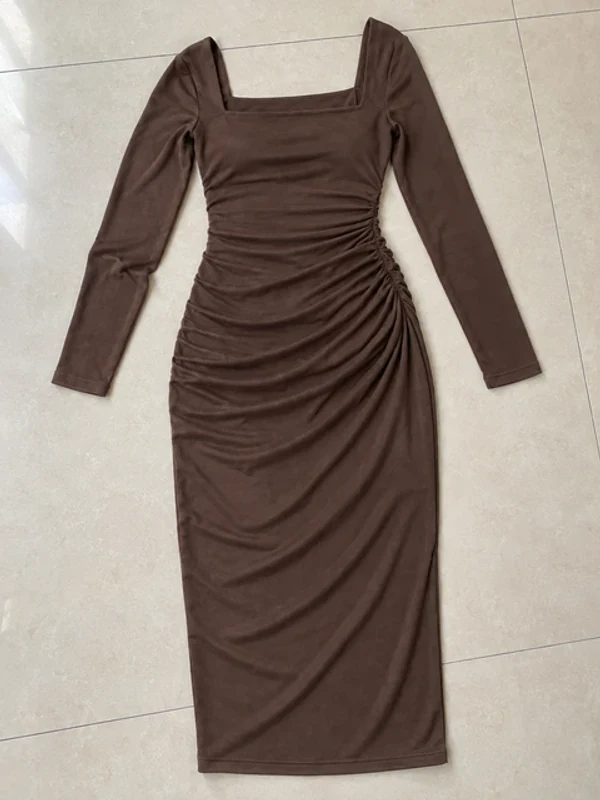
Photo AI model Dress
Photo 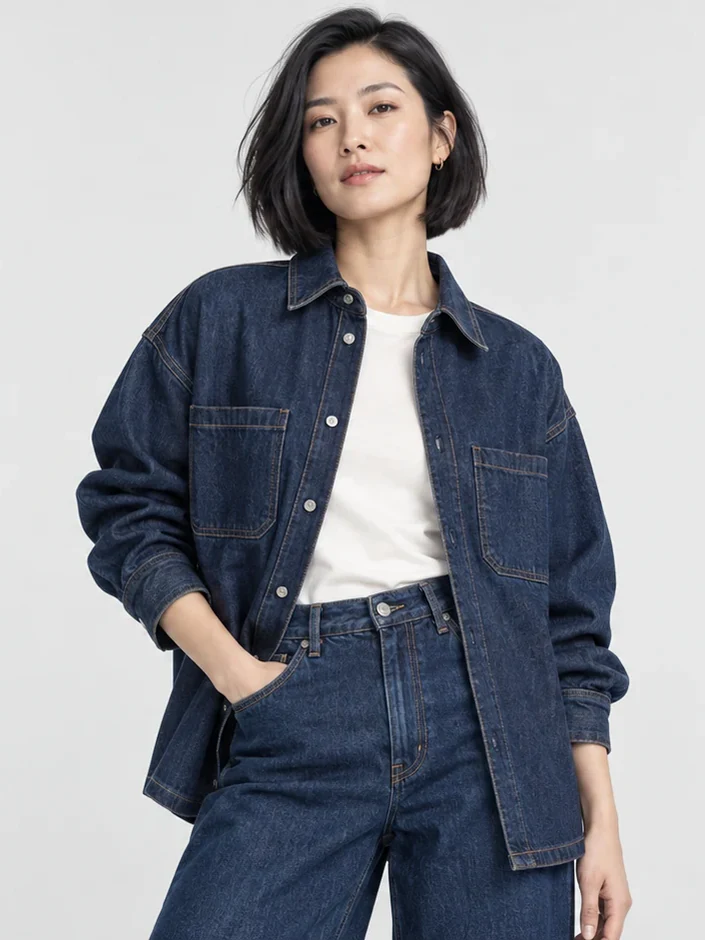
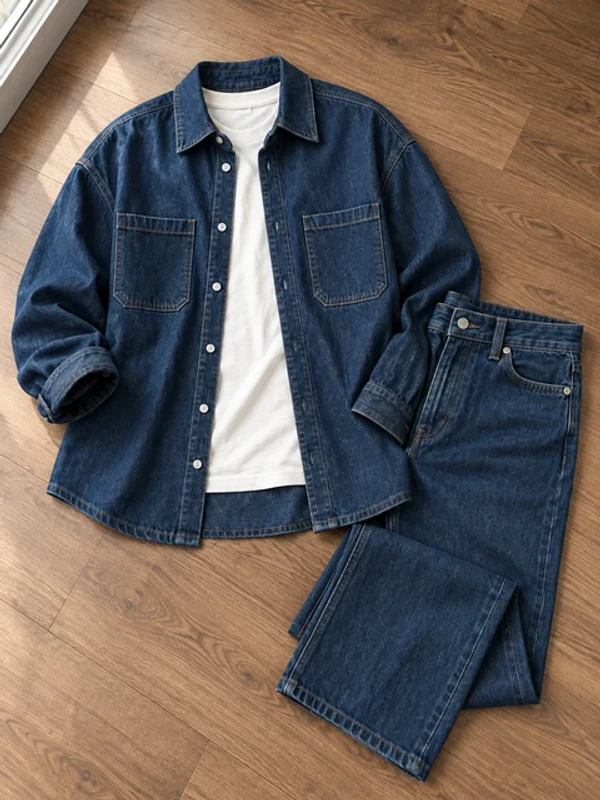
AI model Denim
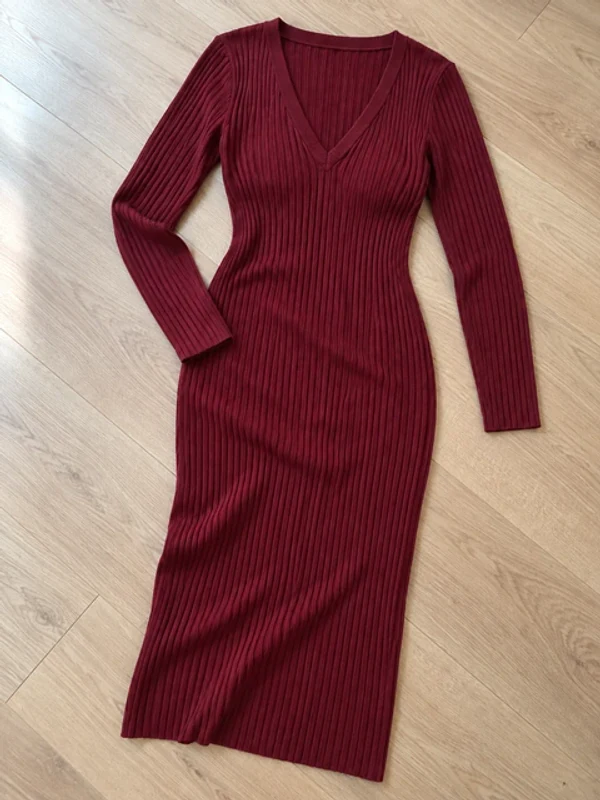
Photo 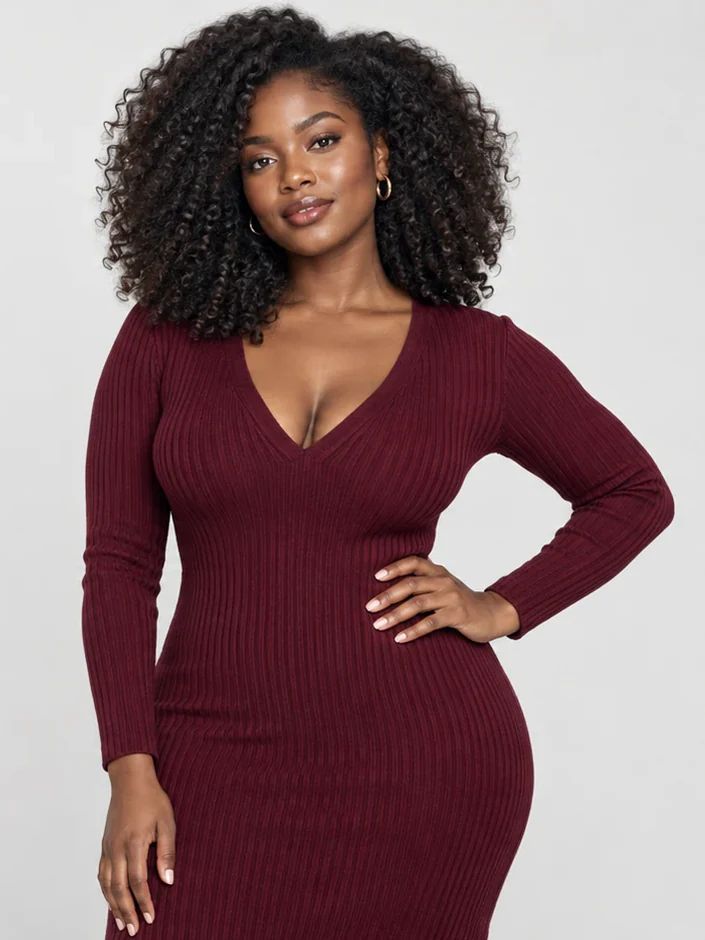
AI model Knitwear
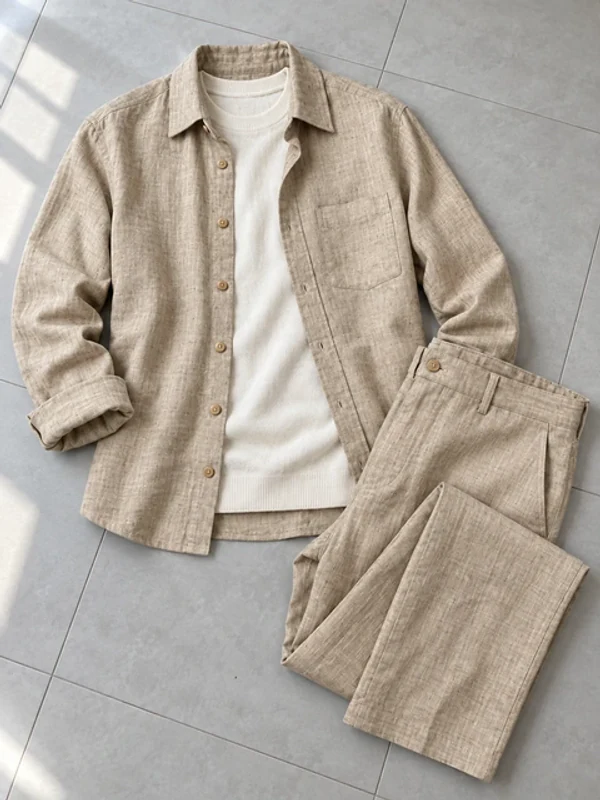
Photo 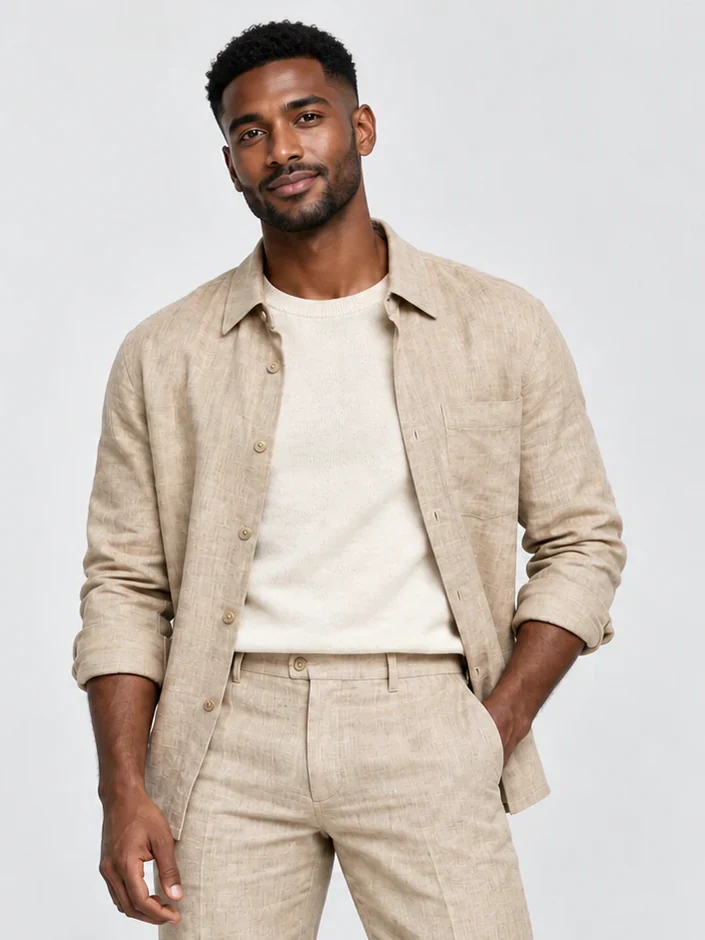
AI model Menswear shirt
Photo 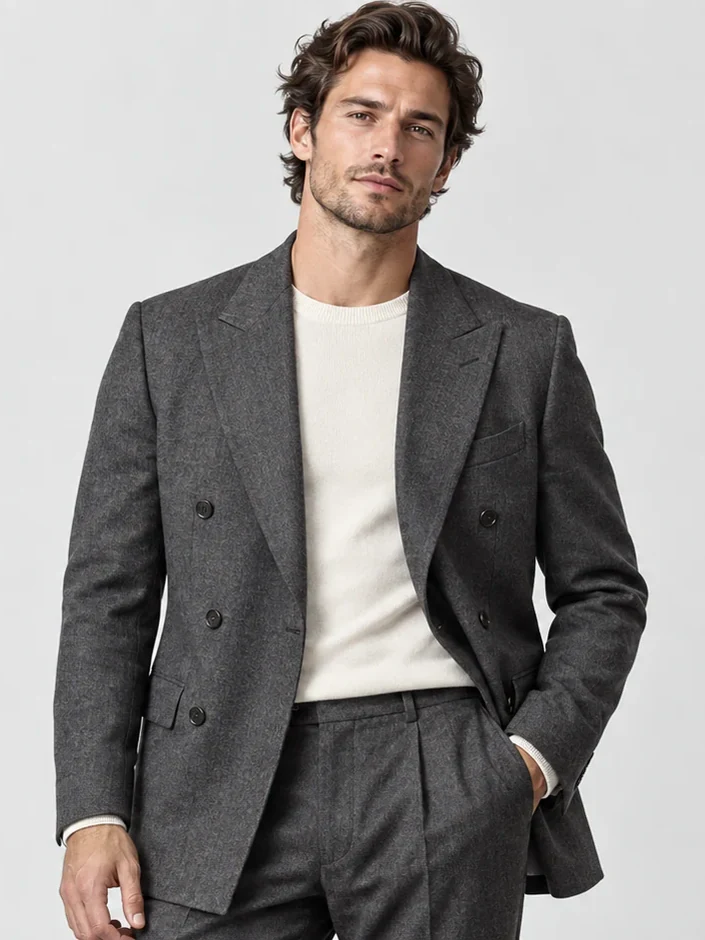
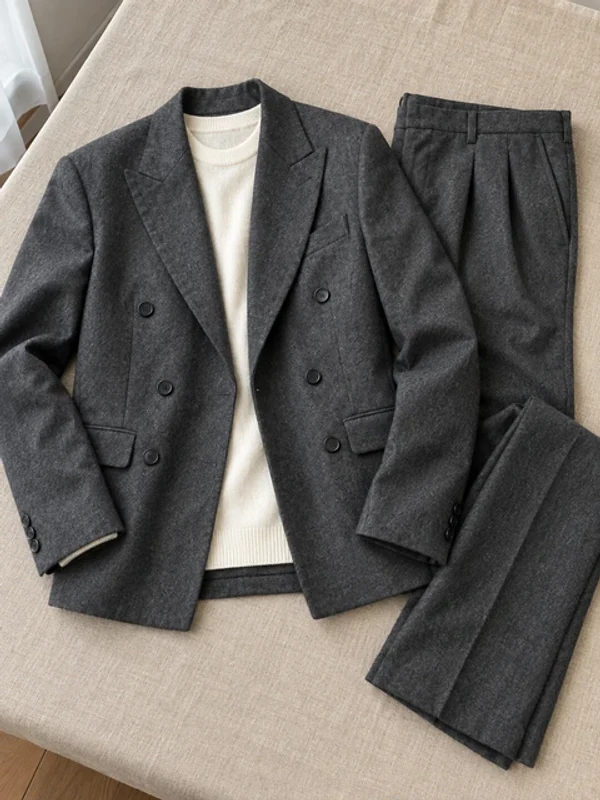
AI model Suit
Photo 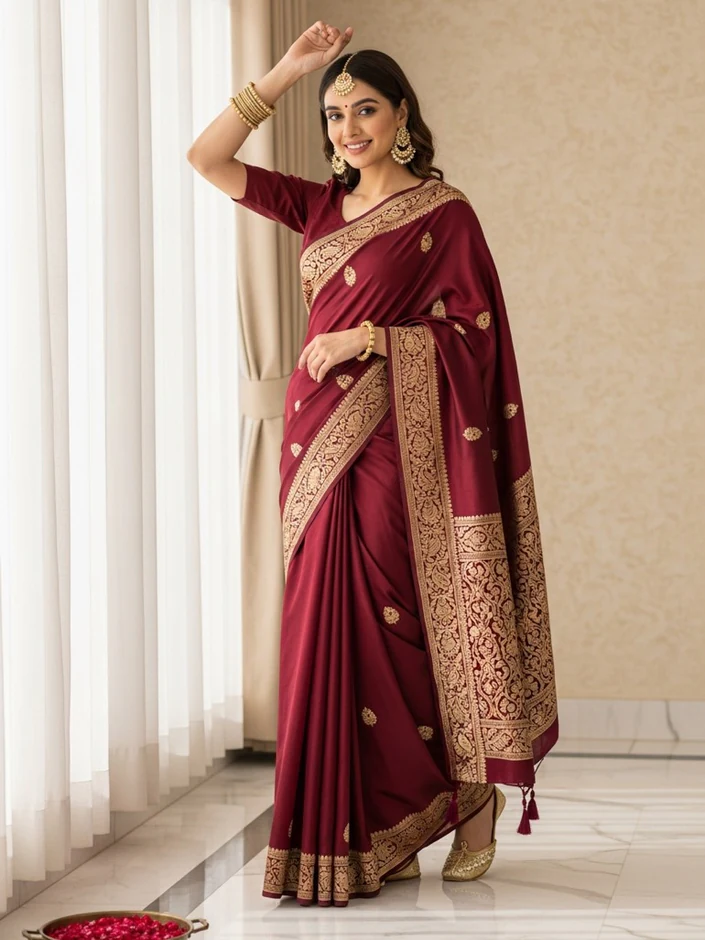
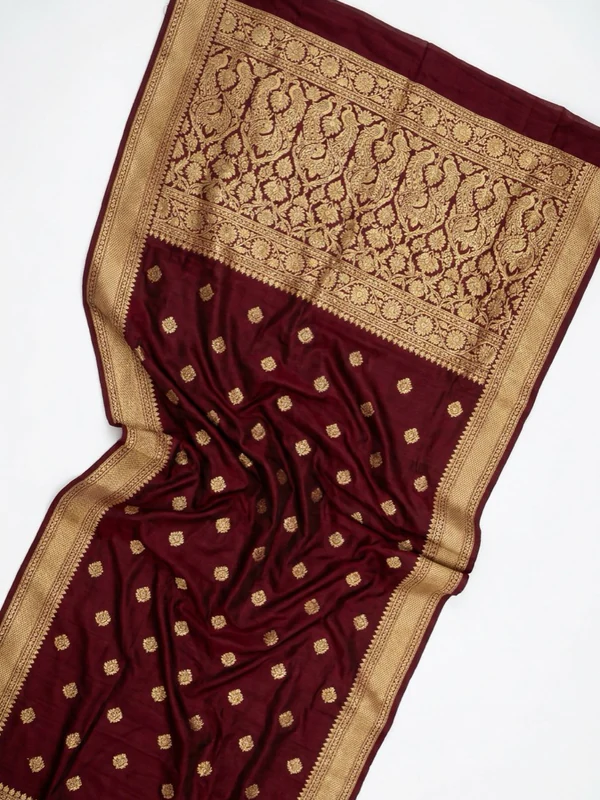
AI model Saree
Photo 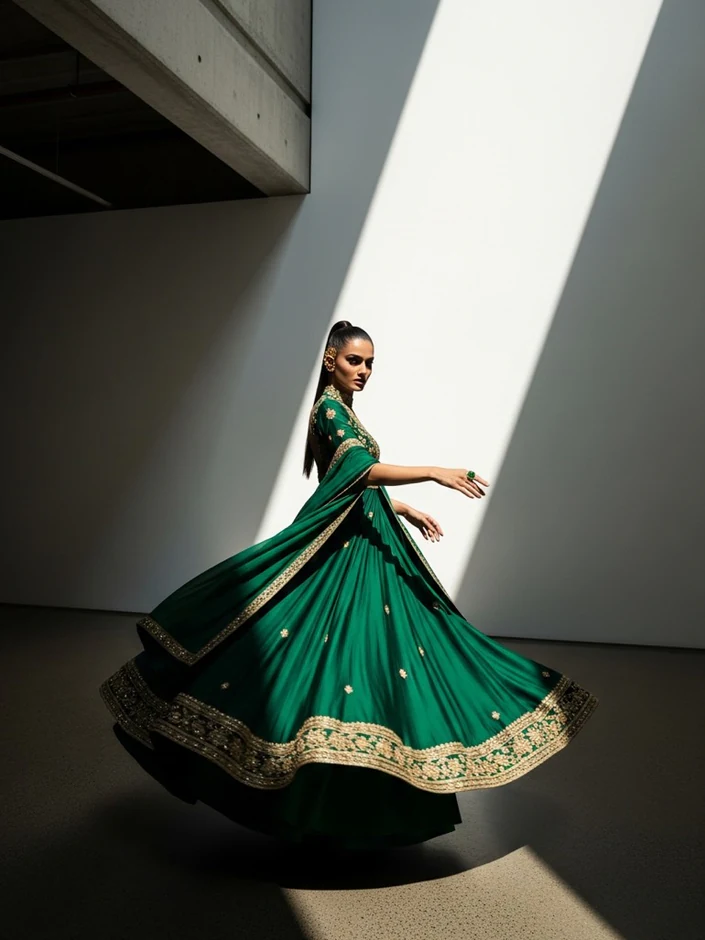
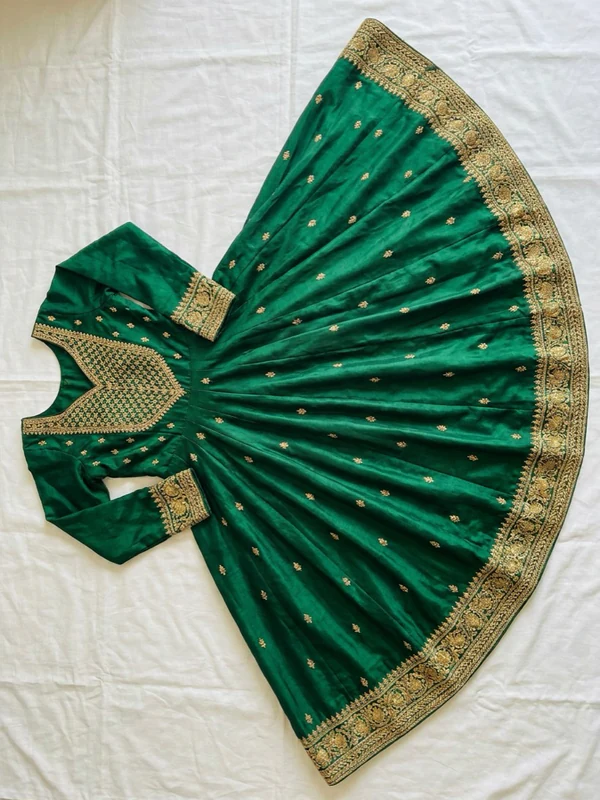
AI model Anarkali kurta
Photo 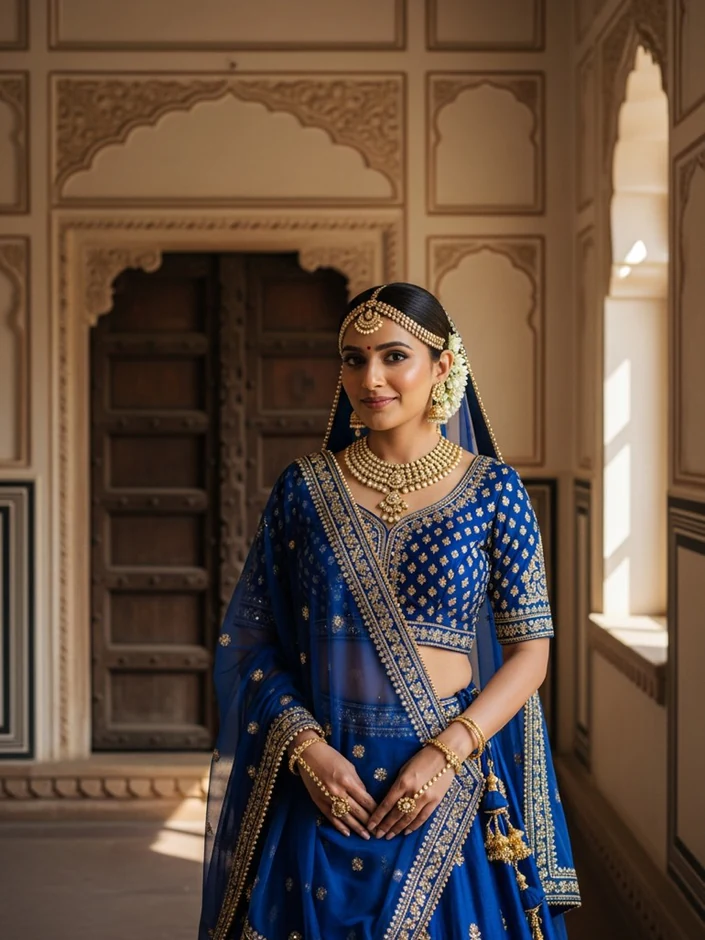
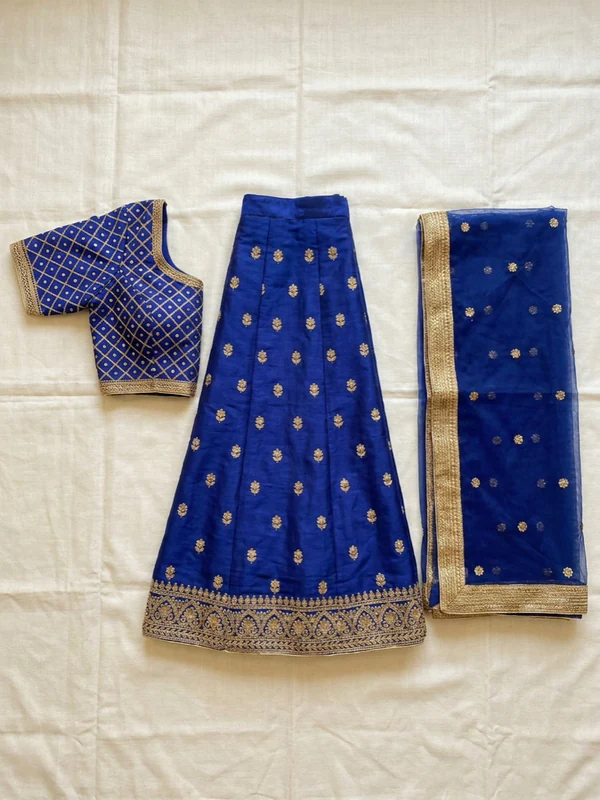
AI model Lehenga set
Each pair shows a garment photo and the same garment on an AI model.
Everything you need to replace a model shoot
50+ AI models, or your own brand model.
Create a persistent model once and reuse it across your whole catalog so every product page looks consistent.
Bring your own model.
Shoot with photos of a real person your brand already works with.
Match a pose or scene.
Upload a reference photo and reuse its pose or background, on the Business and Agency plans.
Refine and re-shoot.
Edit any image with a text instruction (Business and Agency plans), or change only the model, the pose or the background.
Bulk photoshoots.
Shoot up to 50 garments in one batch, on the Business and Agency plans.
Turn photos into video.
Create 3 to 30 second clips from 20 motion templates, in 9:16 or 16:9, on the Growth plan and above.
Ready for every channel.
Export at the sizes Shopify, Amazon, Meta Ads and Myntra expect, up to 4K on the Business and Agency plans.
AI fashion models vs a traditional model shoot
| Traditional model shoot | ApparelAI | |
|---|---|---|
| Cost per image | From $95 per image, or $2,950 for a 4-hour shoot (Squareshot) | $0.13 to $0.47, depending on plan and resolution |
| Turnaround | 6 to 8 business days after your samples arrive | About 10 to 30 seconds per image |
| Shipping samples | Required | Not needed: upload a photo |
| New colour or variant | Another shoot | Generate it again |
| Same model across the catalog | Book the same model again | Saved brand model |
Studio prices checked October 9, 2026. ApparelAI images cost 1 credit at 1K, 2 at 2K and 3 at 4K; credits cost $0.13 to $0.18 depending on plan.
Start free
Your free account includes 3 credits with no credit card, enough to try up to three 1K images on your own products. When you need more, plans start at $9 a month for 50 credits.
Generate your first AI model photoBuilt for clothing sellers
Independent fashion brands
Launch new drops without booking a studio for every collection.
Size-inclusive brands
Show each style on a body that matches the size range you sell.
Marketplace sellers
Create on-model images for Amazon, Shopify, Etsy and Myntra listings from the photos you already have.
Dropshippers
Replace the supplier photos every competitor uses with your own on-model images.
Agencies and catalog teams
Run bulk shoots for many clients with reusable models and saved scenes.
Get the best results
- Steam the garment first. Creases show up in the final image.
- Shoot square-on with the whole garment in frame, leaving a margin around it.
- Use soft, even light such as a window or two lights at 45 degrees, and avoid direct flash.
- Shoot on a plain, matte surface that contrasts with the garment.
- Photograph each part of a set, such as a top, bottom and dupatta, separately.
- Shoot sheer fabrics on a mannequin rather than flat.
Read the full guide: Flat lay clothing photography.
Compare ApparelAI
See how ApparelAI compares with Botika, Claid.ai, FASHN, Modelia, Photoroom and ZMO.AI.
Frequently asked questions
Is the AI fashion model generator free?
Yes, to start. Every new account gets 3 free credits with no credit card. Paid plans start at $9 a month for 50 credits.
How realistic are the AI models?
The models are photorealistic, with natural skin, hair and lighting. Review every image at full size before publishing, as you would with any photoshoot.
Will my garment look accurate?
The AI keeps the garment's colour, print and shape from your photo. Accuracy depends on your input, so use even light and a plain background, and compare each result with the real product.
Can I use my own model?
Yes. Upload photos of a real person and shoot your garments on them, or create a persistent AI model that stays the same across your catalog.
What kinds of clothing work?
Tops, dresses, denim, knitwear, activewear, menswear, kidswear and Indian ethnic wear such as sarees and suit sets. Sheer and very fine fabrics are the hardest; photograph them on a mannequin for the best result.
How long does it take?
About 10 to 30 seconds per image. A bulk shoot handles up to 50 garments in one batch.
What sizes can I download?
Images come sized for Shopify, Amazon, Meta Ads, Myntra and other channels, up to 4K on the Business and Agency plans.
How is this different from virtual try-on?
Virtual try-on lets a shopper see clothes on themselves. An AI fashion model generator is for sellers: it creates the product photos you publish.
Can I use the images commercially?
Yes. Images you create with ApparelAI can be used commercially: on your store, marketplace listings, social media and ads.
Your next collection, on-model by this afternoon
Upload one product photo and see it on an AI model in seconds.
Start free: 3 credits, no card