Ghost Mannequin Product Photography Without a Studio
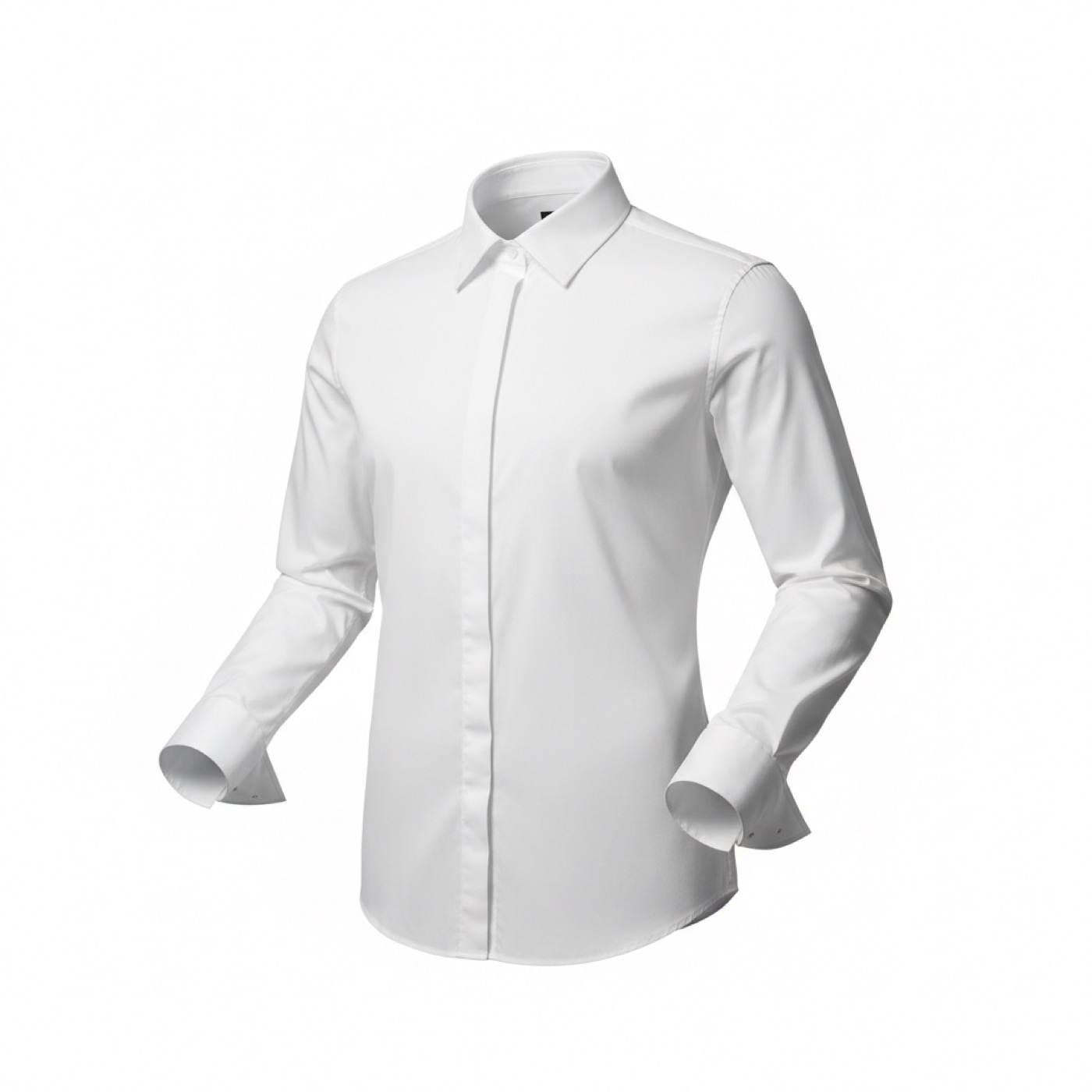
Studios charge from $75 per ghost mannequin image and take about a week. ApparelAI gives you the same invisible-mannequin look from one hanger, flat lay or on-model photo, with front, back and side views, sized for Shopify, Amazon and Myntra.
Want to try it on one garment? Use the free AI ghost mannequin generator.
How it works
Three steps from the garment you have to the listing photo you need.
Upload the garment
A front photo is all that is required. It can be on a hanger, on a mannequin, laid flat, or already on a model. Backgrounds are cleaned up automatically.
Choose the views you need
Generate the front view, and add back or side views when your listing template calls for them.
Export to your listing
Download at full quality, or use Myntra-Ready Export for the 1080x1440 marketplace size. Bulk Export handles a whole batch at once.
Step-by-step guide in the ApparelAI docs: How to create ghost mannequin photos (opens in a new tab)
What you get
- Hollow-mannequin shots from front, plus optional back and side views
- Works from hanger, flat-lay, mannequin or on-model source photos
- Automatic background cleanup before rendering
- Shirt Flat Lay and Folded shots for e-commerce templates
- Blouse Flat Lay and Blouse Front & Back for ethnic wear
- Bulk Export for whole catalogs
- Tool History, so every run stays revisitable
Turn your ghost mannequin shots into video
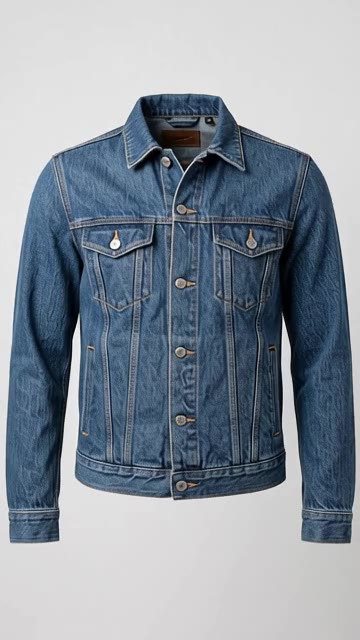
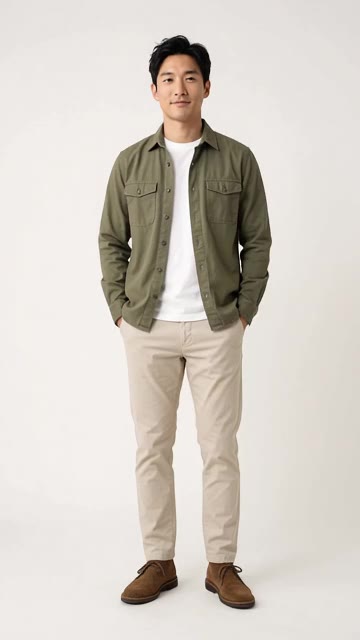
Product spin is made for photos without a model, so a ghost mannequin shot can turn in place. Seamless loop and Detail reveal work on product pages too.
20 motion templates · 3 to 30 seconds · Portrait or landscape
- Product spin
- Seamless loop
- Detail reveal
Frequently asked questions
What source photo works best?
A well-lit, wrinkle-free photo with the full garment in frame. Steam the piece first: fold lines read as construction detail and come back looking like creases in the output. Shoot square-on rather than at an angle so the pattern is not distorted.
Can I get back and side views?
Yes. The front view is generated from your upload, and back or side views can be added on top. If you attach a real back photo to the product, the back view reflects the garment's actual back design.
Does it work for ethnic wear?
Yes. Alongside general apparel there are dedicated ethnic product shots: Blouse Flat Lay, Blouse Front & Back on an invisible mannequin, Pallu Flat Lay, Saree Border Detail and Folded Saree Display.
How is this different from a traditional ghost mannequin shoot?
A traditional shot means photographing the garment on a mannequin, shooting the inner label separately, then compositing and retouching the two in post. That is studio time plus editing per SKU. Here the same result comes from one upload with no retouching pass.
Will it keep prints and logos accurate?
Garment detail is preserved from your source photo, so the sharper and more square-on your upload, the more faithful the output. For shirts specifically, Shirt Mode lets you upload logo, collar and cuff elements separately for tighter control.
Further reading
Ghost Mannequin Photography: The Complete Guide
How ghost mannequin photography works: the setup, the shots you need, Photoshop steps, real costs, and how to get the effect from one photo with AI.
GuidePhone Photos of Clothes That AI Can Actually Use
Your phone is good enough. The input rules that decide whether an AI photoshoot comes back accurate: flattening, lighting, angle, white balance and framing.
GuideBuilding a Consistent AI Brand Model
A catalog where every listing shows a different face reads as a reseller. How to create consistent characters with AI and use one brand model all season.
Get your first ghost mannequin shot
Upload one garment photo and see the result before you decide anything. 3 free credits, no credit card.
Start freeTools that pair with this
AI Ghost Mannequin
Invisible-mannequin product shots from any hanger or on-model garment photo. Front, back and side views from one upload.
AI Background Remover
Remove backgrounds from clothing, product and model photos. Free to try. No signup required.
AI Color Variation
Render the same garment in up to 6 colors in one shot. Build complete color stories without re-shooting.
Other solutions
Saree Photoshoots
Body, pallu and blouse uploaded separately, rendered as one on-model saree shoot.
Indian Ethnic Wear
Salwar suits, kurtis and dupattas, with each piece uploaded separately and styled into one shoot.
Photo to Fashion Video
Bring a photoshoot photo to life with 20 motion templates, your own idea, or a creator-style video with voice.