Building a Consistent AI Brand Model
A catalog where every listing shows a different face reads as a reseller. How to create consistent characters with AI and use one brand model all season.
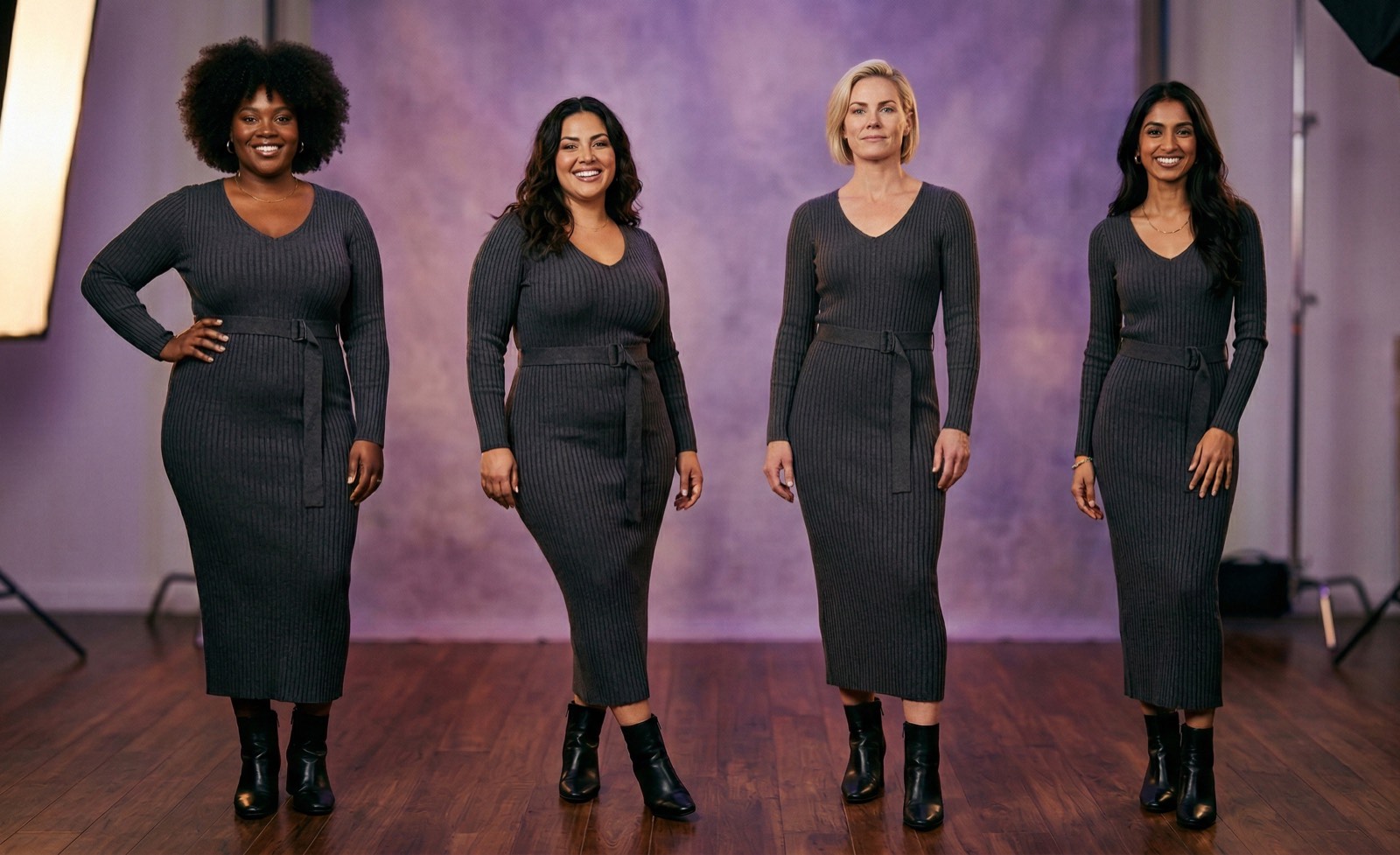
Scroll a catalog where every product is on a different face and you form a judgement before you read a single price: this is a reseller listing whatever they could source.
Scroll one where the same woman appears in every photograph and you read it as a brand. Nothing else changed. The garments may be identical. The signal is entirely in the consistency.
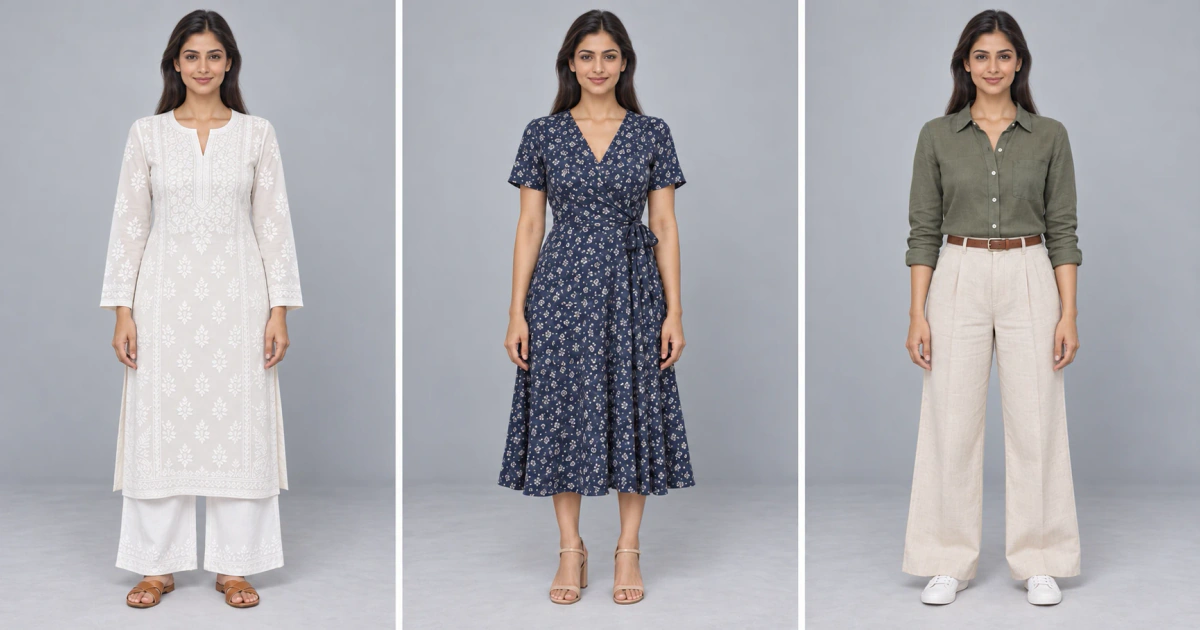
This is what it means to create consistent characters with AI for a clothing brand: not a cartoon mascot, but one recognisable model who wears every piece in your catalog, shoot after shoot.
Why the face matters more than sellers expect
It is the only branding on a forwarded image. Once a photo leaves your listing and lands in a WhatsApp chat or a screenshot, your logo and store name are gone. A recognisable model is what identifies the catalog as yours.
It makes a range read as a range. Buyers comparing three of your kurtis want to compare the kurtis. Three different models means three different body types, heights and skin tones, and the comparison becomes muddy.
It signals scale. A consistent model implies a real shoot with a booked model, which is exactly the impression a small seller wants and could not previously afford.
Where consistency usually breaks
Almost nobody plans to be inconsistent. It happens structurally.
You shoot your first collection properly. Then you add designs through the season, shot separately, months apart, often by someone else, in different light. Six months in, the catalog has four aesthetics in it.
Traditional photography makes this hard to avoid, because every shoot is a separate production with different variables. Keeping one model, one lighting setup and one mood identical across a year of drops is genuinely difficult and genuinely expensive.
Defining the model once
A custom AI model is defined by the parameters you choose: gender, ethnicity, age range, body type, hair colour, hairstyle and skin tone. Set it once, save it, and use it on every shoot afterwards.
Choose deliberately rather than by default:
Match your actual customer. If you sell to women aged 35 to 50, a 22-year-old model misrepresents the fit and the styling. Buyers notice when the model is not the person the garment is cut for.
Match your price point. Styling register, hair and expression all carry price signals. A high-street look on a Rs 15,000 saree undersells it.
Match your market. If you sell ethnic wear to an Indian audience, a South Asian model is not a diversity gesture, it is accuracy about who wears the garment.
How to Create Consistent Characters with AI for a Catalog
Most guides to creating consistent characters with AI are written for illustrators keeping a cartoon hero the same across a storybook. A clothing brand has the same problem with one extra demand: the face has to stay identical while the garment changes every time.
- Save the model, do not re-describe it. Typing "brunette woman, late 20s" into a prompt each time gives you a slightly different person each time. Consistency comes from a saved model the tool reuses, not from a well-written prompt.
- Start from a reference. If you already work with a house model or an influencer, upload photos of that person and shoot with them. If not, build the model from parameters once and treat the first approved image as the reference.
- Change one thing at a time. Swap the garment and keep the model, light and background fixed. When something drifts, you know exactly what caused it.
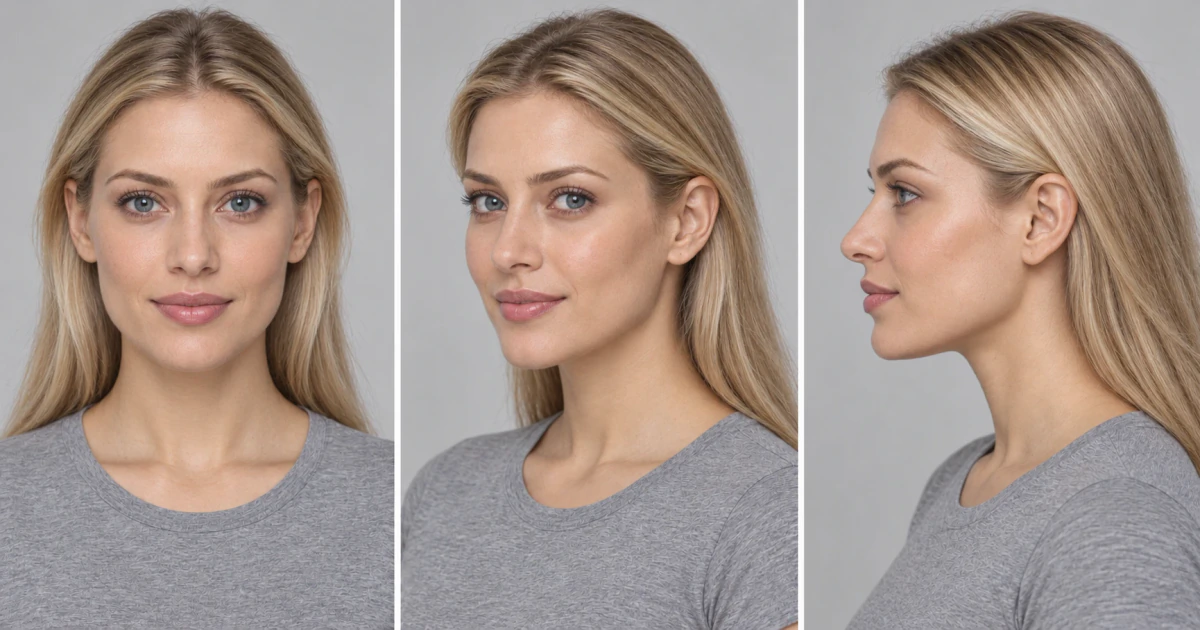
- Keep the face across poses. The real test of consistent AI characters in any pose is the back view and the three-quarter turn, where weaker tools quietly change the jawline or hairline. Check those first. Our guide to brand poses lists the poses worth standardising.
- Batch once the setup is approved. Shoot ten pieces, look at them as a grid, then run the rest of the collection with the same model, poses and scene.
To set this up in ApparelAI, see how to pick, create or upload a model in the docs.
One model or several
One primary model for the core catalog, and that is genuinely enough for most sellers.
Add more when there is a real reason:
- •Size-inclusive ranges, where showing the garment on different body types is the point and reduces returns
- •Distinct sub-brands, where a separate line has its own customer
- •Category splits, such as a menswear line alongside womenswear
What does not justify a second model is variety for its own sake. Variety is what makes a catalog look like a marketplace rather than a brand.
Keeping the rest consistent too
The model is the biggest signal, not the only one.
Lighting and background family. Pick a small set of settings and reuse them. A catalog that alternates between studio white, palace courtyard and rooftop sunset at random has no visual identity.
Pose vocabulary. Two or three poses used consistently beat a different pose every time.
Crop and framing. Same crop across listings makes a grid look composed rather than assembled.
What to Look for in an AI Consistent Character Generator
Search for an AI image generator with consistent characters and you will find dozens of tools. Few were built for garments. Before you commit a season's catalog to one, check five things:
- •A saved, reusable model. An AI image generator with character consistency should let you pick the same model from a library months later, not only within one session.
- •Reference upload. You should be able to bring a real person's photos or a pose reference, not only text prompts.
- •Garment accuracy. A general consistent character AI keeps the face but often redraws the clothes. For ecommerce, the print, embroidery, colour and drape have to match the real product.
- •Pose control without face drift. Changing the pose should not change the person.
- •Batch generation. If you list fifty pieces a season, the tool has to apply one model across all of them in one run.
ApparelAI was built around this list: a persistent brand model, reference photos for faces, poses and backgrounds, and bulk photoshoots of up to 50 garments with one model on the Business plan and above.
Practical rollout
- Define the model before you shoot a large catalog, not after
- Shoot ten pieces and look at them as a grid, the way a customer will, before committing
- Fix the model, lighting family and crop, then batch the rest
- Use the same model for new drops all season, even months later
- Revisit deliberately at season change if the brand direction moves, rather than drifting
Bottom line
Catalog consistency is one of the few brand signals available to a seller with no storefront and no advertising budget, and it costs nothing once the model is defined. The reason most catalogs lack it is that traditional photography made it structurally hard. Defining a persistent model once and reusing it removes that constraint, which turns consistency from an aspiration into the default.
Frequently Asked Questions
How do you create consistent characters with AI?
Define the character once, as a saved model or from reference photos, and reuse that saved model for every image instead of describing it again in each prompt. Keep lighting, background and framing fixed, and change one thing at a time.
What should a clothing brand look for in an AI consistent character generator?
Look for an AI consistent character generator that saves a reusable model and keeps the garment accurate. General character tools hold the face steady but often redraw prints, embroidery and colour, which is a problem when the photo has to match the product a customer receives.
How do you make a consistent AI character look the same in every pose?
Generate new poses from the saved model or from an approved photo rather than from a fresh prompt. Check back views and three-quarter turns first, because that is where faces usually drift.
Does character consistency AI work with a real model?
Yes. Upload photos of a real person, such as a house model or an influencer you work with, and shoot with them as the model. Their face stays the same across your catalog without booking a new shoot for every drop.
Ready to try AI product photography?
Start with 3 free images. No credit card required.
Start Free Photoshoot