Bulk AI Photoshoot for Your Whole Catalog
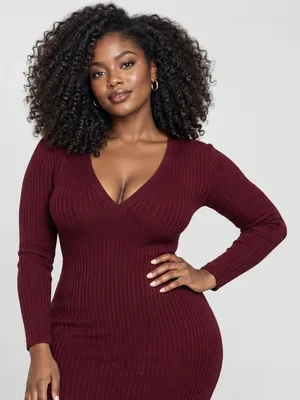
ApparelAI shoots a whole collection in one pass. Add up to 50 products, set one model, your poses and a background for the batch, and every product is shot on-model with the same look. Where one product needs something different, customize just that product and the rest of the batch keeps the shared settings.
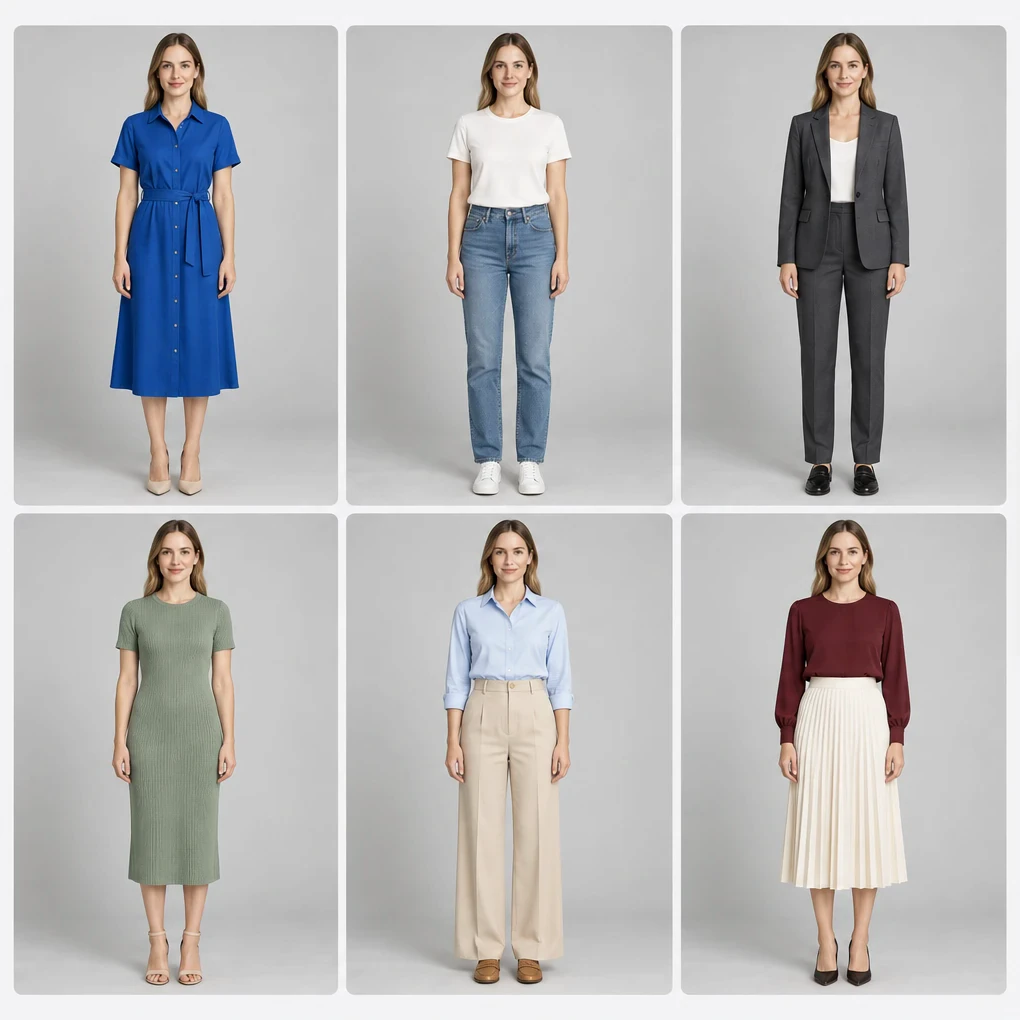
How it works
Three steps from the garment you have to the listing photo you need.
Add your products
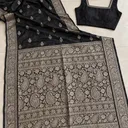
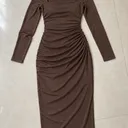
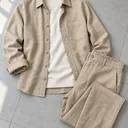
Add up to 50 products to one batch, one product per row. Each row needs only a front photo; add a back photo or close-ups where the detail matters, or choose products you have already saved. Uploading uses no credits.
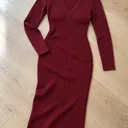
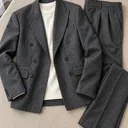
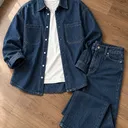
Set one look for the collection
Choose one model, the poses you want and a background, and they apply to every product in the batch. Load a saved template to start from a look you already use. Where one product needs something different, customize just that product.


Review and start
Pick the aspect ratio and resolution, check the credit total, and start the batch. With Review first photo switched on, each product shoots its first pose for you to approve before the rest of its poses are generated.
Step-by-step guide in the ApparelAI docs: How to shoot up to 50 products at once (opens in a new tab)
What you get
- Up to 50 products in one batch
- A front photo per product, with back and close-up photos optional
- One model, set of poses and background shared across the batch
- Customize any single product without changing the rest
- Approve the first photo of each product before its other poses
- 1:1, 4:5, 4:3, 3:4 and six more ratios, at 1K, 2K or 4K
Turn your catalog into video
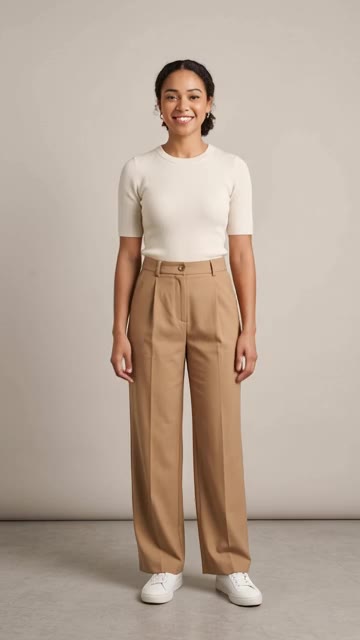
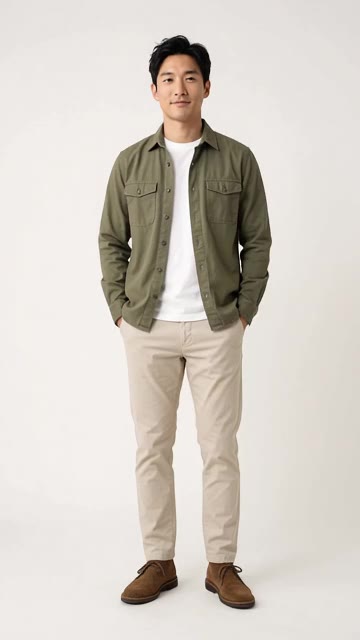
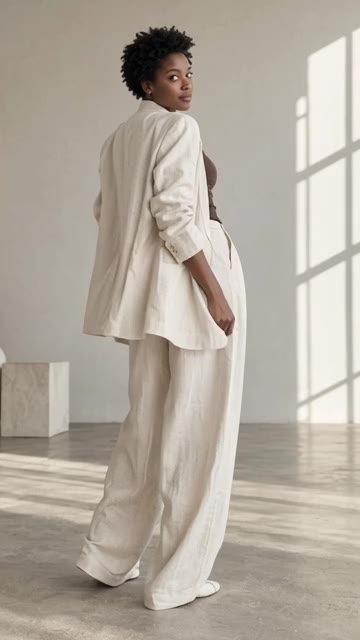
Bring any photo from a bulk shoot to life. Fit check, Seamless loop and Turnaround are made for product pages.
20 motion templates · 3 to 30 seconds · Portrait or landscape
- Fit check
- Seamless loop
- Turnaround
Frequently asked questions
How is this different from batch generation?
Batch generation gives you many poses of one garment. Bulk photoshoot is for many different garments at once: up to 50 products go in together and come back as a catalog, each one on-model.
How many products can I shoot at once?
Up to 50 products per batch, one product per row. Each product needs a front photo, and a back photo or close-ups are optional. You can also pull in products you have already saved. Uploading uses no credits.
Does every photo have to use the same model and background?
No. The shared settings keep the catalog consistent, but any individual product can be customized with its own model, poses or background. The rest of the batch keeps the shared look.
What does reviewing the first photo do?
The first pose you select is each product's approval photo. With Review first photo before other poses switched on, every product generates that photo first. You approve products one by one, and only then do their remaining poses generate, so a product that needs changes is caught after one photo instead of a full set.
Which plan includes bulk photoshoot, and what does it cost?
Bulk photoshoot is included on the Business plan and above. Each photo uses credits by resolution: 1 credit at 1K, 2 at 2K and 3 at 4K. The total is shown before you start.
How do I download the whole catalog?
Select the finished photos and Bulk Export them together instead of downloading one at a time. For Myntra listings, Myntra-Ready Export sizes and compresses each image to 1080x1440.
Further reading
300 Kurtis, Zero Models: The AI Photography Guide for India's Biggest Fashion Category
Kurtis are India's highest-volume fashion product online. How sellers photograph 300+ kurtis affordably with AI for Myntra, Flipkart, Meesho and Amazon.
AnalysisHow Surat Manufacturers Cut Catalog Costs
What a saree catalog costs a Surat manufacturer, why draping time drives the number, and how mills are restructuring the shoot around AI.
GuideWhatsApp-Ready Saree Catalogs in Minutes
Indian wholesale runs on WhatsApp broadcasts. How to build a four-pose saree catalog set that reads well compressed on a phone and gets forwarded.
Shoot your whole catalog at once
Upload one garment photo and see the result before you decide anything. 3 free credits, no credit card.
Start freeTools that pair with this
AI Background Remover
Remove backgrounds from clothing, product and model photos. Free to try. No signup required.
AI Color Variation
Render the same garment in up to 6 colors in one shot. Build complete color stories without re-shooting.
AI Ghost Mannequin
Invisible-mannequin product shots from any hanger or on-model garment photo. Front, back and side views from one upload.
Other solutions
Saree Photoshoots
Body, pallu and blouse uploaded separately, rendered as one on-model saree shoot.
Ghost Mannequin
Hollow-mannequin product shots from a hanger or on-model photo, front, back and side.
Indian Ethnic Wear
Salwar suits, kurtis and dupattas, with each piece uploaded separately and styled into one shoot.