300 Kurtis, Zero Models: The AI Photography Guide for India's Biggest Fashion Category
Kurtis are India's highest-volume fashion product online. How sellers photograph 300+ kurtis affordably with AI for Myntra, Flipkart, Meesho and Amazon.
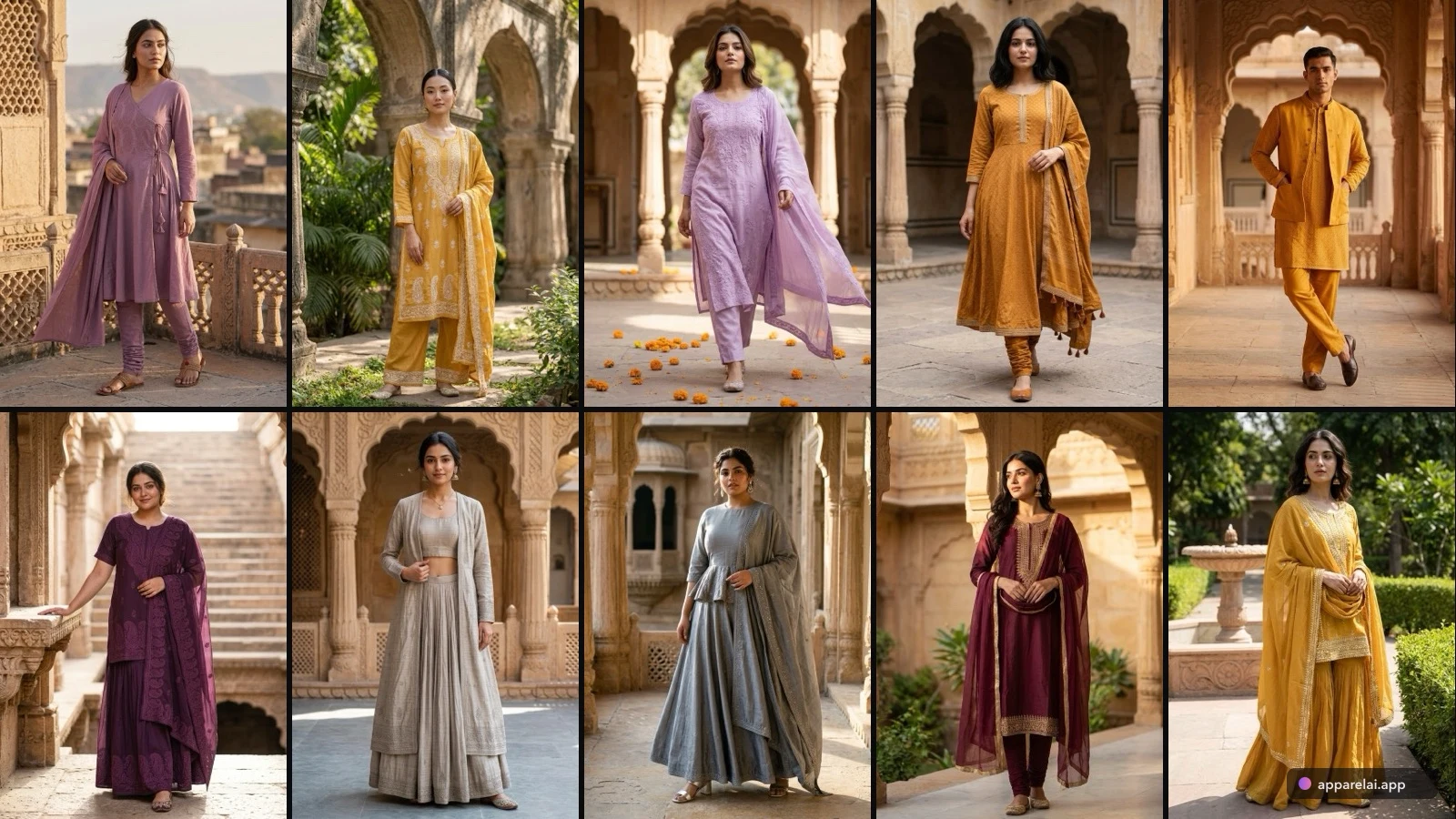
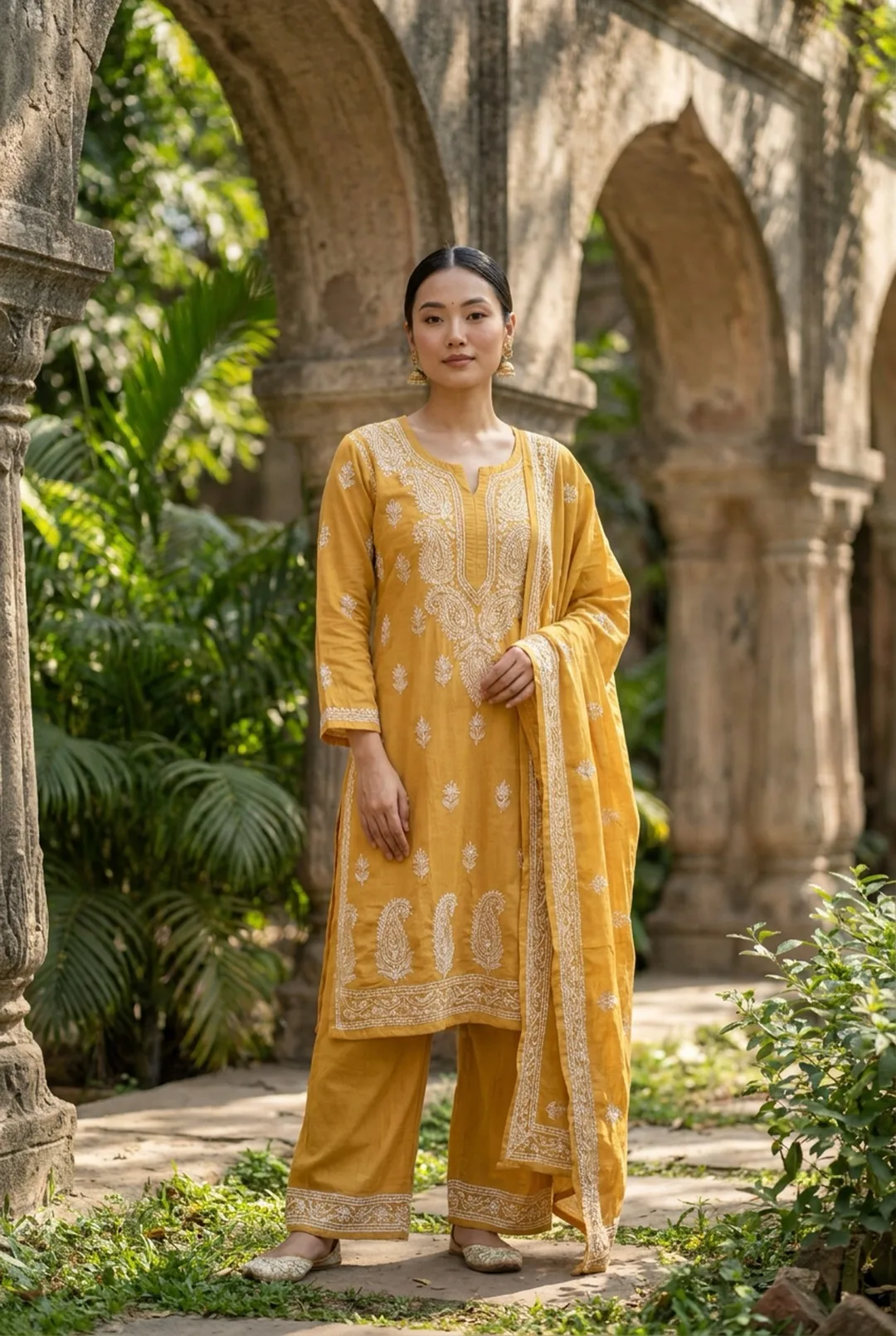
Kurtis are the workhorse of Indian fashion ecommerce. They're the highest-volume garment sold online in India, with sellers typically managing catalogs of 200-500+ styles that refresh every season. At that scale, traditional photography isn't just expensive. It's a bottleneck that delays product launches.
Here's how kurti sellers are using AI to solve the photography problem.
Why kurtis are actually easy for AI
Unlike sarees (which require complex draping) or lehengas (which have multiple pieces), a kurti is essentially a structured tunic. It has a defined shape, consistent construction, and relatively predictable drape across fabric types.
This makes kurtis one of the easiest Indian garments for AI photography. The technology handles them well because:
- •Simple garment silhouette (A-line, straight, Anarkali are all clear shapes)
- •Predictable fit on a body
- •Prints and patterns transfer cleanly
- •Neckline designs are visible and well-defined
Where AI might need more care: heavily embroidered festival kurtis, mirror work, and very lightweight fabrics that drape unusually.
The cost comparison that matters
For a kurti seller with 300 styles:
Traditional photography:
- •Model photoshoot: Rs 300-800 per kurti
- •6 images per product: Rs 1,800-4,800 per kurti
- •Total for 300 kurtis: Rs 5,40,000 - Rs 14,40,000
- •Timeline: 3-4 weeks minimum
AI photography:
- •AI tool subscription: Rs 1,000-4,000/month
- •6 images per product: Rs 5-20 per kurti
- •Total for 300 kurtis: Rs 1,500 - Rs 6,000
- •Timeline: 2-3 days
Sellers who've made the switch report 95-98% cost reduction with comparable conversion rates.
What to photograph
Your input photo determines your output quality. For kurtis, here's what works:
Flat lay basics:
- •Lay the kurti on a white or light surface
- •Smooth out wrinkles, especially around the neckline and hemline
- •Spread sleeves naturally (not folded under or awkwardly angled)
- •Make sure the full garment is visible, edge to edge
Focus on what sells kurtis:
- •Neckline design: this is the #1 thing kurti buyers look at. Make sure your source photo shows it clearly
- •Print/pattern: ensure the full pattern is visible and sharp
- •Length: show the complete garment so AI can render the correct length on the model
- •Embroidery/embellishment: if present, get it in focus with good lighting
What to skip:
- •Don't photograph on a hanger (creates unnatural shoulder shape)
- •Don't fold the kurti (AI needs to see the full garment)
- •Don't use busy backgrounds (confuses garment detection)
Platform-specific tips for kurtis
Meesho: Most kurti volume lives here. Images should feel relatable and authentic. Use AI models but keep the styling simple, not overly glamorous. Include a size chart. Meesho buyers share images on WhatsApp, so make sure the garment looks good at small sizes.
Flipkart: Remember the CMYK color space requirement. Convert your images before uploading. Model shots required (no mannequins). 1:1 aspect ratio.
Amazon India: 2000+ px for zoom. White background. On-model required for adult clothing. Amazon's algorithm rewards listings with more images, so use all 9 slots.
Myntra: 3:4 aspect ratio, 1500 x 2000 px minimum. Most stringent QC. Make sure your AI output meets their exact specifications.
Batch workflow for large catalogs
The sellers moving 300+ kurtis most efficiently follow this workflow:
Day 1: Photography
- •Set up a consistent flat lay station (white surface, two softbox lights, overhead camera mount)
- •Photograph all kurtis in batches of 50
- •A single person can photograph 100-150 kurtis in a day with this setup
Day 2: AI generation
- •Upload all photos to your AI tool
- •Set a persistent model (same model across the entire catalog for brand consistency)
- •Generate front, back, and side views for each kurti
- •Generate one lifestyle shot per kurti for social media
Day 3: Review and upload
- •Review all generated images, flag any that need re-generation
- •Export in platform-specific formats (Myntra 3:4, Flipkart 1:1 CMYK, etc.)
- •Upload to all marketplaces
Three days. 300 kurtis. All marketplaces covered. Compare that to the 3-4 week timeline with traditional photography.
The seasonal advantage
Kurti catalogs refresh frequently. Summer collections, festive collections, winter collections. Each refresh traditionally meant another round of expensive photoshoots.
With AI, refreshing your catalog is as fast as photographing new garments and running them through the same workflow. The persistent model stays the same, the background stays the same, the quality stays the same. Only the garments change.
This speed advantage means you can launch new collections days or even weeks before competitors who are still waiting for their photography studio booking.
Bottom line
Kurtis are the ideal garment for AI photography: simple shapes, high volume, and tight margins that don't support expensive photoshoots. The sellers winning this category are the ones who've built efficient AI photography workflows that let them launch fast, list everywhere, and keep costs under Rs 20 per product image.
Ready to try AI product photography?
Start with 3 free images. No credit card required.
Start Free Photoshoot