T-Shirt Photography: Mockups vs AI Models
The definitive guide to t-shirt photography for ecommerce. Compare mockup generators, AI model photos, and traditional photography. Which approach works best?
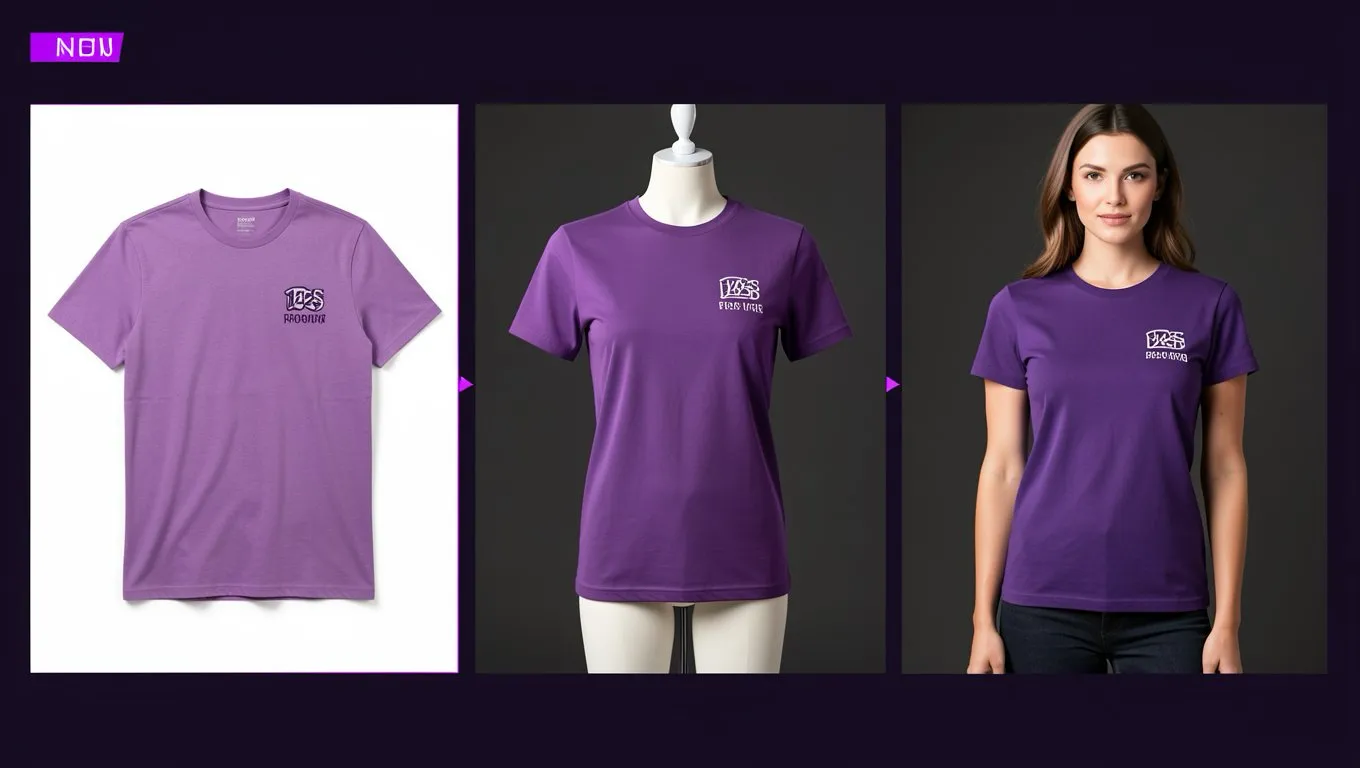
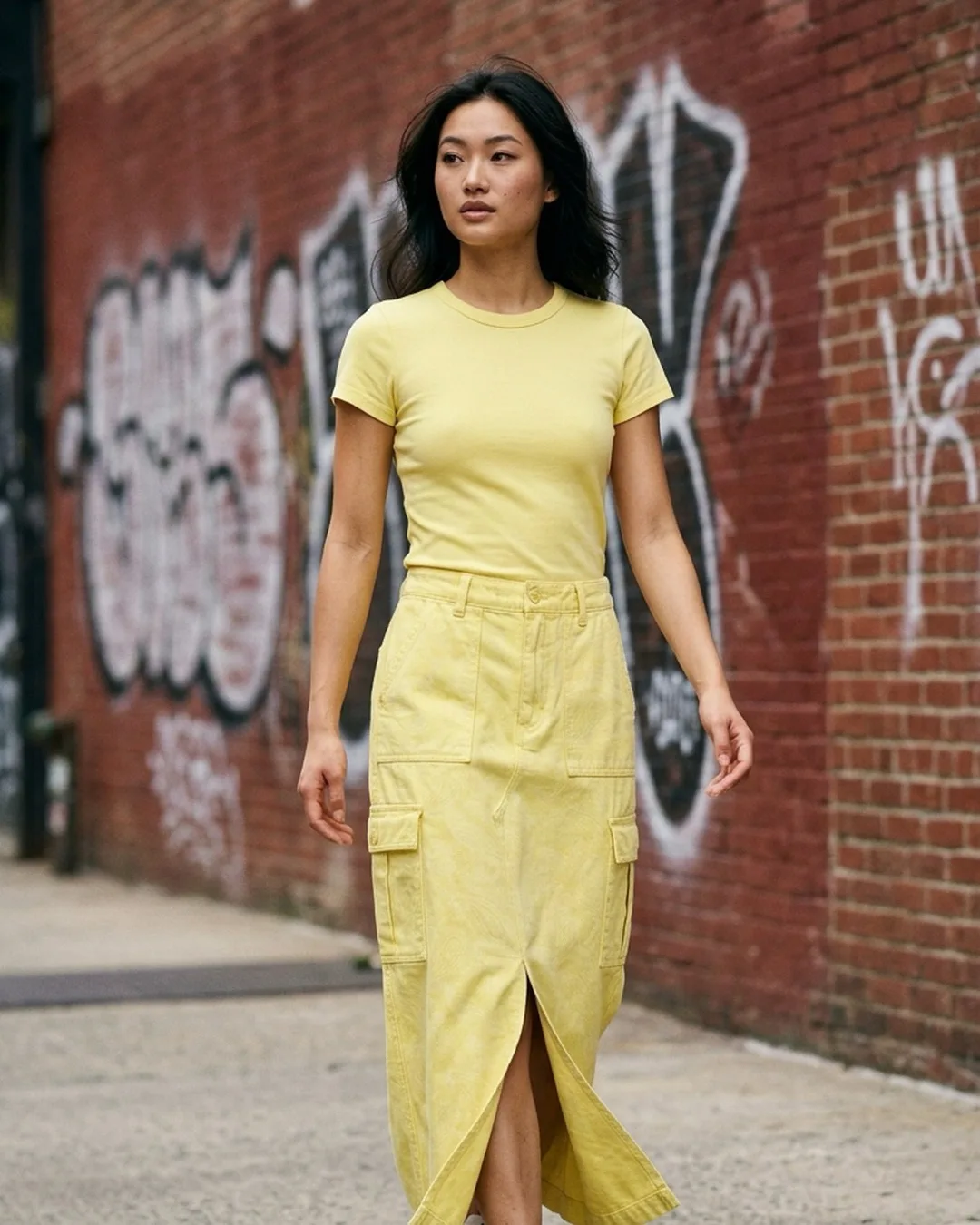
T-shirts are the most photographed garment in ecommerce. They're also one of the simplest to get right, which means the bar is high. With thousands of competing listings, your t-shirt photos need to do more than just show the product. They need to sell it.
There are three main approaches: mockup generators, AI model photos, and traditional photography. Each has trade-offs.
Mockup generators
Mockup tools take your t-shirt design and overlay it on a template photo. Think of it as photoshopping your print onto a pre-existing model photo.
Pros:
- •Cheapest option (many free tools available)
- •Instant results
- •Massive template libraries (20,000+ options on some platforms)
- •Perfect for print-on-demand sellers who need to list fast
Cons:
- •Everyone uses the same templates. Your listing looks like everyone else's.
- •The t-shirt in the mockup doesn't actually exist. Fabric texture, print placement, and color can differ from reality.
- •Buyers are increasingly savvy about spotting mockups
- •No customization of model body type or pose
- •Lighting and angle are fixed to whatever the template shows
Best for: Print-on-demand sellers listing many designs quickly, testing which designs sell before investing in inventory
AI model photos
AI takes your actual t-shirt photo (flat lay or mannequin) and generates a realistic model wearing it.
Pros:
- •Uses your real product, so print and fabric accuracy is maintained
- •Choose your model's look (body type, ethnicity, age)
- •Consistent branding with persistent model systems
- •Multiple angles from a single input photo
- •Looks like a real photoshoot
Cons:
- •Requires a decent source photo of the actual product
- •Complex graphics or all-over prints can sometimes distort
- •Small text on t-shirts may not render perfectly
- •Costs more than mockups (though still far less than traditional photography)
Best for: Brands with physical inventory who want professional on-model shots at scale
Traditional photography
Real models, real cameras, real studio.
Pros:
- •Highest possible quality and authenticity
- •Complete creative control over styling, posing, and mood
- •No risk of AI artifacts or distortions
- •Builds the strongest brand perception
Cons:
- •$200-500+ per look in the US, Rs 300-800 per garment in India
- •Days to weeks of turnaround
- •Impractical for sellers with 100+ designs
- •Need to reshoot for new collections
Best for: Premium brands where photography is part of the brand story, hero products, and campaign imagery
Getting the best AI results for t-shirts
If you're going the AI route (and most high-volume sellers should for their catalog), here's how to maximize quality:
Print clarity matters most. The number one thing that makes or breaks a t-shirt AI photo is how well the print or graphic transfers to the on-model image. Tips:
- •Photograph your t-shirt flat with the print centered and fully visible
- •Use even lighting that doesn't create shadows across the graphic
- •Shoot close enough that print details are sharp and high-resolution
- •For dark t-shirts on dark backgrounds, adjust contrast so the garment shape is clear
Fabric doesn't lie. AI does a better job with structured cotton tees than with thin, drapey fabrics. If your t-shirt is heavy cotton (like Gildan 5000), the AI will nail the fit. If it's a paper-thin polyester blend, the result might look slightly off because the fabric behaves differently on a body.
Show the fit. A relaxed fit tee and a slim fit tee of the same design look completely different on a model. When you set up your AI generation, make sure the model body type and the garment fit style match. A slim fit tee on an AI model with a relaxed pose will look wrong.
The hybrid approach that works
The most successful t-shirt sellers we see use all three methods strategically:
- Mockups for testing new designs (list fast, see what sells)
- AI model photos for proven sellers (upgrade to professional imagery)
- Traditional photos for hero products and marketing campaigns
This tiered approach means you're not spending premium photography budget on designs that might not sell, but your best sellers always have the best imagery.
For pre-production validation — testing whether a design even works before you print samples — an AI sketch-to-garment generator lets you visualize a design from a hand-drawn or digital sketch in seconds.
Platform-specific tips for t-shirts
Amazon: White background, on-model (for adult clothing). Show print detail clearly for zoom feature. Use all 9 image slots.
Shopify: Your store, your rules. Mix model shots (primary), flat lays (secondary), and lifestyle (social media). Consistent model across products.
Etsy: Original photos preferred. Natural light. Show fabric texture. If using AI for model shots, disclose it.
Print-on-demand (Printful, Printify): Mockups are standard and expected. Upgrade hero listings to AI model photos for competitive advantage.
Bottom line
For t-shirt sellers doing more than 20 designs, AI model photography hits the sweet spot between quality and cost. Mockups are fine for testing and POD, but they no longer impress buyers who've seen thousands of identical template photos. Traditional photography makes sense for your top 5-10 sellers. AI covers everything in between.
Ready to try AI product photography?
Start with 3 free images. No credit card required.
Start Free Photoshoot