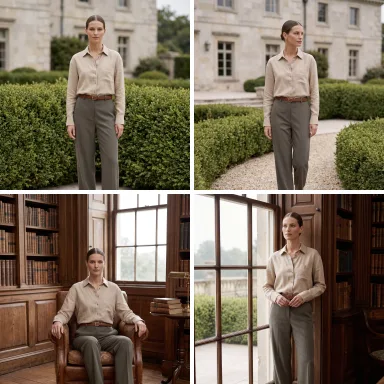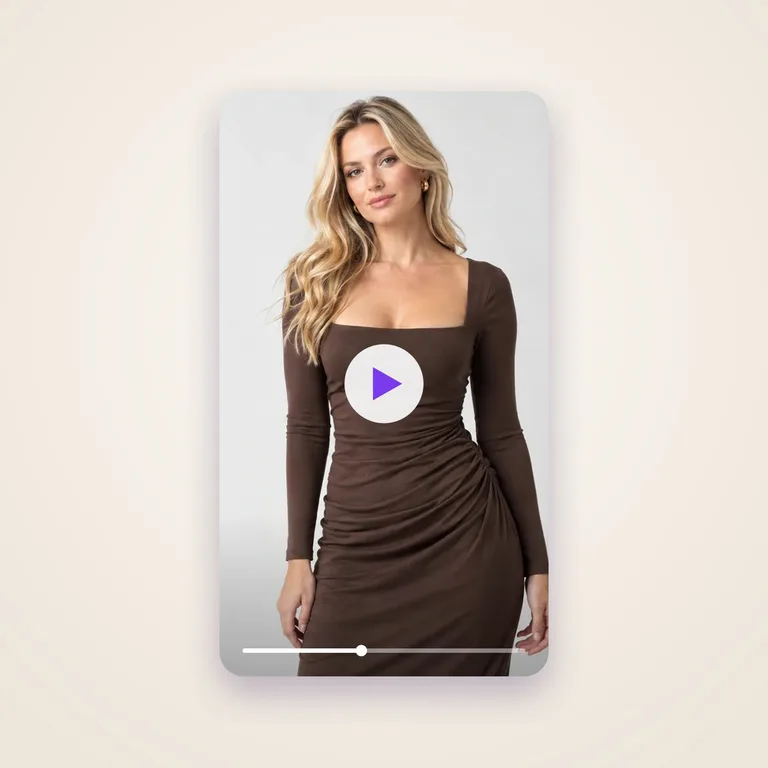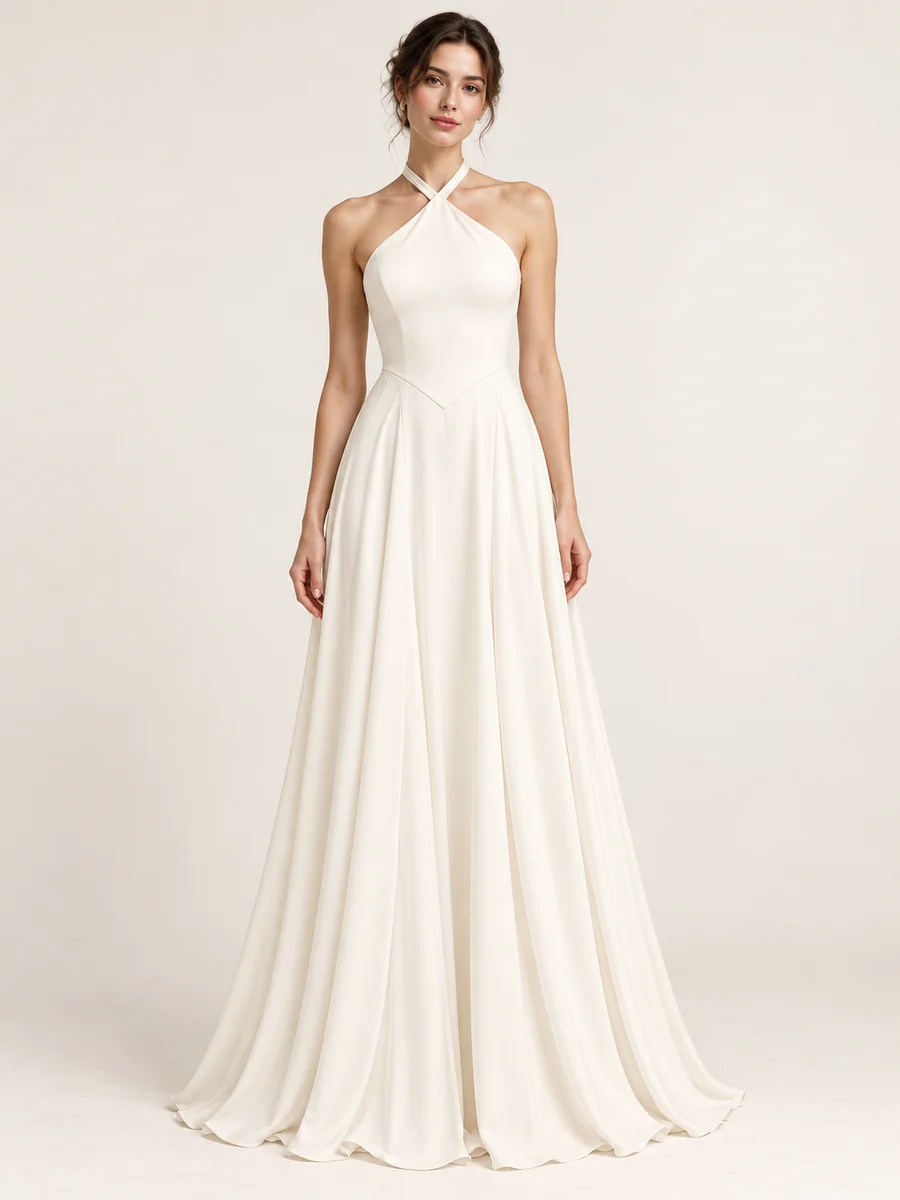
On a model
See how the garment fits and moves on a realistic AI model. For line reviews, lookbooks and pre-sale images.
Have a sketch but not sure how it will look in real life? Upload a hand-drawn croqui, a digital fashion illustration or a technical flat, and see your design as a finished garment on a model, as a flat product image or on a ghost mannequin. The fastest way to visualise a collection before sampling.
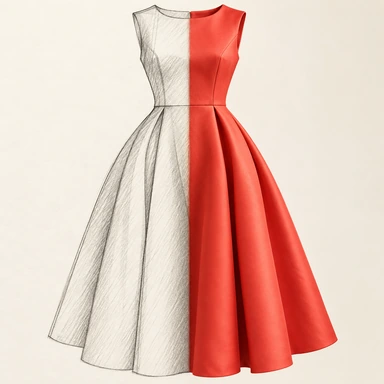
Skip the sampling-photoshoot delay. Upload any sketch - a hand-drawn croqui, a digital fashion illustration, a technical flat from a tech pack, even a quick phone photo of a paper sketch - and the AI renders the design as a photorealistic garment on a model. Add a short style hint like "oversized linen, summer, soft drape" and the output dials in. Designers use it for line review, buyers use it for selection, merchandisers use it for early-season lookbooks. Choose how you want to see the result: on an AI model, as a flat product image, or on a ghost mannequin.
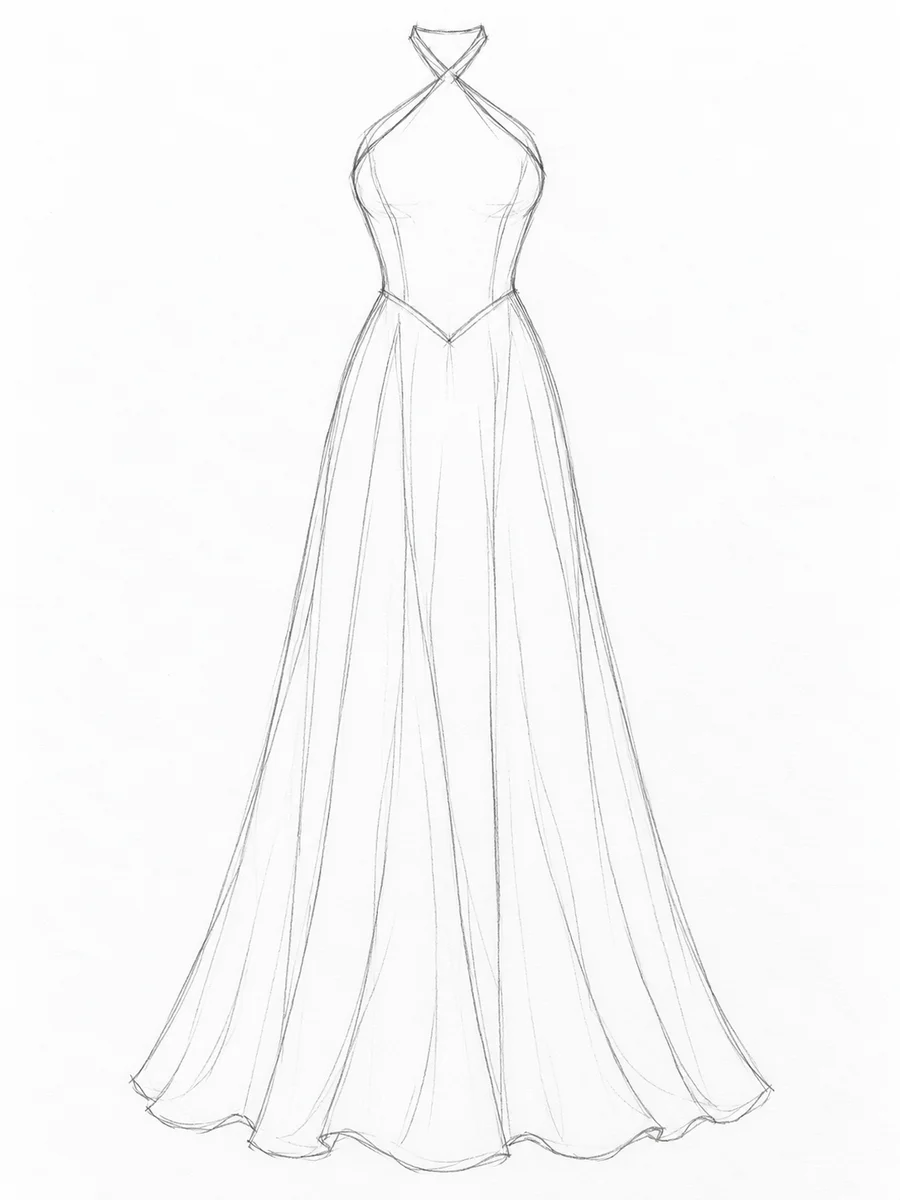
An illustrative sketch-to-garment example: crossed halter straps, a V-shaped waist seam and a flowing skirt visualised as a finished dress.
See how the garment fits and moves on a realistic AI model. For line reviews, lookbooks and pre-sale images.
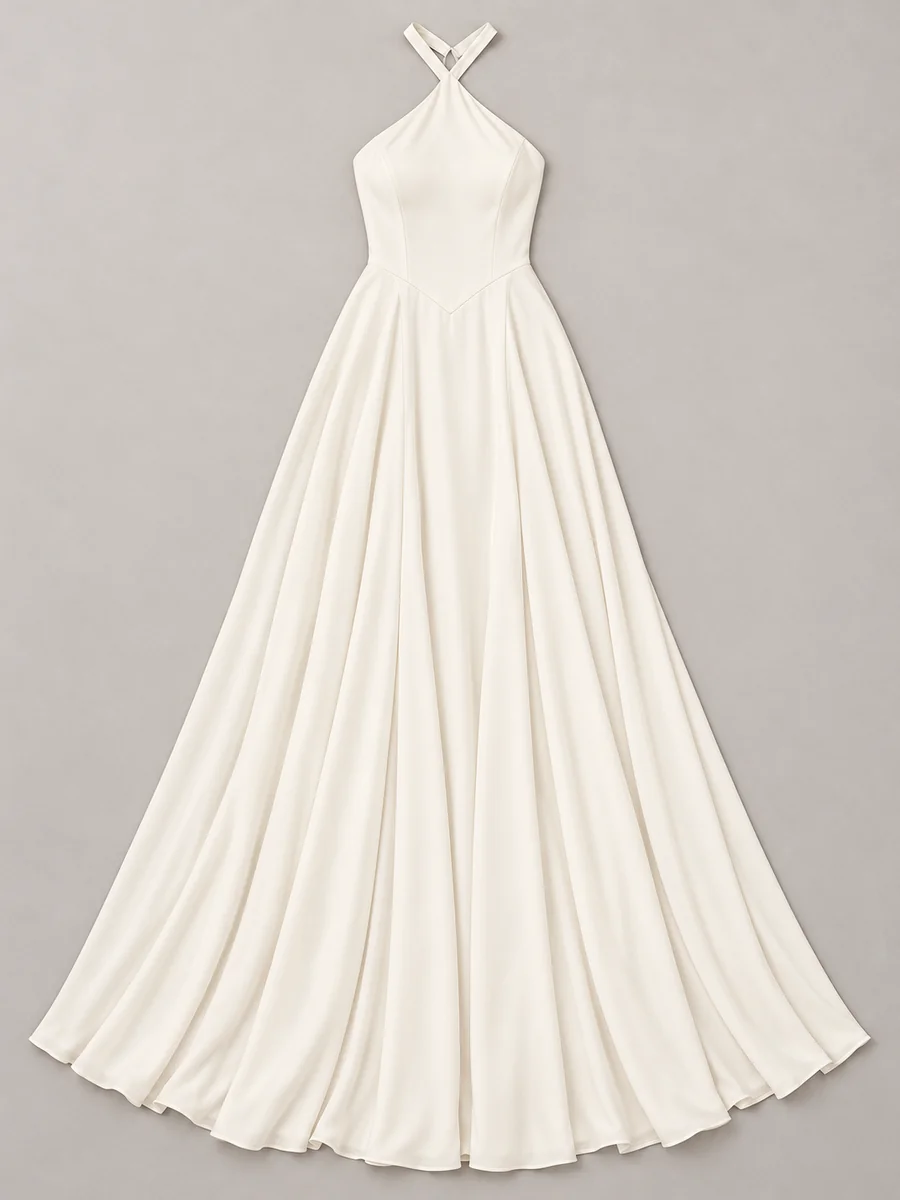
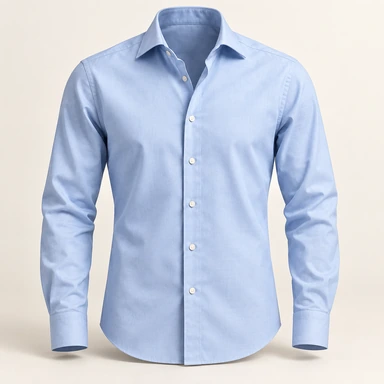
A clean flat render of the garment. For tech pack previews and catalogue planning.
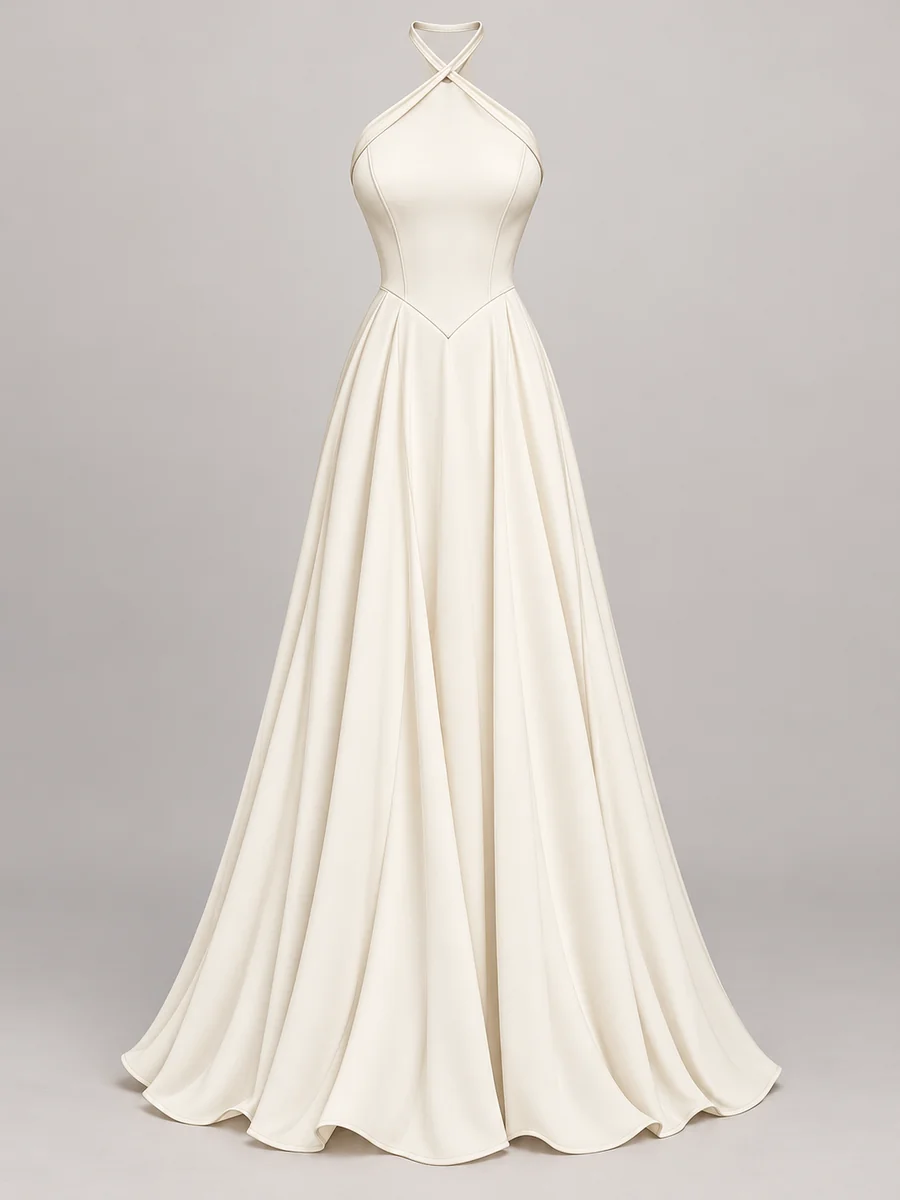
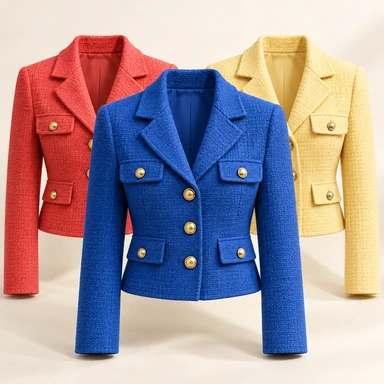
The garment in 3D shape with no visible model, rendered on a ghost mannequin. For product pages and buyer presentations.
Hand-drawn croqui, digital fashion illustration, technical flat, even a phone photo of paper. Any format works.
Short phrases like "linen, oversized, summer" or "silk chiffon, evening" help the AI dial in fabric and fit.
A photorealistic render of your design on an AI model, as a flat image or on a ghost mannequin, ready for line review, mood boards or early lookbooks.
Step-by-step guide in the ApparelAI docs: How to turn a fashion sketch into a garment photo (opens in a new tab)
| Aspect | ApparelAI | ChatGPT, Midjourney and general-purpose AI |
|---|---|---|
| Output options | On model, flat or ghost mannequin | Whatever the prompt produces |
| Input | Your actual sketch or tech pack | Text prompt only |
| Stays on-design | Renders your specific design | AI's imagination, often off-brief |
| Tech pack flat support | Native | Not supported |
| Workflow | Direct sketch upload | Iterative prompting |
| Fashion-specific training | Yes | General-purpose model |
ChatGPT and other general AI tools can create clothing ideas from a text prompt, but they invent the design themselves. An AI fashion design generator like ApparelAI starts from your own sketch, so the result stays true to your design.
It depends on where you start. If you already have sketches, choose a tool that renders your sketch, rather than one that only works from text. ApparelAI turns your sketch into a realistic garment on a model, as a flat image or on a ghost mannequin.
Yes. You can render the garment on an AI model, as a flat product image or on a ghost mannequin.
Yes. ApparelAI gives you 3 free credits with no credit card, enough to render your first sketch.
Anything visual: hand-drawn croquis, digital fashion illustrations from Procreate or Illustrator, technical flats from CLO/Optitex/Vstitcher tech packs, even a phone photo of a paper sketch. JPG or PNG, any aspect ratio.
No. The AI does its best to interpret rough sketches, but cleaner line work (technical flats or refined croquis) produces sharper renders. The style hint helps a lot.
A real sample needs the garment to be physically made, sent to a photographer, modeled, shot and edited - a 2-4 week cycle and 100s of dollars per look. Sketch-to-Garment renders the same design in seconds for 1 to 3 credits, depending on resolution, so you can review entire collections at sketch stage.
Yes. Generate the base render from your sketch first, then run it through the Color Variation tool for color stories or use a style hint at generation time to specify a fabric.
The output is a photorealistic preview, not a tech pack. It helps with design decisions, line review, mood boards and pre-sale imagery - but production still needs proper patterns and tech packs.
Start with 3 free credits. No credit card required.
Start free - 3 credits, no card