AI Fashion Design: How to Design Clothing with AI
AI fashion design explained: how designers use AI, a step-by-step way to design clothing with AI, the main tool types, and what AI still can't do.
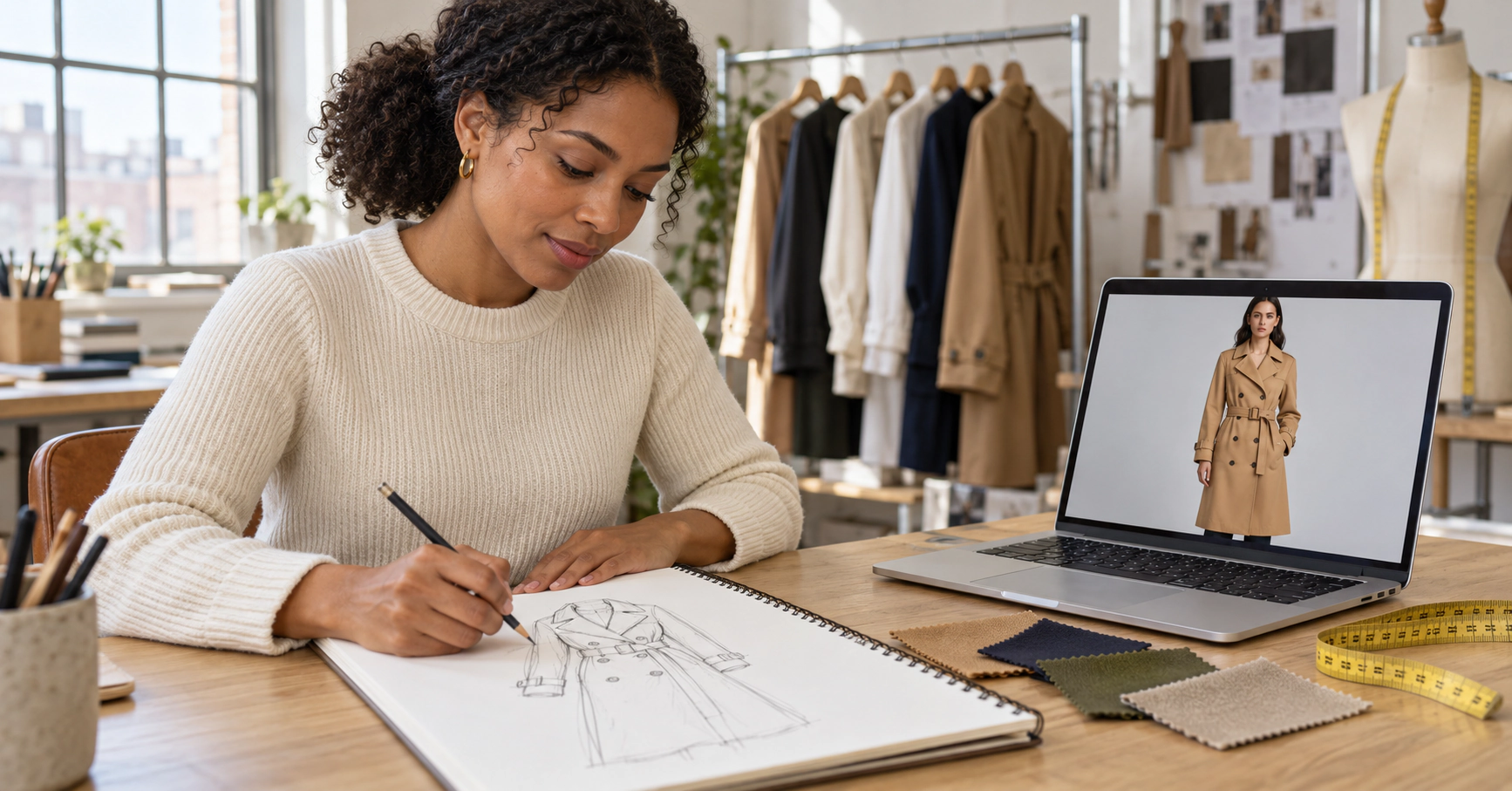
A new design used to take days to go from idea to something you could show a buyer: sketch it, draw it again cleanly, wait for a sample, then photograph it. AI fashion design cuts the first part of that process down to minutes. You can see a sketch as a realistic garment, test it in five colors and put it on a model before you pay for a single sample.
This guide explains what AI clothing design is, how designers actually use it, a step-by-step way to design clothes with AI, the main types of tools, and the limits you should know about.
What Is AI Fashion Design?
AI fashion design is the use of artificial intelligence in the design stage of clothing: creating ideas, visualizing sketches, exploring prints and colors, and presenting garments before they exist. Instead of drawing every variation by hand or waiting weeks for samples, designers use AI to generate and review options quickly, then take the best ones forward to production.
It covers two very different approaches:
- •Creating from a prompt: you describe a garment in words and the AI invents a design. Good for inspiration, but the result is the AI's idea, not yours.
- •Creating from your own design: you upload a sketch, a fashion croquis drawing or a technical flat, and the AI renders it as a realistic garment. The design stays yours.
Most working designers use both: prompts for early ideas, then their own sketches for the pieces they actually want to make.
How Fashion Designers Use AI
AI for fashion design is most useful in the steps that are slow, repetitive or expensive:
- •Idea generation and moodboards. Generate quick visual directions for a season, then pick the few worth developing.
- •Turning sketches into realistic garments. See how a hand-drawn design will look in real fabric, with folds, drape and texture.
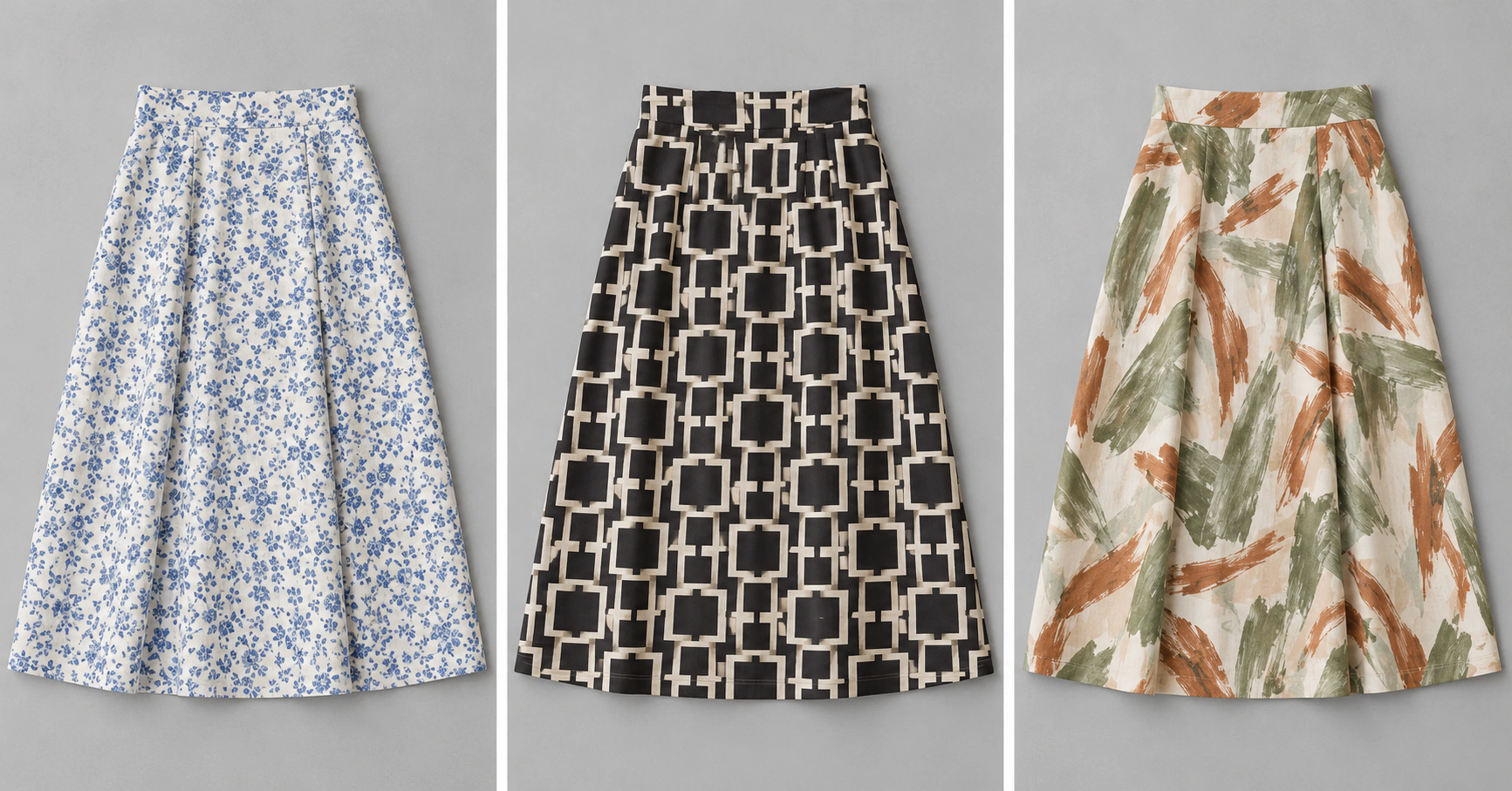
- •Prints and patterns. Try a design in several prints without repainting it each time.
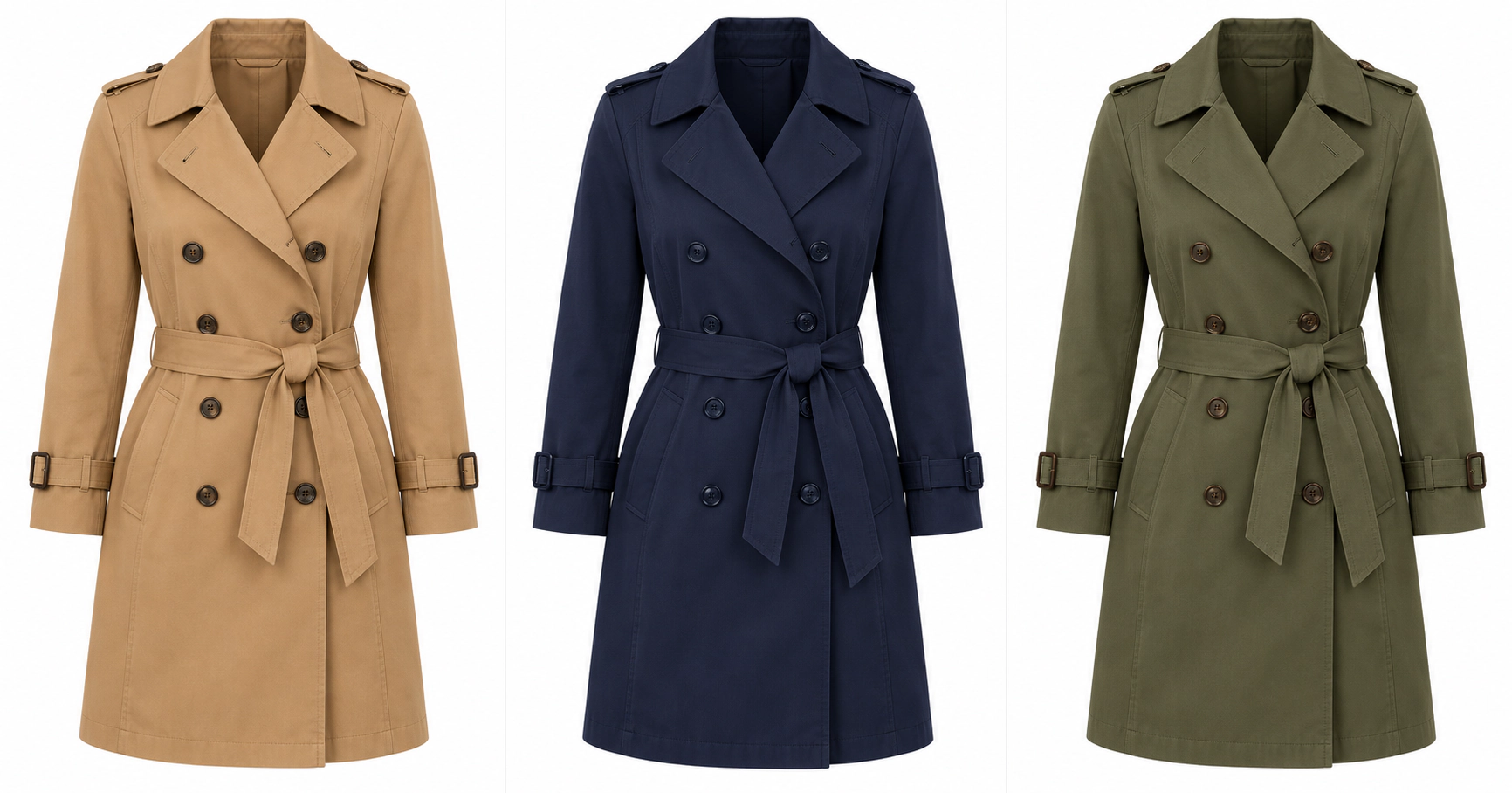
- •Colorways. Show one style in every color you are considering. Read more about colorways.
- •Line reviews and pre-selling. Show buyers and retailers realistic images before samples arrive.
- •Marketing images. Once a design is approved, create on-model images for your store and social media.
How to Design Clothes with AI: Step by Step
Here is a simple workflow that works whether you are a solo designer or a small brand.
1. Write a short design brief
Before opening any tool, write down who the garment is for, the season, the target price and the fabric you have in mind. A clear brief keeps AI results focused instead of random.
2. Sketch the design
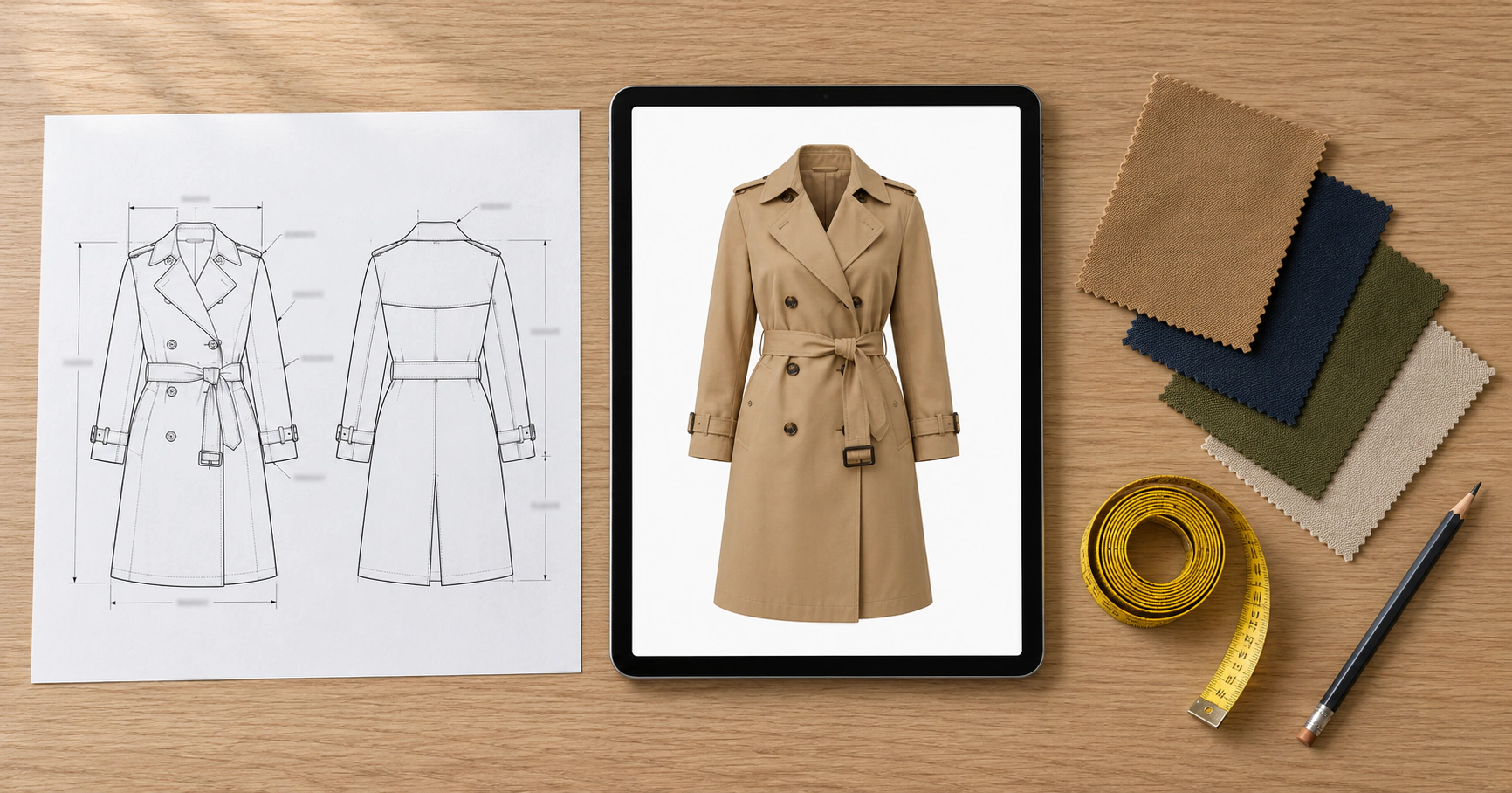
Draw the garment on a croquis or as a technical flat. It doesn't need to be polished. A clear outline of the silhouette, seams, pockets and closures is enough.
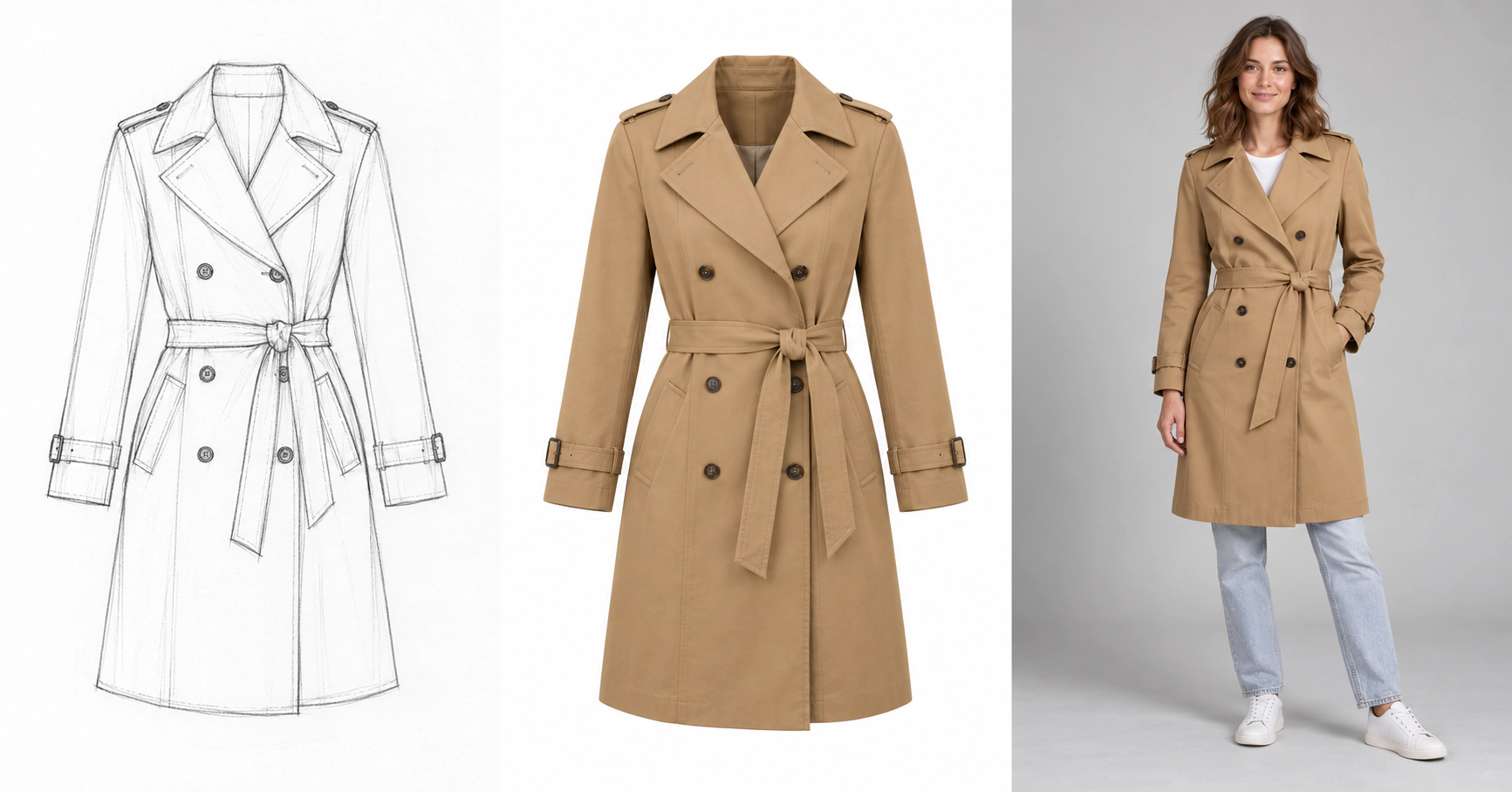
3. Turn the sketch into a realistic garment
Upload a photo of your sketch to ApparelAI's Sketch to Garment tool and add a short note about the fabric and color, for example "camel cotton gabardine, double-breasted, tie belt". The AI renders your design as a realistic garment, so you can judge proportions and details before sampling.
4. Explore colorways and prints
Once the shape is right, generate the same design in every color you are considering. With a color variation tool, you can compare a full colorway range side by side and drop the weaker options early.
5. Preview the design on a model
See the approved design on a realistic model, as a flat product image or on a ghost mannequin. This is what you take into a line review or show to early customers to test interest.
6. Hand over to production with a tech pack
AI images help you decide, but a factory can't make a garment from a picture. Finalize the design in a tech pack with measurements, materials, construction details and a size chart, then order a physical sample.
AI Fashion Design Tools, by Type
There is no single best AI for fashion design. The right tool depends on what you start with and what you need at the end.
| Tool type | What it does | Best for |
|---|---|---|
| Text-to-image AI | Creates a garment idea from a written prompt | Early inspiration and moodboards |
| Sketch-to-garment AI | Renders your own sketch as a realistic garment | Visualizing your designs before sampling |
| Print and color tools | Generate prints and recolor a design | Colorways and print development |
| 3D design software | Builds digital garments from patterns and simulates fit | Pattern-accurate prototypes and fit checks |
| Virtual try-on | Shows a garment on a shopper's own photo | Online stores and customer experience |
| AI model photography | Puts a finished garment on a realistic model | Marketing and product page images |
General tools like ChatGPT and Midjourney fall into the text-to-image group. They are great for ideas, but they invent the design rather than following your sketch. See how Sketch to Garment compares with ChatGPT and Midjourney. For the shopper side, read our explainer on virtual try-on.
How to choose the best AI for fashion design
When you compare AI fashion design tools, check five things:
- •Your starting point. If you already sketch, choose a tool that works from your sketch, not only from text.
- •Design accuracy. Seams, pockets, closures and proportions should match your drawing.
- •Output options. On a model, as a flat image or on a ghost mannequin, depending on how you present designs.
- •Colorways. Recoloring one approved design is much faster than generating each color from scratch.
- •Rights and privacy. Check that you own the images you create and that your unreleased designs aren't shared or used for training.
What AI Clothing Design Can't Do Yet
AI is a fast visualization tool, not a replacement for product development. Keep these limits in mind:
- •It can't guarantee fit. An image shows how a garment looks, not how it fits a real body in every size. Fit still needs a sample and a fitting.
- •Fabric is approximate. AI can suggest how a fabric drapes, but real weight, stretch and handle only show up in a sample.
- •Construction details need checking. Small details like topstitching, linings and closures can come out wrong and need a careful review.
- •Originality is your responsibility. Prompt-based tools can produce designs close to existing ones. Starting from your own sketch keeps the design yours.
- •Production still needs a tech pack. Factories work from specifications, not images.
Start Designing with AI
AI won't replace your eye as a designer, but it can take days out of every design cycle. Sketch your idea, see it as a realistic garment in minutes, test every colorway, and only sample the designs you're sure about.
Try Sketch to Garment free with 3 credits → No credit card required.
Related reading: Fashion croquis · Technical flat · How to create a fashion lookbook with AI
Frequently Asked Questions
Is there an AI for fashion design?
Yes. There are AI tools for every stage of fashion design: text-to-image tools for ideas, sketch-to-garment tools that render your own drawings, print and color tools for colorways, 3D software for fit, and AI model photography for marketing images.
How are fashion designers using AI?
Designers use AI to generate ideas and moodboards, turn sketches into realistic garments, test prints and colorways, show buyers realistic images before samples arrive, and create marketing images once a design is approved.
Will AI replace fashion designers?
No. AI speeds up visualization and repetitive work, but designers still decide what to make, judge fit and fabric, and prepare the tech pack and samples that production depends on.
Do I still need a sample if I design clothes with AI?
Yes. AI images help you choose which designs to develop, but fit, fabric and construction can only be checked on a physical sample made from a tech pack.
Ready to try AI product photography?
Start with 3 free credits. No credit card required.
Start Free Photoshoot