How to Create a Fashion Lookbook with AI in One Afternoon
Traditional lookbooks take weeks and cost thousands. AI lets you create seasonal lookbooks in hours. Here is the step-by-step process.
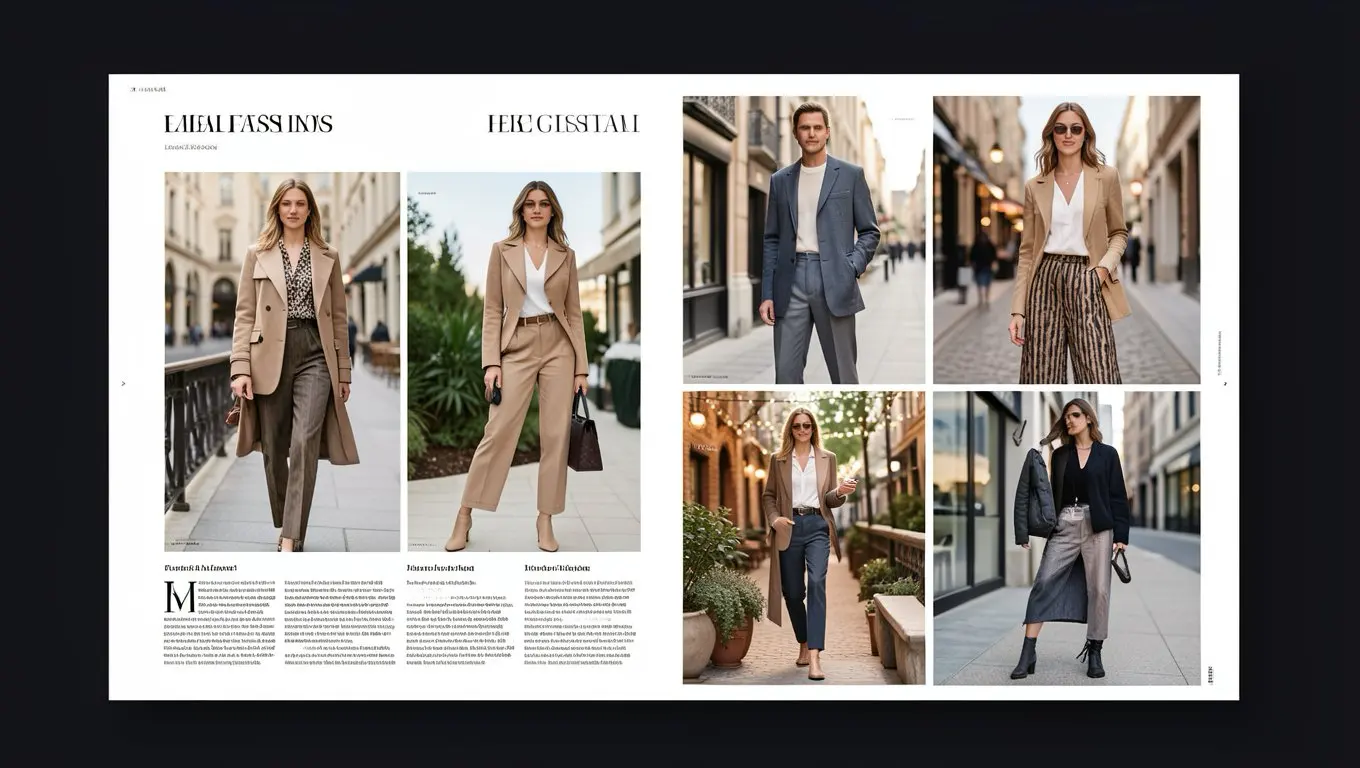
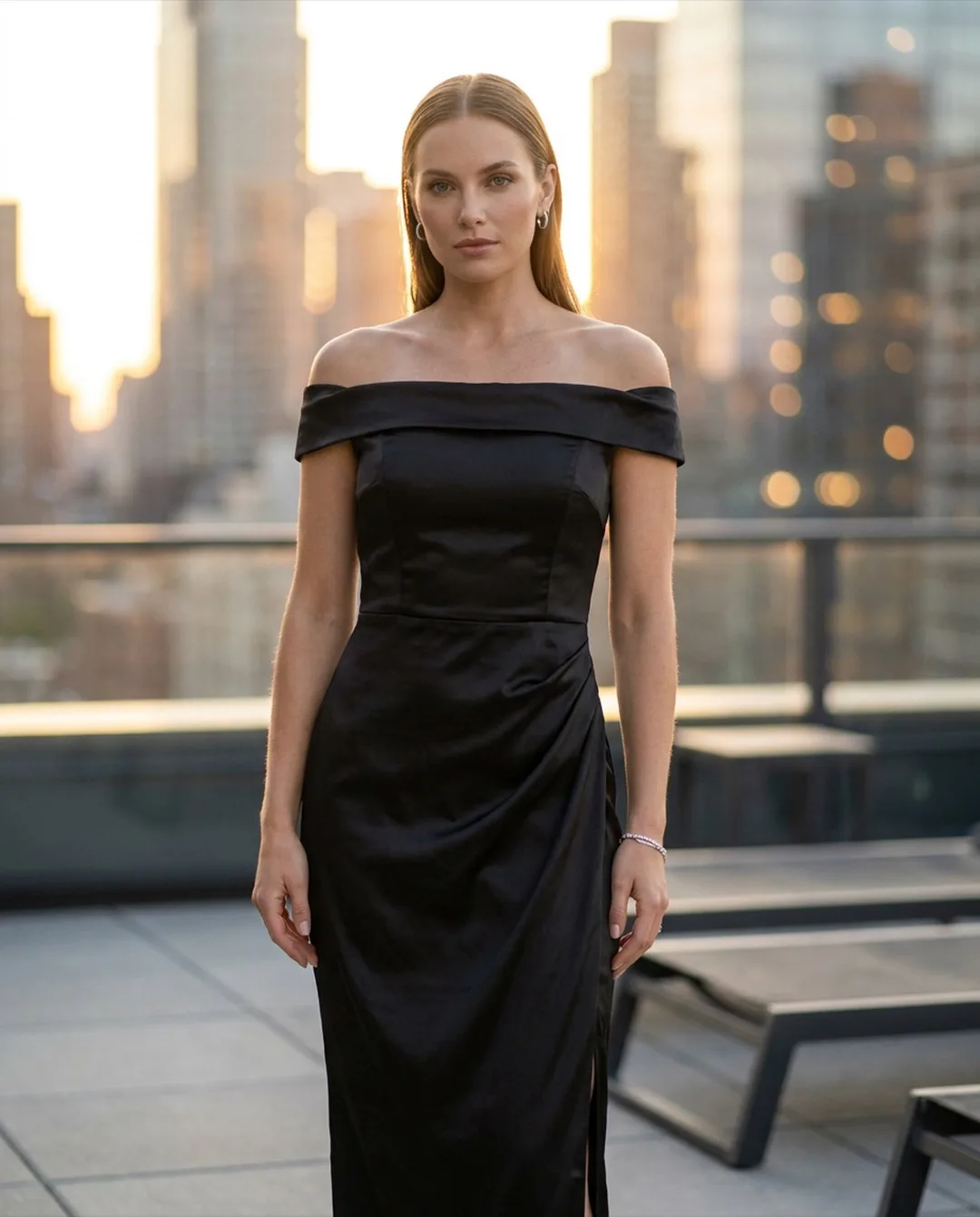
A lookbook isn't just a catalog. It's a mood, a story, a vision for how your collection comes together. It shows buyers not just what each piece looks like, but how it fits into a lifestyle and a wardrobe.
The problem? Traditional lookbooks are a production. Location scouts, model bookings, creative directors, photographers, stylists. A single lookbook shoot can cost Rs 1,00,000 to Rs 5,00,000 ($5,000-25,000). Smaller brands just skip it entirely, which means they're competing without one of fashion's most effective sales tools.
AI changes the timeline from weeks to hours and the budget from thousands to hundreds.
The quickest way to start is the AI Lookbook Generator: upload one outfit photo, pick a mood, and get four styled looks of the same model in about a minute. The workflow below shows how to plan a full lookbook around it.
What makes a lookbook different from product photos
Product photos answer: "What does this garment look like?"
Lookbooks answer: "What kind of person wears this? What world do they live in? How do these pieces work together?"
A good lookbook includes:
- •Styled complete outfits (not just individual garments)
- •Lifestyle backgrounds that match the collection's mood
- •Consistent model identity throughout (the "character" wearing your brand)
- •A visual narrative that flows from one look to the next
- •Seasonal context that connects with the buyer's current needs
The AI lookbook workflow
Step 1: Define your concept (30 minutes)
Before opening any tool, answer these questions:
- •What season/occasion is this collection for?
- •Who is your target customer? (age, style, lifestyle)
- •What mood do you want? (minimal, vibrant, luxe, casual, urban)
- •What backgrounds match that mood? (studio, outdoor, urban, home)
- •How many looks will you feature? (8-15 is standard)
Step 2: Select and style your garments (1 hour)
Pull together the outfits you want to feature. For each look:
- •Choose the hero garment (the piece you want to sell most)
- •Pair it with complementary pieces from your collection
- •Note any accessories or styling details
Photograph each complete outfit as a flat lay. Arrange pieces as they'd be worn together. (An AI outfit builder can speed this up by mocking up combinations on a model before you commit to physical styling.)
Step 3: Set up your AI model (15 minutes)
Create a persistent AI model that embodies your brand:
- •Choose body type, ethnicity, and age range that matches your target customer
- •Select a hairstyle and overall look that fits the collection's mood
- •This model will appear throughout the lookbook for consistency
Step 4: Generate your lookbook shots (2-3 hours)
For each outfit:
- •Upload the flat lay photo
- •Generate the model wearing it against your chosen background
- •Create 2-3 variations (different poses, slight angle changes)
- •Generate at least one full-length and one three-quarter crop
Step 5: Curate and sequence (1 hour)
Select the strongest images and arrange them in a sequence that tells a story:
- •Open with your strongest look (first impression matters)
- •Group by theme or occasion
- •Alternate between full-length and cropped shots for visual variety
- •End with a statement piece
Step 6: Layout and export (1-2 hours)
Use any design tool (Canva, Figma, even PowerPoint) to create the final lookbook:
- •Add your brand logo and collection name
- •Include product names and prices
- •Keep text minimal. The images should do the talking
- •Export as PDF for email/wholesale and as individual images for social media
Total time: one afternoon. Compare that to the 2-3 weeks required for a traditional lookbook shoot.
Where to use your lookbook
Wholesale buyers: Send as a PDF with order information. Professional lookbooks help independent brands get taken seriously by retailers.
Email marketing: Seasonal lookbook emails consistently outperform standard promotional emails in engagement rates.
Social media: Individual lookbook images make excellent Instagram carousel posts. A 10-slide lookbook carousel can showcase your entire collection in one post.
Website: A dedicated lookbook page on your site gives customers a curated view of how pieces work together, encouraging multi-item purchases.
Press and PR: Fashion editors and bloggers expect lookbook imagery. Without one, you're invisible to media opportunities.
Tips for lookbooks that actually convert
Show pieces together. The whole point of a lookbook is showing how garments combine. A lookbook of individual products isn't a lookbook. It's a catalog.
Make it shoppable. Every look should link to the products shown. In a PDF, include product codes. On your website, add "shop this look" links. Remove any barrier between inspiration and purchase.
Match the season. A winter lookbook in July feels wrong. Time your lookbooks to land 2-4 weeks before the season starts, when buyers are planning their wardrobe updates.
Less is more. A focused 10-look lookbook is more impactful than a 40-look one that dilutes the story. Edit ruthlessly. Only include your strongest combinations.
Bottom line
Lookbooks are one of fashion's most effective sales tools, but their production cost has traditionally excluded smaller brands. AI photography removes that barrier. An afternoon of focused work can produce a lookbook that would have taken weeks and thousands of dollars just a year ago.
The brands that will stand out aren't the ones with the biggest photography budgets. They're the ones who combine creative vision with efficient tools to tell compelling stories about their collections.
Ready to try AI product photography?
Start with 3 free images. No credit card required.
Start Free Photoshoot