Product Photos Causing 22% of Returns? Fix It
Fashion has a 26% return rate and bad product photos are a major driver. Data-backed strategies to reduce returns through better photography.
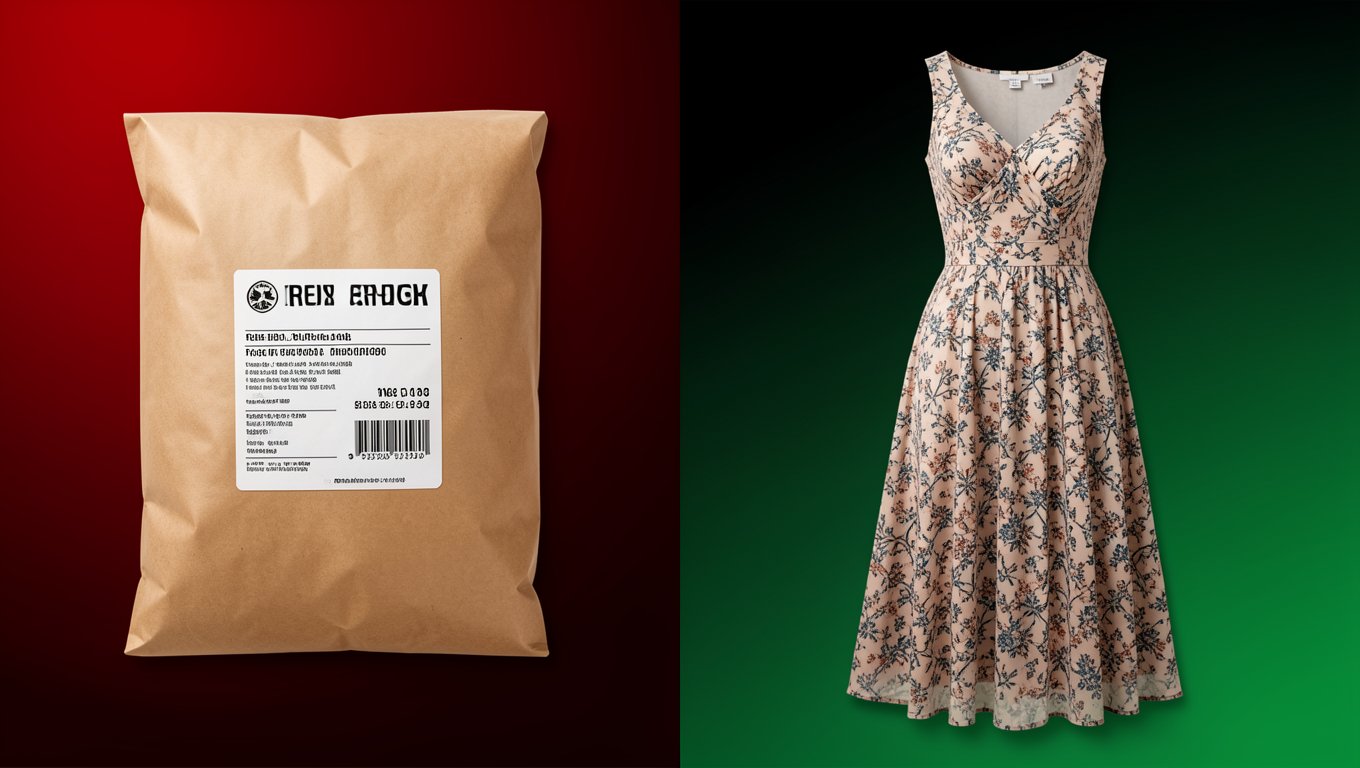
Every returned garment costs you $15-30. Shipping, handling, inspection, restocking, sometimes writing it off entirely. For a fashion brand with a 26% return rate (the industry average), returns aren't just annoying. They're a profit killer.
And here's the part that hurts: 22% of those returns are because the product looked different from the photos. Not wrong size. Not buyer's remorse. Your photos set the wrong expectation.
That's fixable.
Why photos cause returns
Color inaccuracy is the biggest offender. A "burgundy" dress that looks "maroon" on the buyer's screen. A "forest green" that reads as "olive." Color perception varies across devices, but the problem starts with the source photo. Poor white balance, inconsistent lighting, and aggressive color grading all distort what the buyer expects to receive.
Fit misrepresentation comes second. A dress on a size 2 model gives no indication of how it looks on a size 12 buyer. A slim-fit shirt that looks relaxed because the model has narrow shoulders. The photo isn't lying, but it's not telling the whole truth either.
Fabric expectations rank third. A silky-looking blouse that arrives feeling like polyester. A thick-looking sweater that's actually thin and scratchy. Photos that make fabric look better than it is generate sales, but they generate returns too.
Missing details catch buyers off guard. The zipper they didn't see. The lining (or lack of lining) that wasn't shown. The hemline that hits differently than expected. Every detail left out of your photos is a potential return reason.
The photo checklist that reduces returns
Based on what we've seen work across hundreds of fashion brands:
Color accuracy
- •Shoot with proper white balance (use a gray card if needed)
- •Don't over-saturate or boost vibrancy in editing
- •If the garment color looks different on your screen than in person, adjust until it matches reality
- •Include the garment name's color in the image context: "Shown in Dusty Rose"
- •When in doubt, err on the side of slightly muted. Buyers forgive a pleasant surprise more than a disappointment.
Fit representation
- •Show the garment on at least two body types if possible
- •Include measurements or a size chart as one of your listing images
- •Use consistent model sizing: if your model is 5'9" wearing a size M, say so
- •AI photography makes multi-body-type imagery affordable. Use this to show your garment on slim, medium, and plus-size models from the same source photo.
- •Photograph the garment in its intended fit. Don't clip a loose-fit shirt to look fitted.
Fabric honesty
- •Include at least one close-up shot showing the actual fabric texture
- •If the fabric has stretch, show it stretched slightly (activewear, jersey)
- •Show transparency: if a white shirt is somewhat see-through, better to show it than surprise the buyer
- •Never use heavy blur or smoothing on fabric close-ups
Complete product visibility
- •Show front, back, and side views
- •Show any closures (zippers, buttons, ties)
- •Show interior details (lining, labels, pockets)
- •Show the hemline, neckline, and cuffs clearly
- •If the garment comes with accessories or extras, show them
The size-inclusive photography impact
This deserves its own section because the data is striking:
Brands that show garments on diverse body types report:
- •10-20% reduction in return rates for extended sizes
- •28% increase in conversion for plus-size items
- •Higher customer satisfaction scores across all sizes
The reason is straightforward: when a size XL buyer can see how a garment looks on a body similar to theirs, they make a more informed purchase. They're not guessing based on a photo of a size S model. They can see the actual fit, drape, and proportions for their size.
AI photography makes this economically viable. Generating the same garment on four body types costs essentially the same as generating it on one.
Measuring the impact
Track these metrics before and after improving your product photos:
Return rate by reason: Your ecommerce platform should let you categorize return reasons. Track "looks different" and "doesn't fit as expected" separately.
Return rate by product: Some products have high return rates because of photography issues, not product issues. Identify which products have disproportionate returns and audit their photos.
Return rate by size: If larger sizes have higher return rates, it's likely a photography problem (not showing the garment on representative body types).
Revenue impact: Calculate the dollar value of a 5% return rate reduction. For most fashion brands, this number is surprisingly large.
The ROI calculation
Let's say your store does $500,000 in annual revenue with a 26% return rate. That's $130,000 in returned products. Assuming $20 in handling cost per return: $2,600 items returned x $20 = $52,000 in return processing costs alone.
If better photos reduce your return rate from 26% to 21% (a realistic improvement), that's:
- •250 fewer returns per year
- •$5,000 saved in processing costs
- •$12,500 in revenue retained (products that would have been returned but weren't)
- •Total impact: $17,500 per year
The cost of generating better photos with AI for a 200-product catalog: under $1,000.
That's a 17x return on investment. In the first year.
Bottom line
Most fashion brands treat returns as a cost of doing business. They are, to some extent. But the 22% of returns caused by misleading photos? That's waste. It's money spent acquiring a customer, fulfilling an order, and processing a return, all because the product didn't match what the buyer expected from the photos.
Fix the photos. Reduce the returns. Keep the revenue.
Ready to try AI product photography?
Start with 3 free images. No credit card required.
Start Free Photoshoot