Myntra Photography Guidelines for Sellers
Complete guide to Myntra photography requirements for sellers. Image dimensions, white background rules, model photo specs, and how AI can help you pass QC.
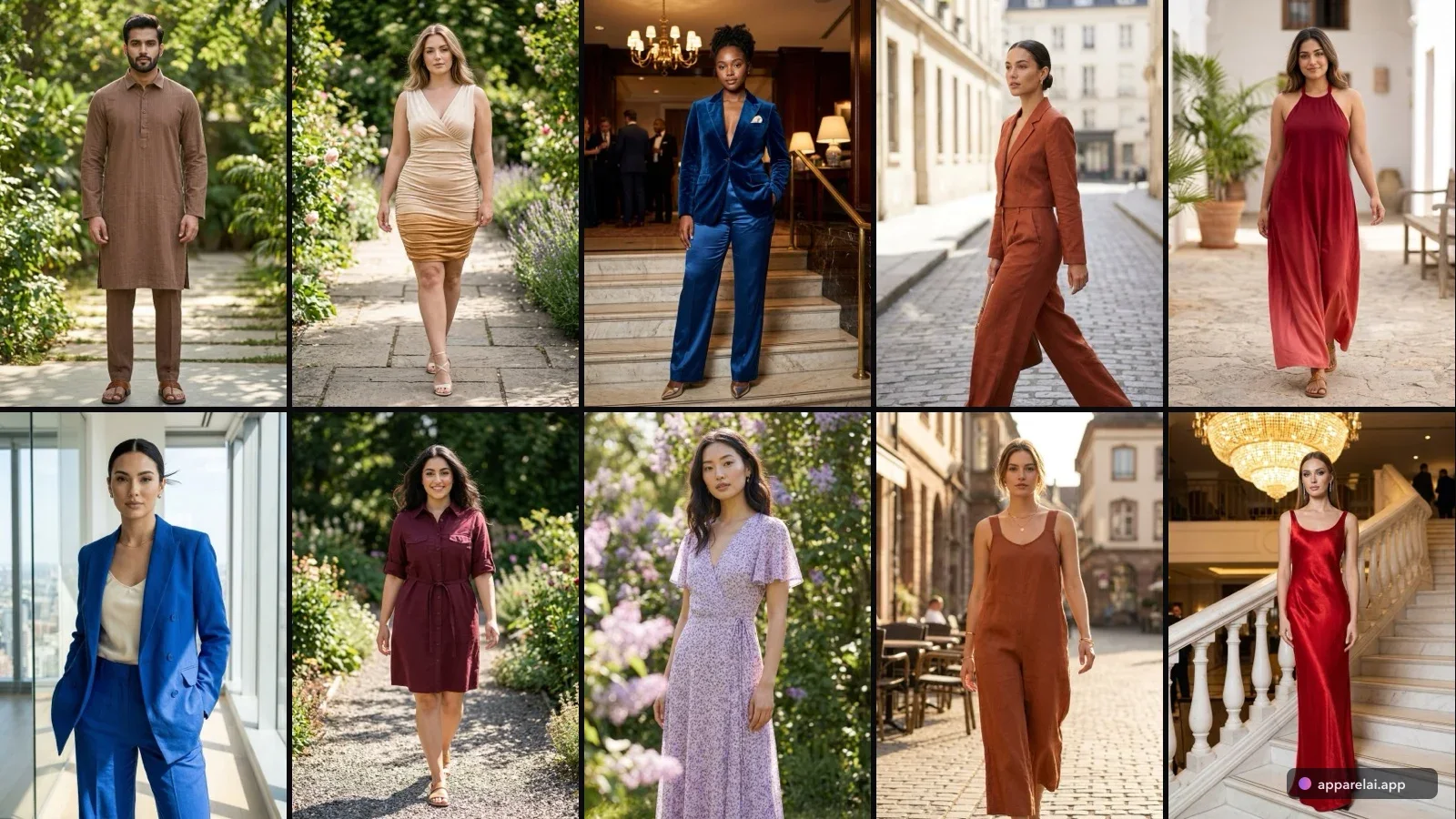
If you sell fashion on Myntra, you already know the drill. You upload your product photos, wait for QC review, and then get that dreaded rejection email. Wrong dimensions. Background not white enough. Model pose not approved. It feels like a guessing game.
It doesn't have to be. Here's exactly what Myntra expects, why photos get rejected, and how sellers are using AI to get listings approved on the first try.
Myntra image specifications
Let's start with the hard requirements:
Dimensions and format:
- •Minimum 1500 x 2000 pixels, aspect ratio 3:4 (portrait orientation)
- •Resolution: 72 DPI or higher
- •Color profile: sRGB
- •Format: JPEG preferred
Background and composition:
- •Pure white or light neutral background. No exceptions.
- •Product must fill 80-90% of the frame
- •No watermarks, logos, text overlays, or borders
Number of images:
- •Minimum 4-6 per listing
- •8-10 recommended for maximum conversion
- •Required angles: front view, back view, fabric close-up, detail shots
Model requirements:
- •Professional models required for all apparel
- •Natural posing, no excessive makeup or accessories
- •Ghost/invisible mannequin is permitted if joints are retouched cleanly
- •Model sizing must match the garment size being displayed
Why Myntra listings get rejected
After talking to dozens of Myntra sellers, these are the most common rejection reasons:
Image quality issues:
- •Low resolution or pixelation (especially after cropping)
- •Overexposed or underexposed lighting
- •Visible wrinkles, lint, or creases on garments
- •Color that looks different from the actual product
Composition problems:
- •Wrong aspect ratio (not 3:4)
- •Product not filling enough of the frame
- •Background not pure white (even slight gray tints get flagged)
- •Clip holders, stands, or tags visible in the image
Model-related rejections:
- •Incorrect model sizing for the garment
- •Cropped product edges where sleeves or hemlines are cut off
- •Excessive retouching that makes the garment look unrealistic
The real cost of Myntra photography
For a seller with 200 products, here's what traditional Myntra-compliant photography looks like:
A professional model photoshoot in India runs Rs 300-1,500 per garment depending on volume and quality. For a 200-product catalog with 6 images each, you're looking at Rs 60,000 to Rs 3,00,000. That's before accounting for reshoots when QC rejects images.
Studio rental, photographer, stylist, and model fees add up fast. And this repeats every season when you refresh your catalog.
How AI changes the equation
AI product photography tools let Myntra sellers:
- Upload a flat lay or mannequin photo of the garment
- Generate on-model shots that meet Myntra's specifications
- Get the correct 3:4 aspect ratio, white background, and model poses automatically
- Process an entire catalog in hours instead of weeks
The cost drops from Rs 500-1,500 per garment to under Rs 10 per image. For a seller listing 200 products, that's the difference between Rs 1,00,000 and Rs 2,000.
Getting it right for Myntra specifically
White background trick: Myntra's QC is strict about "pure white." If your AI tool generates slightly off-white backgrounds, run the images through a white balance check before uploading. Pure RGB white is (255, 255, 255).
Aspect ratio: Always generate or crop to 3:4 (1500 x 2000 px). Uploading landscape or square images will get rejected immediately.
Multiple angles from one photo: Good AI tools can generate front, back, and side views from a single garment photo. This means you can get all 6-8 required images from just one flat lay shot.
Detail shots: Don't forget fabric close-ups and embroidery details. These aren't just QC requirements. They genuinely help buyers make purchase decisions and reduce return rates.
The practical workflow
- Photograph all garments as flat lays with good, even lighting
- Upload to your AI photography tool
- Set model type, pose, and white background
- Generate in Myntra's required 3:4 ratio
- Review output for any AI artifacts (check hands, neckline, hem)
- Download and upload to Myntra seller portal
Sellers who follow this workflow report 90%+ first-attempt approval rates, compared to 60-70% with traditional photography that doesn't follow specs precisely.
Bottom line
Myntra's photography standards are strict because they maintain a premium marketplace experience. That same strictness used to mean expensive photoshoots were the only option. AI has made Myntra-compliant photography accessible to sellers at every budget level. The key is understanding the exact specifications and using tools that output images meeting those specs from the start.
Ready to try AI product photography?
Start with 3 free images. No credit card required.
Start Free Photoshoot