Flipkart and Meesho Photography Guide
Why Flipkart requires CMYK, why Meesho rejects unlicensed model photos, and how to create compliant product images for both Indian marketplaces.
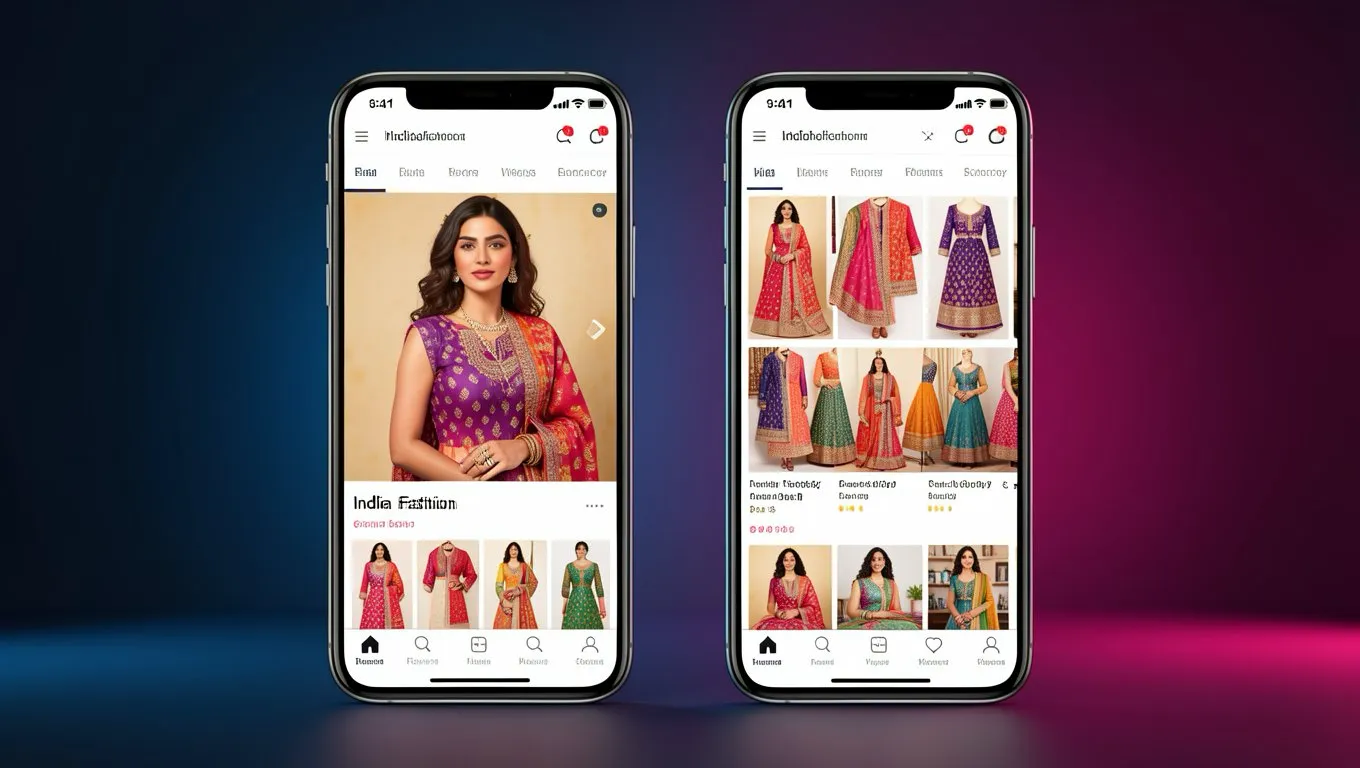
Flipkart and Meesho are two of India's biggest fashion marketplaces, but their photography requirements are surprisingly different. What works on one will get rejected on the other. And both have rules that trip up even experienced sellers.
Flipkart: the CMYK surprise
The single biggest gotcha for Flipkart sellers is the color space requirement. Flipkart requires CMYK color space. Not RGB. This catches almost every seller who's used to shooting for other platforms.
Flipkart image specifications:
- •Dimensions: 1000 x 1000 px recommended, minimum 500 x 500 px
- •Aspect ratio: 1:1 (square)
- •Format: JPEG only. Not PNG, not GIF. JPEG only.
- •Color space: CMYK (RGB gets rejected)
- •Background: Pure white mandatory
Flipkart's model rules:
- •One model only per image
- •No mannequins allowed for fashion items (model required)
- •No makeup or art styling beyond natural
- •No props in primary or secondary images
- •Product must be shown without packaging
- •Product must cover at least 85% of the image
Common Flipkart rejections:
- •Submitting in RGB color space instead of CMYK
- •Using PNG format instead of JPEG
- •Using mannequin instead of model (not allowed for fashion)
- •Props visible in the image
- •Poor image quality or low resolution
The CMYK requirement is unusual. Most other marketplaces use sRGB. If you're shooting for multiple platforms, you'll need to convert your images specifically for Flipkart. Most photo editors (Photoshop, GIMP, even free tools) can do this conversion, but you need to remember to do it.
Meesho: the authenticity challenge
Meesho is a completely different marketplace with a different audience. Many Meesho sellers are small resellers who buy wholesale and list products for social commerce (WhatsApp, Instagram sharing). The photography expectations reflect this.
Meesho image specifications:
- •Dimensions: 1000 x 1000 px recommended, minimum 500 x 500 px
- •Aspect ratio: 1:1 (square)
- •Format: JPEG or PNG
- •Background: White or light neutral
- •Minimum 3 images, maximum 8
- •Size charts required for fashion products
Meesho's unique rules:
- •No stock photos from the internet (they check)
- •No watermarks, logos, text overlays, borders, or collages
- •Model images must have proper ownership or licensing
- •No graphic-heavy or heavily edited images
- •Images should look "authentic and relatable"
Common Meesho rejections:
- •Using manufacturer stock photos (Meesho detects this)
- •Unlicensed model photos (if you use a model, you need the rights)
- •Misleading product descriptions that don't match images
- •Duplicate listings across your catalog
The licensing issue is where many Meesho sellers get stuck. If you photograph a garment on a friend or family member, that's fine. If you download a model photo from your supplier's catalog, that's a rejection. Meesho actively checks for unlicensed images.
How AI solves the platform puzzle
The biggest headache for multi-platform sellers is creating different image sets for each marketplace:
| Requirement | Flipkart | Meesho | Myntra |
|---|---|---|---|
| Aspect ratio | 1:1 | 1:1 | 3:4 |
| Color space | CMYK | sRGB | sRGB |
| Format | JPEG only | JPEG/PNG | JPEG |
| Model required | Yes | Preferred | Yes |
| Min resolution | 500 px | 500 px | 1500 px |
With traditional photography, you'd need to reshoot or reformat images for each platform. With AI, you can:
- Upload one garment photo
- Generate on-model shots in the correct dimensions for each platform
- Export in the required format and color space
- Get all 3-8 images per listing from a single source photo
The cost savings are significant. A Meesho reseller listing 100 products can generate all their images for under Rs 1,000 instead of spending Rs 20,000-50,000 on traditional photography.
Platform-specific tips
For Flipkart:
- •Always check your color space before uploading. Open in Photoshop > Image > Mode > should say CMYK
- •Save as JPEG quality 85-90% for the best quality-to-size ratio
- •Don't use mannequins. Flipkart will reject them for fashion listings
- •Keep images strictly product-focused. No lifestyle styling, no props
For Meesho:
- •Your images should feel real and relatable, not overly polished
- •AI-generated model photos solve the licensing problem entirely since there's no real model whose rights you need
- •Include a clear size chart as one of your 3-8 images
- •WhatsApp-shared images get compressed, so start with high resolution
Making it work across platforms
The smartest approach for multi-marketplace sellers in India:
- Photograph each garment once (flat lay with good lighting)
- Use AI to generate model shots
- Export at the highest resolution (2000+ px)
- Create platform-specific versions:
- •Myntra: crop to 3:4, 1500 x 2000 px, sRGB, JPEG
- •Flipkart: crop to 1:1, 1000 x 1000 px, convert to CMYK, JPEG
- •Meesho: 1:1, 1000 x 1000 px, sRGB, JPEG or PNG
- •Amazon India: minimum 2000 px, sRGB, JPEG
This workflow turns a multi-week photography project into a single afternoon of processing.
Ready to try AI product photography?
Start with 3 free images. No credit card required.
Start Free Photoshoot