How to Photograph Silk, Velvet, and Sequins
The hardest fabrics to photograph and how to handle each one. Lighting techniques, camera settings, and how AI deals with tricky materials.
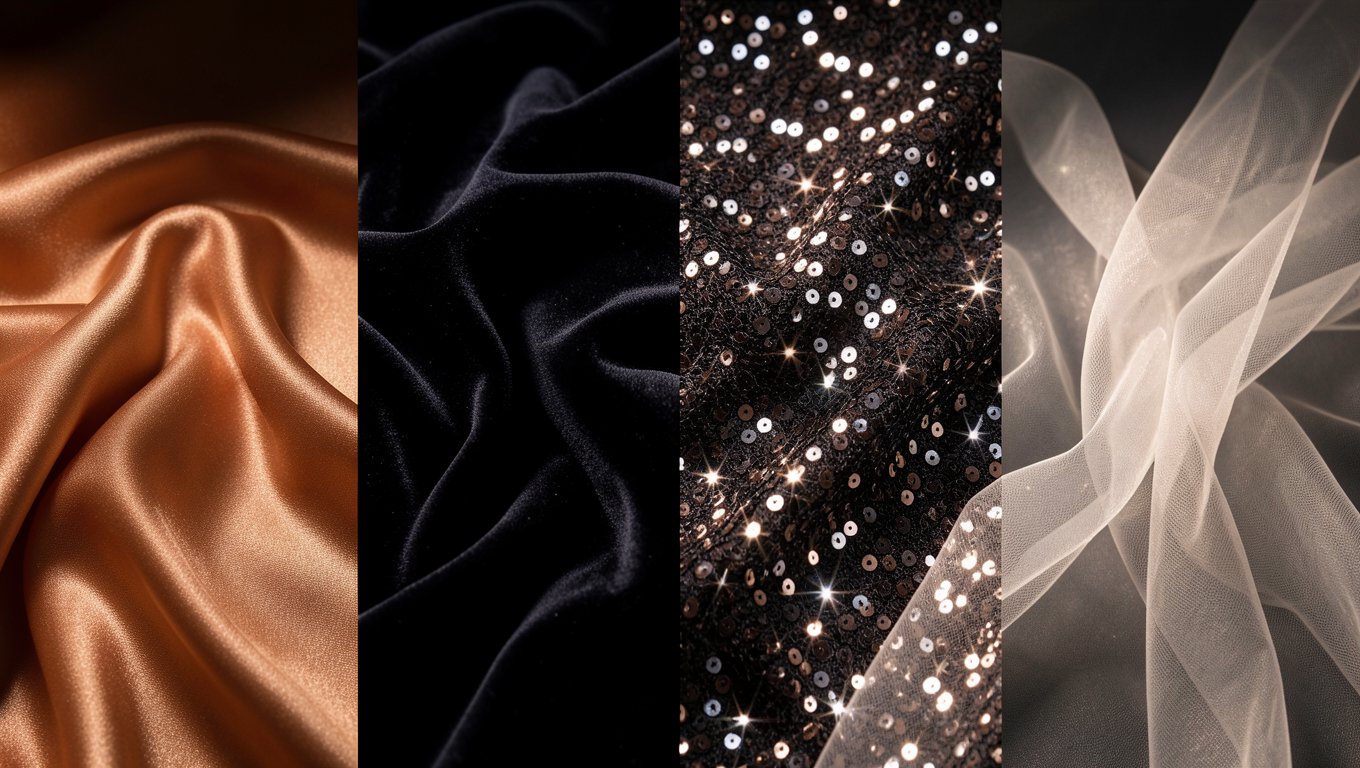
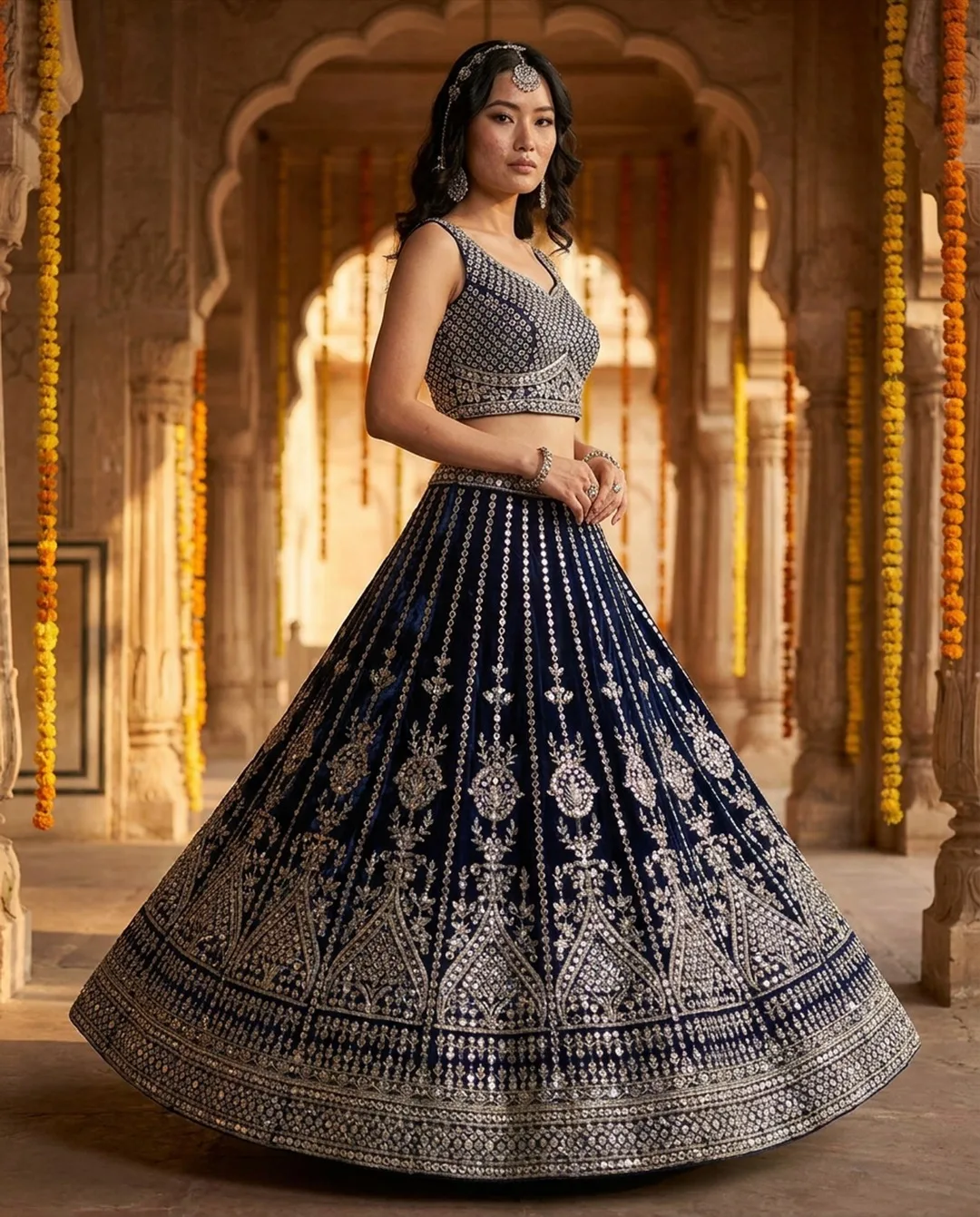
Some fabrics photograph beautifully with zero effort. Cotton, jersey, standard polyester blends. Point a light at them and they cooperate.
Then there are the difficult ones. Silk that creates blinding hot spots. Velvet that absorbs all light and becomes a featureless void. Sequins that scatter reflections everywhere. Sheer fabrics that disappear against any background.
If you sell garments made from these materials, your photography workflow needs specific techniques.
Silk and satin
The problem: Silk and satin are highly reflective. Light hits the surface and bounces off at sharp angles, creating bright hot spots that blow out detail and dark shadows where no light reaches. The result: some areas are overexposed white while others are underexposed black. The actual fabric color and texture are lost.
The fix:
- •Use large, diffused light sources (big softboxes, scrims, or shoot near a large window on an overcast day)
- •Position lights at 45-degree angles to minimize direct reflection
- •Avoid on-camera flash entirely
- •Slightly underexpose and recover in editing rather than overexposing and losing detail
- •A polarizing filter can reduce reflections on extremely shiny satin
For AI photography: Photograph silk on a mannequin rather than flat lay. The existing drape gives AI a much better reference for how silk behaves on a body. Flat silk photos can produce AI results where the fabric looks like stiff cotton.
Velvet
The problem: Velvet is a light trap. Its surface absorbs light rather than reflecting it. In photos, velvet garments often look like shapeless dark blobs with no visible texture or detail. Black velvet is especially notorious. It can literally disappear in a photo.
The fix:
- •Use side lighting (also called raking light). Light hitting velvet from the side skims across the surface and reveals the pile's texture
- •Use a lighter background to create contrast. A black garment on a dark background loses all definition
- •Slightly overexpose compared to what your camera meter recommends. The meter is fooled by all the dark surface
- •Add a hair light or rim light behind the garment to separate it from the background
- •In editing, boost shadow detail and add contrast selectively
For AI photography: AI handles velvet reasonably well if your input photo actually shows the texture. The key is getting a source photo with visible velvet texture through side lighting.
Sequins and metallic fabrics
The problem: Sequins act like tiny mirrors. Each one reflects light in a different direction, creating a chaotic sparkle effect that overwhelms the image. In close-ups, individual sequins become blown-out bright spots. In wide shots, the garment looks like a disco ball rather than a piece of clothing.
The fix:
- •Use a large, diffused light source positioned far from the garment. This creates softer, more even reflections across all the sequins
- •Avoid small, harsh light sources (bare bulbs, flash). These create more intense sparkle on each sequin
- •Shoot from a slightly elevated angle to reduce the number of sequins reflecting directly into your lens
- •In editing, reduce highlights selectively in the sequined areas
- •For AI input: photograph in soft, even light where sequins have a gentle shimmer rather than explosive sparkle
For AI photography: Sequins are one of the most challenging materials for AI. The AI may smooth out sequin detail or create unnatural sparkle patterns. Best approach: use AI for the overall model shot, then use real close-up photographs to show the actual sequin detail.
Sheer and transparent fabrics
The problem: Chiffon, organza, mesh, and lace are partially or fully transparent. Against a white background, they can become invisible. Against a dark background, they look heavier than they really are. Neither option accurately represents the fabric.
The fix:
- •Use a mid-tone background (light gray or beige) that lets the sheerness show without the fabric disappearing
- •Layer the garment. Show it with and without a camisole/slip underneath, so buyers understand the transparency level
- •Back-lighting or side-lighting can beautifully highlight the sheer quality
- •For fully sheer overlays, photograph on a mannequin with the underlayer in place
For AI photography: Sheer fabrics are the hardest category for AI. The technology struggles to simulate transparency naturally. Recommendation: photograph sheer garments on a mannequin (not flat lay) to give AI a better starting reference. For very sheer items, consider keeping the mannequin/ghost mannequin photo as your primary and using AI only for supplementary lifestyle shots.
Embroidered and beaded fabrics
The problem: Embroidery and beadwork are three-dimensional. Flat, even lighting makes them look flat and painted on. The texture, depth, and craftsmanship are lost.
The fix:
- •Use directional side lighting to create shadows that reveal the three-dimensionality
- •Get close. Macro or close-up shots showing individual stitches and beads build buyer confidence
- •Don't over-sharpen in editing. It creates halos around beads and thread
For AI photography: AI handles embroidery well in the overall model shot. The key is supplementing with real close-up photos that show the actual craftsmanship.
The general rule for difficult fabrics
Across all challenging materials, one principle applies: the quality of your source photo determines the quality of your AI output.
For easy fabrics (cotton, jersey), you can get away with a quick phone photo as your AI input. For difficult fabrics, invest time in your source photography:
- •Proper lighting for the specific fabric type
- •Mannequin over flat lay (shows existing drape)
- •Multiple reference photos if needed
- •Real close-up detail shots to supplement AI model shots
AI photography doesn't replace the need to understand your fabrics. It eliminates the need for expensive model bookings while you apply that fabric knowledge to your input images.
Ready to try AI product photography?
Start with 3 free images. No credit card required.
Start Free Photoshoot